Do You Need QR Codes on Your WordPress Site?
If you have a WordPress website, you might need QR codes. Maybe you want to share your WiFi password with guests. Maybe you want to put a QR code on your business card that opens your website. Maybe you run a restaurant and want a QR code menu. Or maybe you sell products and want QR codes on the packaging.
Here is the problem: most QR code plugins on WordPress.org only give you one tool — a basic QR code generator. If you want to scan QR codes, you need a different plugin. If you want to customize the design, you need another plugin. If you want to fix a blurry QR code, you need yet another plugin.
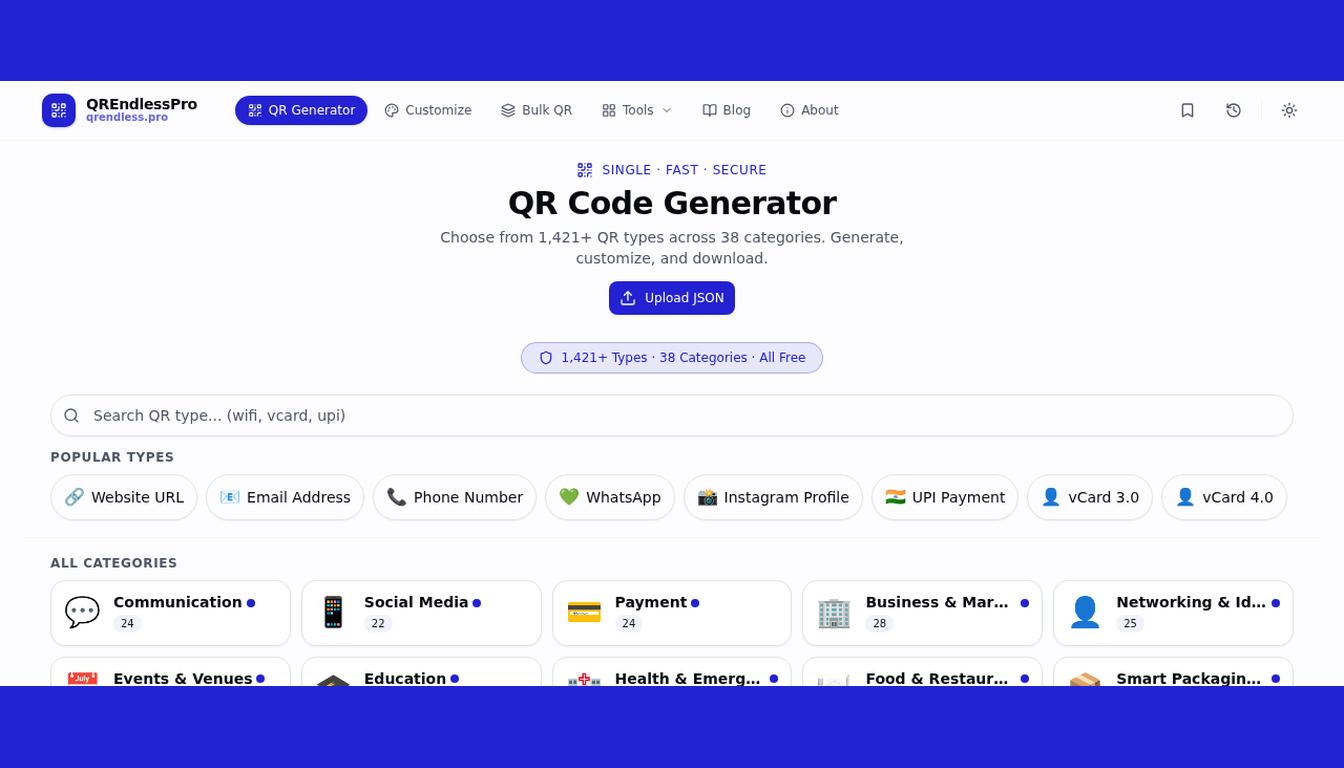
That is why we built QREndlessPro QR Tools. It is one plugin with 6 QR tools inside. And every tool runs 100% in the browser — no server processing, no data uploads, no tracking. Your visitors' data never leaves their device.
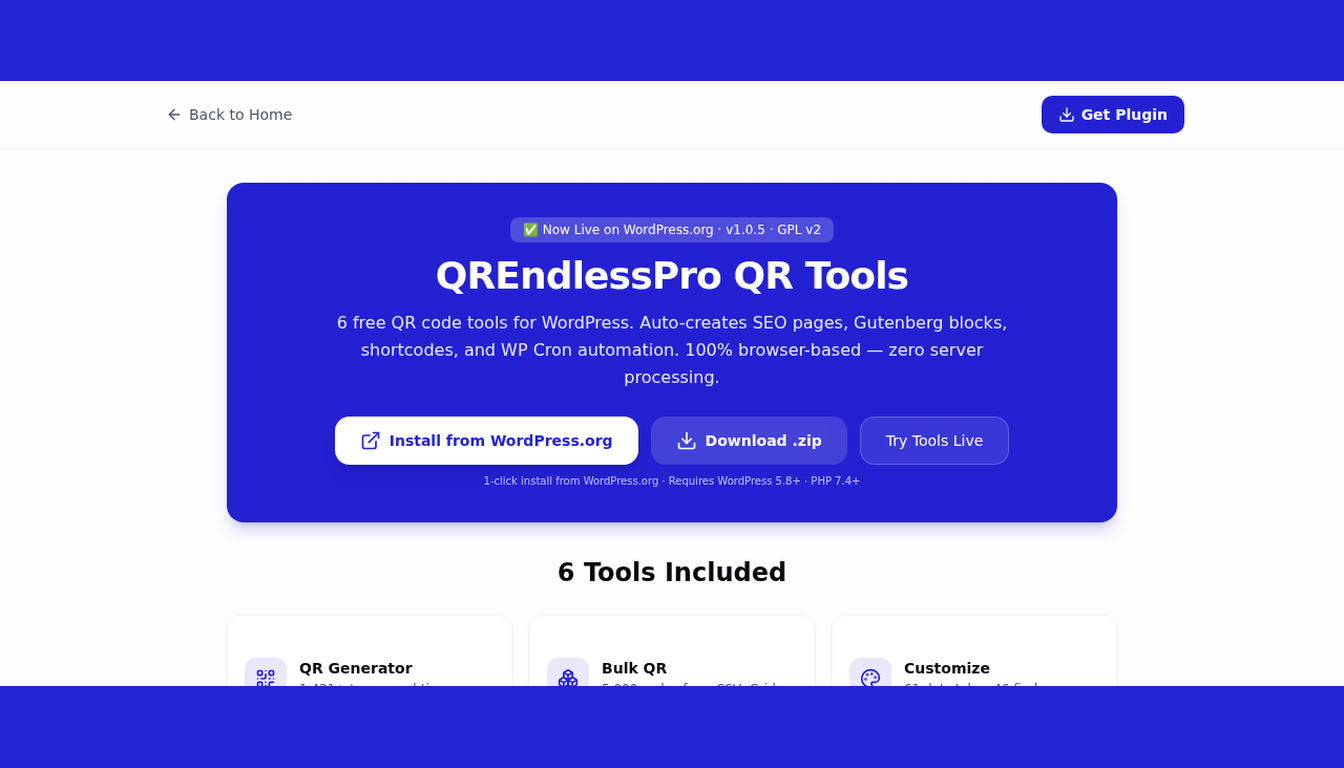
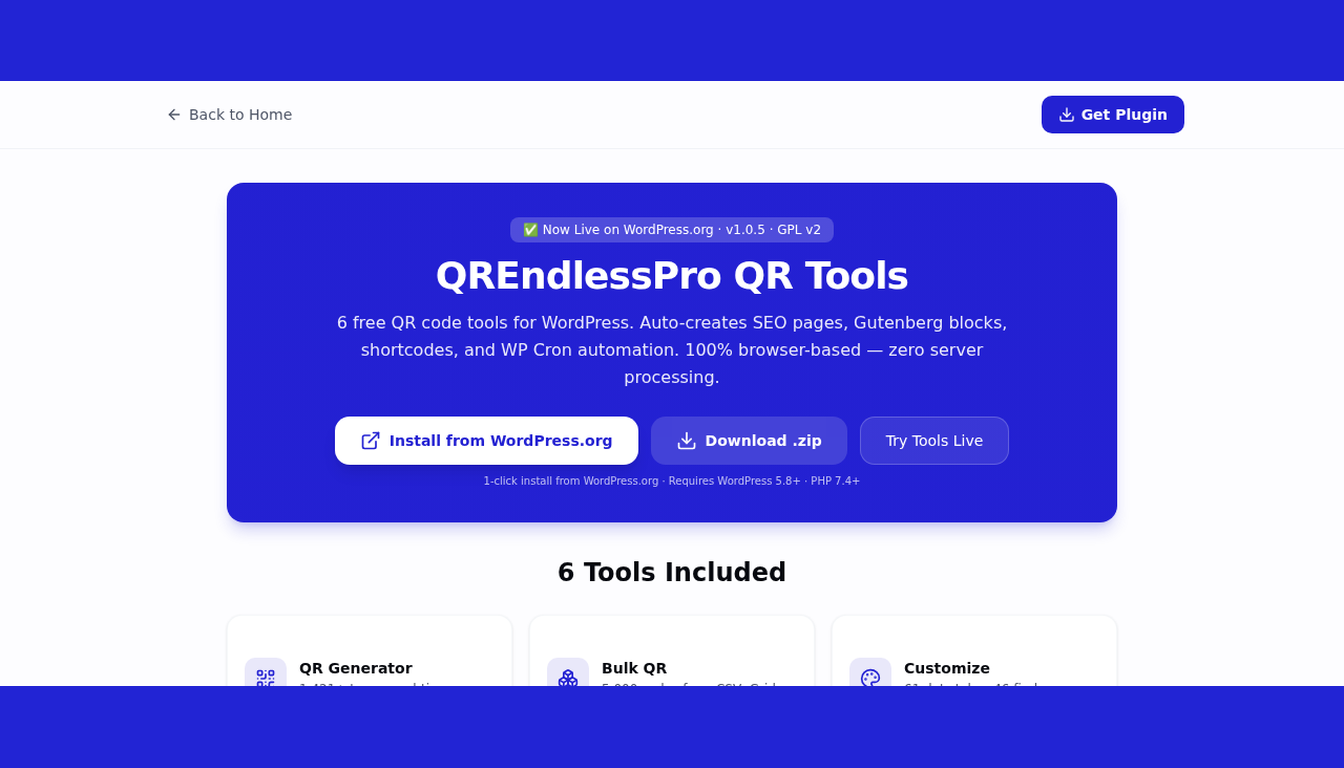
The plugin is now live on the WordPress.org Plugin Directory. You can install it with one click. Let us show you how it works.
What Does This Plugin Do?
QREndlessPro QR Tools adds 6 QR code tools to your WordPress website. Each tool loads from the QREndlessPro platform inside a secure frame on your page. When a visitor opens a tool page, the tool runs right there in their browser.
Think of it like embedding a YouTube video — but instead of a video, you embed a working QR code tool. Your visitor can generate QR codes, scan barcodes, customize designs, and more — all without leaving your website.
Here is what you get:
- 6 complete tools — not basic demos, but full-featured tools
- 6 WordPress pages — auto-created with SEO content during setup
- 6 shortcodes — embed any tool in any post or page
- 6 Gutenberg blocks — drag and drop tools in the block editor
- Zero server load — all processing happens in the browser
- Zero data collection — no tracking, no cookies, no analytics from outside
The 6 Tools — What Each One Does
Let us look at each tool and what problem it solves.
1. QR Code Generator — Make Any QR Code
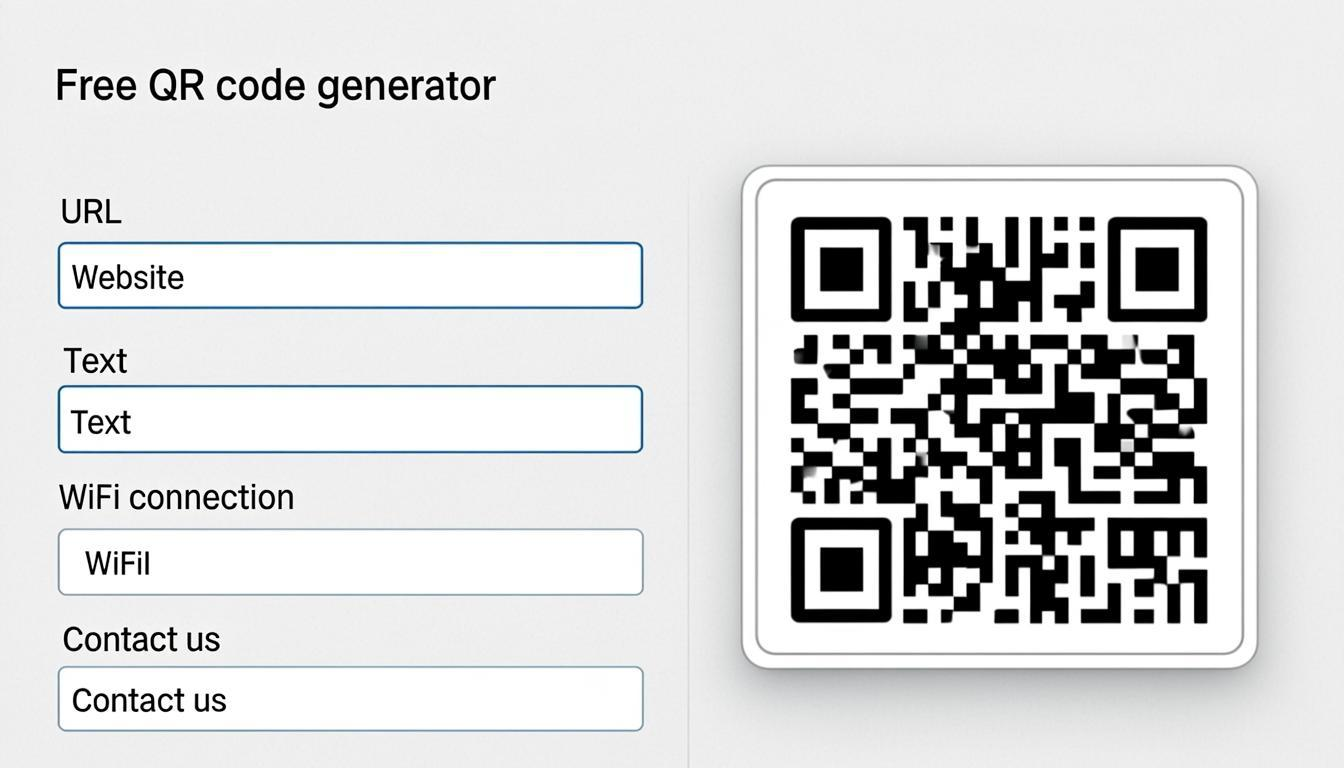
Problem: You need to create a QR code for a URL, WiFi, contact card, or payment link.
Solution: The QR Code Generator supports 1,421+ types. Type your data, see a live preview, and download as PNG, SVG, PDF, JPG, or WebP. No watermark. No signup. No limit.
2. Bulk QR Generator — Make 5,000 QR Codes at Once
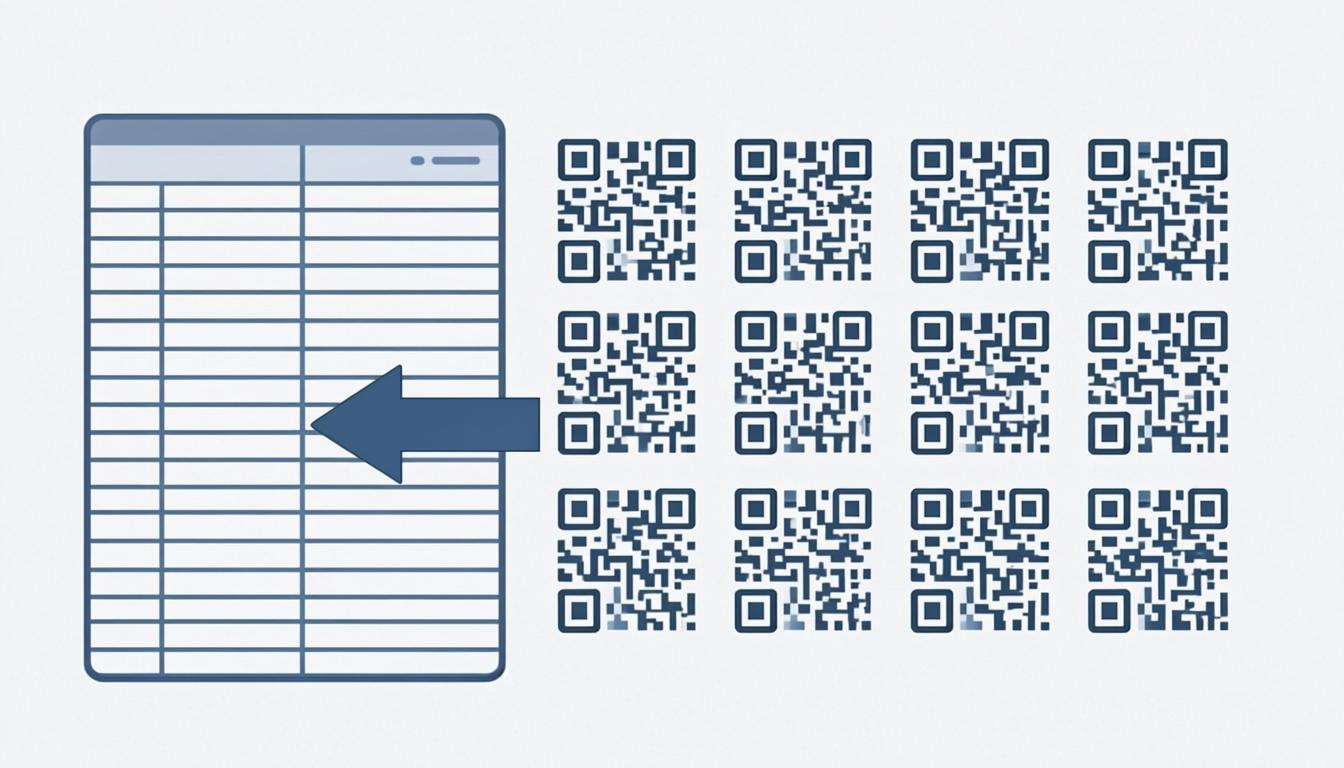
Problem: You need hundreds of QR codes for products, tickets, or marketing. Doing them one by one takes forever.
Solution: Upload a CSV file with your data. The Bulk QR Generator creates up to 5,000 QR codes at once and downloads them as a ZIP file. Each code is named automatically.
3. QR Code Customizer — Design Brand QR Codes
Problem: Plain black-and-white QR codes look boring. You want QR codes that match your brand colors and logo.
Solution: The Customizer gives you 61 dot styles, 46 finder patterns, 25 frame templates, gradient colors, and logo overlays. Every design is tested for scannability — so it looks great AND works.
4. QR Code Scanner — Scan from Camera or Image
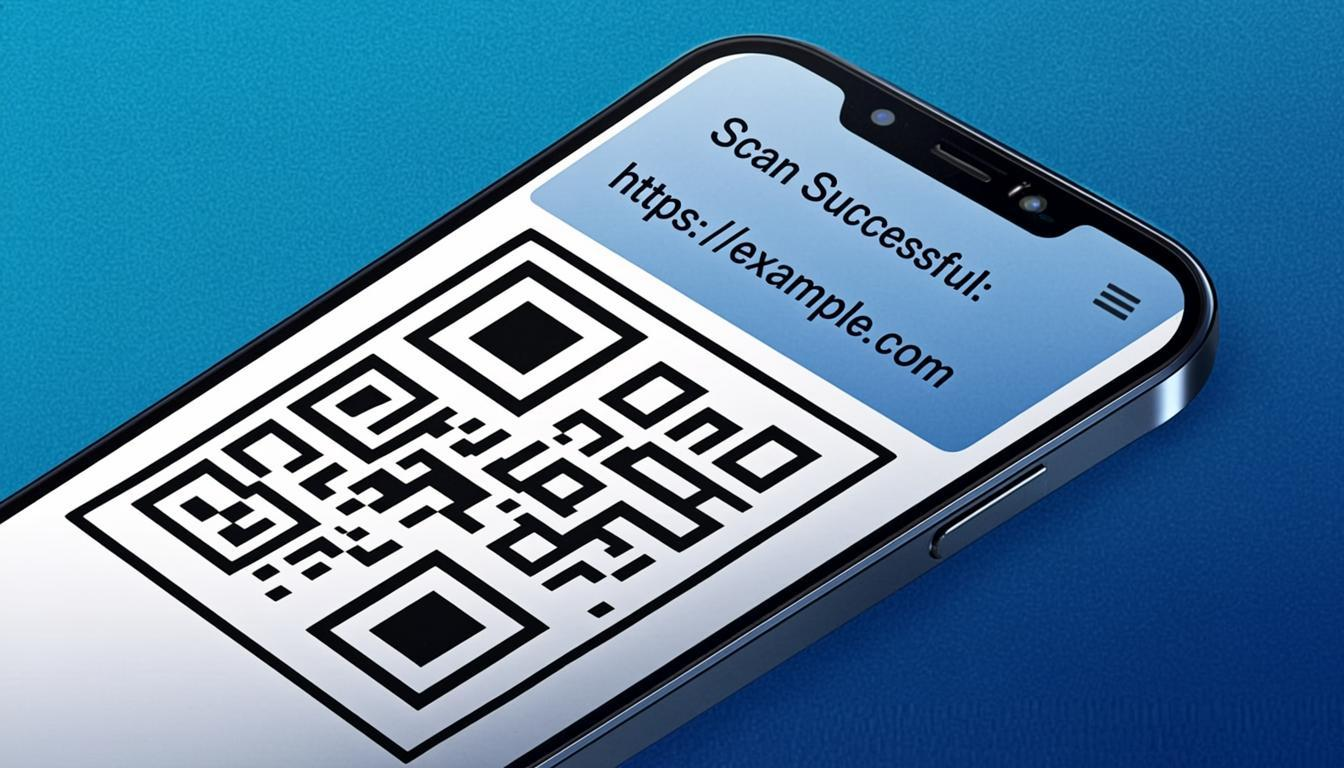
Problem: You have a QR code image and need to know what is inside it. Or you want to scan a QR code with your phone camera.
Solution: The Scanner reads QR codes and barcodes from your camera or uploaded images. It supports 13+ formats including QR, EAN-13, UPC-A, Code 128, Data Matrix, and Aztec. Scan up to 100 images at once and export results as CSV.
5. QR Code Enhancer — Fix Blurry QR Codes
Problem: You have an old, blurry, or damaged QR code. It does not scan. You need to fix it.
Solution: The Enhancer sharpens QR patterns, upscales to 4K, repairs damage using error correction, and removes backgrounds. Perfect for rescuing QR codes from old photos or screenshots.
6. QR Code Decoder — Read QR Code Data
Problem: You scanned a QR code and got raw text. You need to understand what the data means.
Solution: The Decoder reads QR, Data Matrix, Aztec, and 11+ barcode formats. It converts the data to 9 formats: JSON, Python, JavaScript, SVG, HTML, and more. It can parse vCard contacts, WiFi, calendar events, and URLs.
How to Install — Step by Step (Takes 2 Minutes)
Installing the plugin is easy. You do not need to be a developer. Just follow these steps:
- Download the plugin — Go to wordpress.org/plugins/qrendlesspro-qr-tools/ and click the blue "Download" button. You get a .zip file.
- Upload to WordPress — Log in to your WordPress admin. Go to Plugins → Add New → Upload Plugin. Choose the .zip file and click "Install Now."
- Activate — After installation, click "Activate." The plugin is now running.
- Choose your tools — A setup screen appears with 6 checkboxes. Check the tools you want on your site. You can choose all 6 or just the ones you need.
- Click "Create Selected Pages" — The plugin creates a WordPress page for each tool. Each page has unique SEO content and the tool embedded inside.
- You are done! — Visit your new pages at
yoursite.com/qr-generator/,yoursite.com/qr-scanner/, and so on.
That is the whole process. No coding. No config files. No database setup.
3 Ways to Put QR Tools on Your Site
The plugin gives you three ways to add QR tools. Pick the one that works for you.
Way 1: Auto-Created Pages (Best for Beginners)
During setup, the plugin creates WordPress pages for each tool. Each page comes with 300+ words of original content, a FAQ section, and the tool in a secure frame. The pages are published right away — Google can index them immediately.
Example URLs: /qr-generator/, /qr-scanner/, /bulk-qr/
Way 2: Shortcodes (Best for Theme Builders)
Add a shortcode to any post, page, or widget area:
[qrenqrto_generator]     — QR Generator
[qrenqrto_bulk]          — Bulk QR Generator
[qrenqrto_customize]     — QR Customizer
[qrenqrto_scanner]       — QR Scanner
[qrenqrto_enhancer]      — QR Enhancer
[qrenqrto_decoder]       — QR Decoder
Set a custom height: [qrenqrto_scanner height="1000px"]
Way 3: Gutenberg Blocks (Best for Block Editor Users)
Open the WordPress Block Editor. Click the "+" button to add a block. Search for "QREndlessPro." You will see 6 blocks. Drag any block into your page. The tool appears in the editor and on the live page.
Why This Plugin Is Different from Others
We checked every QR code plugin on WordPress.org. Here is what makes ours different:
| Feature | QREndlessPro | Other Plugins |
|---|---|---|
| Number of tools | 6 tools | 1 tool |
| QR Scanner included? | Yes | No |
| QR Enhancer included? | Yes | No |
| 100% browser-based? | Yes | No (server-side) |
| Privacy (no tracking)? | Yes | May track |
| Gutenberg blocks? | 6 blocks | None or basic |
| SEO pages with content? | Yes | No |
| Price | Free | Free or paid |
Who Is This Plugin For?
This plugin is for anyone who has a WordPress site and needs QR codes. Here are real examples:
- Bloggers — Add QR codes to blog posts. Readers scan to open links, download files, or join WiFi.
- Online stores — Auto-generate QR codes for products. The WooCommerce integration creates QR codes when you save a product.
- Restaurants — Create QR code menus. Customers scan to see the menu on their phone.
- Event planners — Generate QR codes for tickets, maps, and schedules. Bulk generate 5,000 codes from a CSV.
- Small businesses — Add a free QR code generator to your website. Customers create their own codes.
- Schools — Create QR codes for course materials, library links, and campus maps.
- Marketers — Design custom QR codes with brand colors, logos, and frames.
- Developers — Use shortcodes and blocks to put tools anywhere. No coding needed.
Privacy and Security — What We Do and Do Not Do
We care about your privacy. Here is the truth:
What the plugin DOES:
- Loads QR tools from qrendless.pro inside a secure frame on your page
- Stores page view counts using IP hashes (not raw IPs) in your WordPress database
- Creates WordPress pages with original SEO content
What the plugin DOES NOT do:
- Does NOT collect personal data from your visitors
- Does NOT send QR code data to any server — all processing is in the browser
- Does NOT use cookies
- Does NOT track users with Google Analytics, Facebook Pixel, or any external tracker
- Does NOT make API calls from your server
The QR tools load from qrendless.pro, which is a privacy-first platform. Read our privacy policy for full details.
Technical Details (For Developers)
If you are a developer, here are the specs:
- Version: 1.0.5
- License: GPL v2 or later
- Requires WordPress: 5.8 or newer
- Requires PHP: 7.4 or newer
- Tested up to: WordPress 7.1
- Plugin size: Under 50KB (CSS + JS combined)
- PHP files: 6 files (1 main + 5 classes)
- Security: ABSPATH guards, nonce checks, input sanitization, sandboxed iframes, parameterized SQL
- Database: Creates 1 table for analytics (IP hashes only, no raw data)
- Cron: Optional daily task — off by default
- Uninstall: Clean removal — deletes pages, options, and database table
- Code quality: Follows WordPress coding standards, passes PHPCS + WPCS checks
Benefits for Your Website
Here is what you get when you install this plugin:
- More traffic — Each tool page has unique SEO content. Google indexes it. Users find your site when they search for "QR code generator," "QR scanner," or "bulk QR codes."
- Better SEO — 6 pages with original content, unique H1 tags, and FAQ sections. Good for Google ranking and AdSense.
- More engagement — Visitors stay longer on your site because they can use the tools right there. No sending them to another website.
- Zero server cost — All processing happens in the browser. Your server does not work harder. No CPU usage. No memory. No storage.
- No privacy risk — No data collection. No tracking. No cookies. Your visitors' data stays on their device.
- Free forever — No premium tier. No watermarks. No limits. Use it on unlimited sites.
Frequently Asked Questions
Is this plugin really free?
Yes. Free forever. No premium version. No watermarks. No limits. Use it on as many sites as you want.
Does my QR data leave the browser?
No. All QR code generation, scanning, decoding, and enhancement happens in your browser. No QR data is sent to any server — not yours, not ours.
Will this slow down my WordPress site?
No. The plugin is under 50KB. The QR tools load only when a visitor scrolls to them (lazy loading). Your page speed will not change.
Can I edit the tool pages?
Yes. The pages the plugin creates are normal WordPress pages. You can edit the text, add images, and change the layout. The QR tool itself loads from qrendless.pro and cannot be edited, but everything around it is yours.
Does it work with WooCommerce?
Yes. The plugin can auto-create QR codes for WooCommerce products. This feature is off by default. Turn it on in Settings.
What happens when I uninstall?
Clean removal. The plugin deletes its database table, all settings, and optionally the tool pages. No leftover data.
How do I install it?
Go to wordpress.org/plugins/qrendlesspro-qr-tools/ and click "Download." Or search "QREndlessPro" in your WordPress admin under Plugins → Add New.
Ready to Get 6 Free QR Tools on Your WordPress Site?
The plugin is live right now on WordPress.org. You can install it in 2 minutes.
Plugin page: wordpress.org/plugins/qrendlesspro-qr-tools/
Download: qrendlesspro-qr-tools.1.0.5.zip
Live demo: qrendless.pro/wordpress-plugin/
If you like the plugin, please leave a 5-star review on WordPress.org. Reviews help other WordPress users find the plugin. Thank you for your support!