Table of Contents
- Why Most Free QR Code Generators Fall Short
- What Can You Generate?
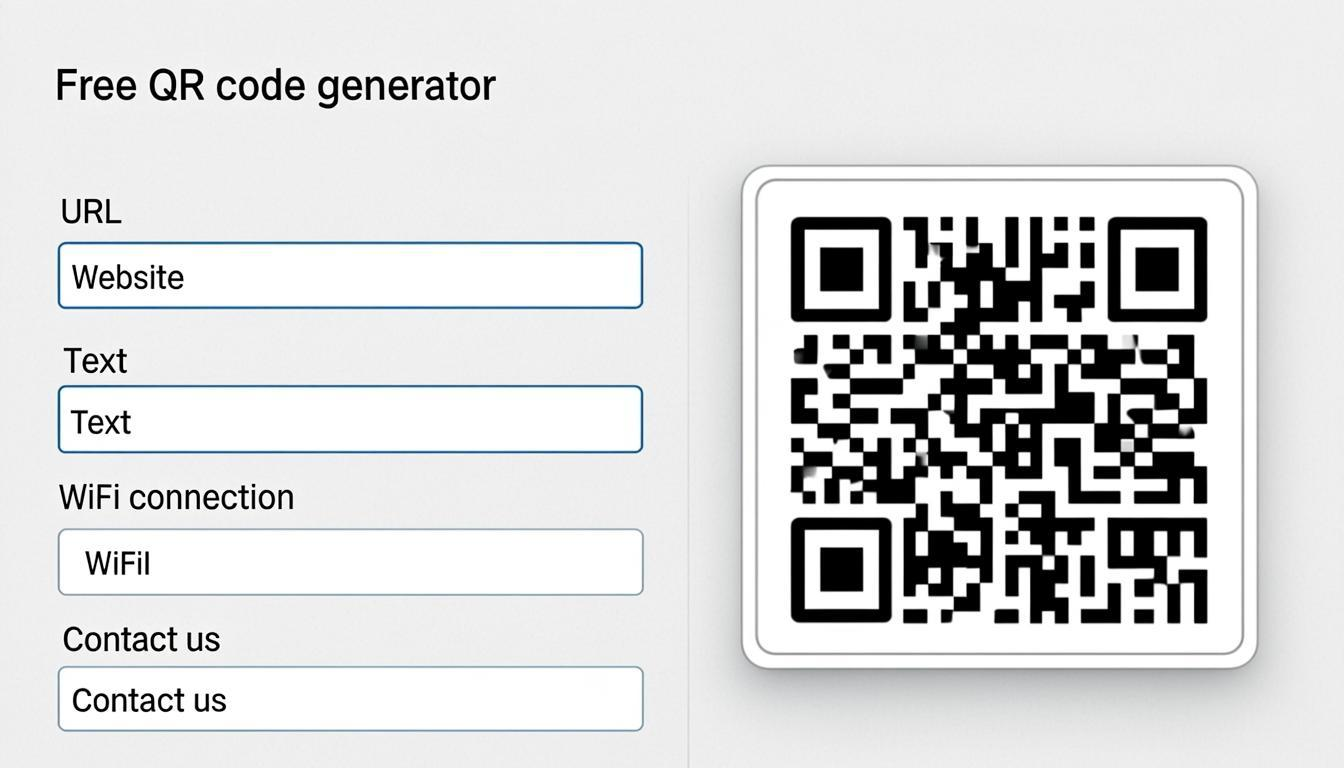
- Smart Input: Auto-Detect Your Data Type
- How to Use the Generator
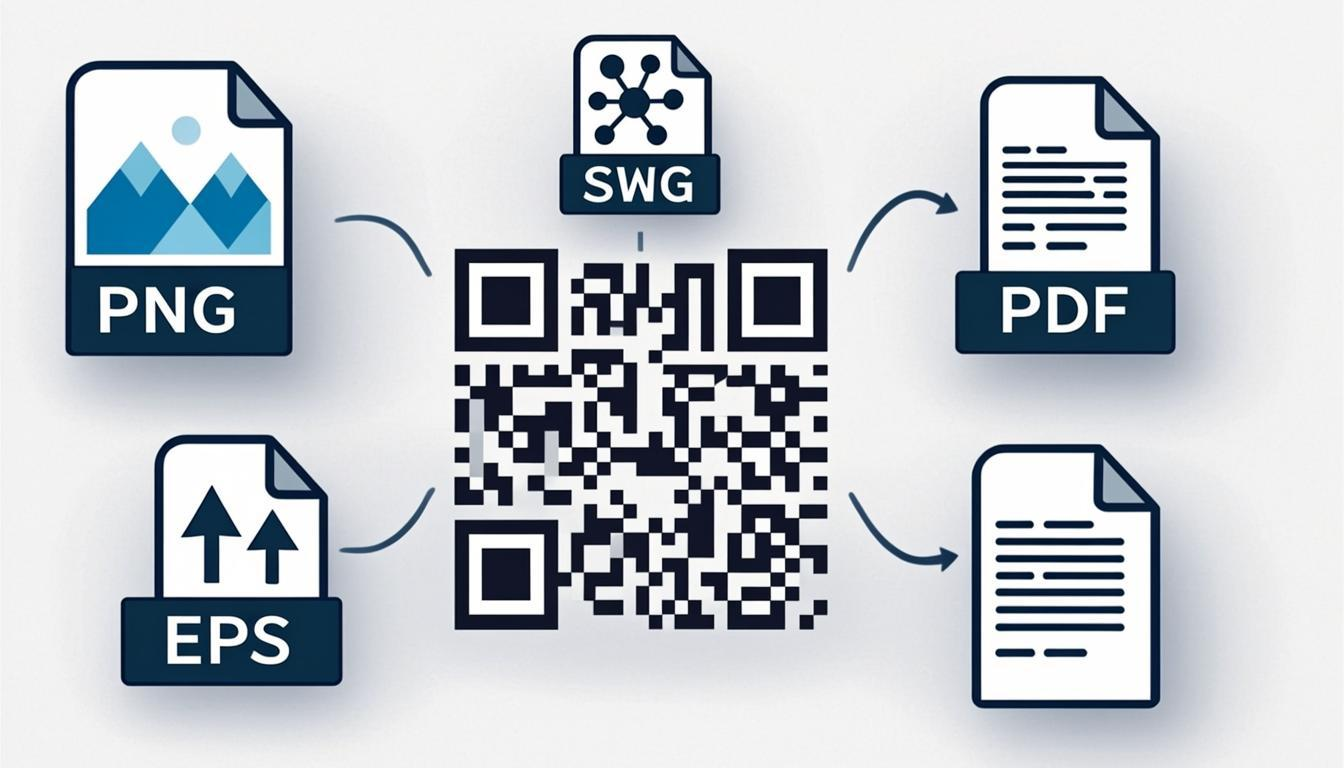
- 7 Export Formats for Every Use Case
- 4K Export: Why Resolution Matters
- What Makes This Generator Different?
- Common Use Cases
- When to Use vs. Related Tools
- Frequently Asked Questions
Why Most Free QR Code Generators Fall Short
You need a QR code. Right now. You don't want to create an account, you don't want a watermark, and you definitely don't want your data uploaded to some random server. But that's exactly what most "free" QR code generators demand.
I've tested a lot of these tools. Here's the pattern I keep seeing: you create a QR code, then hit a paywall when you try to download it at good quality. Or the code comes with a watermark you can only remove by paying. And the ones that don't add watermarks? They're often uploading your data — your links, your Wi-Fi passwords, your payment details — to their servers. That's not just annoying. It's a privacy risk.
I built the QREndless QR Code Generator to solve this exact problem. No sign-up. No watermarks. No data uploads. No limits. Everything runs in your browser. 1,421+ QR code types across 38 categories. And 7 export formats including 4K PNG — because your code should look sharp whether it's on a phone screen or a poster.
What Can You Generate?
The QR code generator supports every major data type — and many you probably didn't know existed.
URLs and Links
The most common QR code type. Encode any link for instant scanning — your website, a product page, a Google Maps location, a social media profile. You can also generate shortened URLs, deep links, and App Store links.
One tip from testing: keep URLs under 300 characters. Longer URLs create denser codes that are harder to scan from a distance. I learned this the hard way when a 400-character tracking link failed on older phones at 2cm print size.
Contact Information (vCard)
vCard QR codes are the modern business card. When someone scans, they get your full contact profile — name, phone, email, company, job title, website, social handles, even a photo. It saves directly to their phone contacts with no typing.
Generate your vCard QR code with Level M error correction, then use the customizer to add your brand colors.
Wi-Fi Network Access
Wi-Fi QR codes are one of the most practical uses for anyone hosting guests — cafes, hotels, offices, or your home. Scan once, and the device auto-connects. No typing passwords, no "what's the Wi-Fi again?" conversations. The code encodes your network name, password, and encryption type. Works on Android and iOS.
Since your Wi-Fi password never leaves your device with QREndless, you can share it without worrying about server-side storage.
UPI and Payment Codes
In India and many other markets, UPI QR codes have replaced cash at checkout. Generate a payment QR code with your UPI ID, merchant name, and optional amount. Customers scan and pay instantly. Perfect for street vendors, small shops, and freelancer invoices. We also support Czech bank payment codes, Polish payment codes, SEPA payment codes, and EPC-QR codes for European banking.
SMS, Email, and Phone
Generate QR codes that trigger actions when scanned — send a pre-filled SMS, compose an email with a set subject and body, or dial a phone number. Useful for feedback collection ("Scan to text us your experience"), customer support ("Scan to call our helpline"), and automated messages.
Geolocation and Maps
Encode latitude and longitude so scanners get directions to your location. Great for store finders, event venues, real estate listings, and tourism. The scan opens the user's preferred maps app with your exact coordinates.
Event Calendars (iCal)
Calendar QR codes add events directly to the scanner's phone calendar — title, description, start and end time, location, and reminders. Perfect for conferences, webinars, product launches, and appointment reminders.
Social Media Profiles
Dedicated QR codes for Instagram, X, LinkedIn, Facebook, WhatsApp, and more. One scan takes people directly to your profile or message thread. Great for packaging, flyers, and store displays.
1,421+ Types and Counting
Beyond the popular types above, the Generator supports 38 categories with 1,421+ specific data types. MeCard, Aztec codes, Data Matrix, PDF417, App Store links, IRS codes, and many more. If there's a type we don't support, let us know — we're adding new types regularly.
Smart Input: Auto-Detect Your Data Type
One of the most useful features is the Auto-Detect Smart Input. Instead of manually picking a type from 38 categories, you paste your data and the system figures out the type for you.
Here's how it works:
- Paste a URL (https://example.com) — the system detects it as a URL and generates the code instantly
- Paste an email address (hello@example.com) — the system switches to Email mode with the address filled in
- Paste a phone number (+1-555-0123) — the system detects it as a Phone type
- Paste Wi-Fi credentials — the system sets up the Wi-Fi fields
- Paste a vCard string — the system parses the contact data and generates a vCard code
This saves a lot of time when you're generating several codes in one session. No more scrolling through categories — just paste and go. You can always pick a type manually if you prefer.
How to Use the Generator
Generating a QR code takes about 15 seconds.
1. Enter your data. Paste your URL, email, phone number, or any other data. The auto-detect system will identify the type, or you can manually select from 38 categories and 1,421+ types.
2. Fill in the fields. Each type shows relevant input fields — URLs get a link field, vCards get name/phone/email fields, Wi-Fi gets network name and password fields.
3. Choose error correction. L, M, Q, or H. Most users can leave it at default (M). Choose H if you plan to add a logo later with the customizer. (For details, read our full guide on QR code error correction.)
4. Preview instantly. Your code renders in real-time as you type — no waiting, no "generate" button.
5. Download in your preferred format. Choose from 7 formats — PNG (4K), JPG, WebP, Transparent, SVG, PDF, or EPS. All free, no watermarks.
If the code will be printed on business cards or flyers, use Level M (15% recovery). If you plan to add a logo or custom styling, generate with Level H (30% recovery) — the logo will cover some modules, and Level H compensates. For digital-only use, Level L is fine.
7 Export Formats for Every Use Case
Most free QR code generators offer 2–3 export formats. QREndless supports 7, each made for a specific use case.
PNG (4K Resolution) — The most versatile format. Works on websites, social media, presentations, email signatures. Exported at 4K (3840 × 3840 px), so the code stays crisp on high-DPI displays and large screens. This is the default for most users.
JPG — Universal compatibility for email signatures, documents, and older systems. Smaller than PNG, easier to embed. Slight quality loss from compression, but for most codes the difference is negligible.
WebP — The modern web format. Same quality as PNG at smaller file sizes — often 25–35% smaller. If you're embedding codes on a website and care about page speed, use WebP. Supported by all modern browsers.
Transparent (No Background) — Overlay your code on a photo, colored background, or design. Essential for product packaging, branded materials, and marketing visuals where a white box would look awkward.
SVG (Vector) — Infinitely scalable. The gold standard for print — your code renders perfectly at any size, from 2cm on a business card to 50cm on a billboard. Also required if you plan to customize the code later with the Customizer.
PDF (Print-Ready) — Press-quality output for professional printing. Includes proper color profiles and resolution settings that commercial printers expect. The safest choice when sending to a print shop.
EPS (Professional Print) — The industry-standard format for commercial printers and sign shops. The go-to for large-format printing — banners, signage, vehicle wraps, trade show graphics.
4K Export: Why Resolution Matters
Not all PNG exports are equal. Many free generators export at low resolutions — 256px, 512px, maybe 1024px. That looks fine on a phone screen, but it falls apart when you use the code in a presentation, on a high-DPI display, or anywhere the code is shown larger than a few inches.
QREndless exports PNG at 4K (3840 × 3840 px). Here's why that matters:
- High-DPI displays: Modern phones, tablets, and laptops have 2x or 3x pixel densities. A 512px code looks blurry on a Retina display. A 4K code stays sharp on any screen.
- Presentations: Projecting a code on a conference screen? A low-resolution export looks pixelated and unprofessional at 10 feet. 4K keeps it crisp.
- Print at moderate sizes: While SVG is ideal for print, 4K PNG is enough for small-to-medium print (business cards, flyers, table tents) where vector formats aren't available.
- Digital signage: Restaurant menus, retail displays, and kiosks often show codes on large screens. 4K keeps the code scannable at large display sizes.
- Future-proofing: Screen resolutions keep increasing. A 4K export today will still look sharp on tomorrow's displays.
The bottom line: resolution is the difference between a code that scans reliably and one that doesn't. 4K export is free at QREndless — no premium upgrade required.
What Makes This Generator Different?
There are hundreds of QR code generators online. Here's what's actually different about this one.
1,421+ QR Code Types Most generators handle 5–10 types (URL, text, email, phone, Wi-Fi). This one supports 38 categories with 1,421+ specific types. Need a MeCard? A Czech bank payment code? An IRS code? A WhatsApp message with pre-filled text? It's there.
Zero Data Uploads Your data stays in your browser. The entire generation process — encoding, error correction, masking, and rendering — runs in JavaScript on your device. Your UPI IDs, Wi-Fi passwords, email addresses, and phone numbers never touch any server. This isn't a feature added later — it's how the tool was built from day one. (For more on this, read our guide on QR code security.)
No Sign-Up, No Limits No account. No email verification. No "free tier" limits. Generate as many codes as you want, of any type, at any size, in any format. This is free as in "actually free" — not free until you're asked to pay.
Instant Preview As you type, the code updates in real-time. No server round-trips, no "click to generate" buttons. Change a character, and the code updates instantly. This makes testing fast — try different URLs, adjust error correction, switch data types, all in seconds.
7 Export Formats with 4K Resolution PNG (4K) for web and digital, WebP for optimized web performance, JPG for older systems, Transparent for overlays, SVG for print and scalable graphics, PDF for professional print workflows, EPS for commercial printers. Seven formats, all free, no watermarks.
Common Use Cases
Small Business Owner Generate a UPI payment code for your checkout counter, a Wi-Fi code for customer convenience, and a vCard code for your business card. Three codes, three scans, zero friction. Use the bulk QR code generator if you need codes for multiple products or locations.
Event Organizer Create calendar codes for event dates, geolocation codes for venue directions, and URL codes for registration pages. Put them on invitations, your website, and social media. For large events, use the Bulk Generator to create unique codes for each attendee, then customize them with event branding using the customizer.
Restaurant or Café Wi-Fi codes on tables, URL codes for your digital menu, and vCard codes on receipts for customer support. If you have multiple locations, generate unique codes for each branch with the Bulk Generator. For a polished look, use the Customizer to add your logo and brand colors.
Marketing Professional URL codes with UTM parameters for campaign tracking. Different codes for different channels — print, outdoor, direct mail, packaging. Use the Customizer to brand them with your company colors and logo. Track which campaigns drive the most scans. For brand consistency, see our guide on creative QR code designs.
Educator or Institution Wi-Fi codes for campus access, URL codes for course materials, vCard codes for faculty directories, and calendar codes for exam schedules. For student ID cards, use the Bulk Generator to create unique codes for every student.
When to Use vs. Related Tools
The QR code generator is best for creating individual codes. But depending on your needs, other tools might be a better fit:
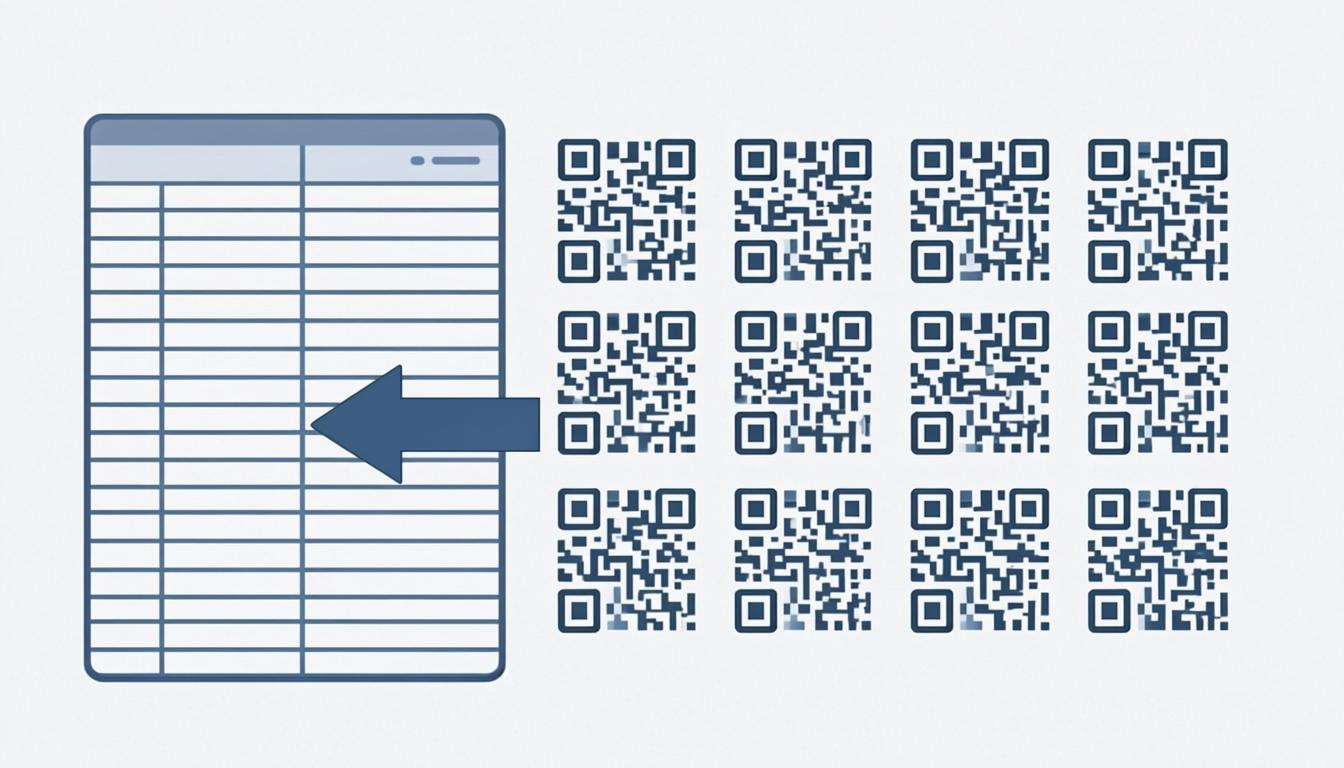
- Need many codes at once? Use the bulk QR code generator — upload a spreadsheet and generate hundreds or thousands at once.
- Want to brand your code? Generate it here with Level H error correction, then customize it with the QR code customizer — add colors, logos, gradients, frames, and 67 dot styles.
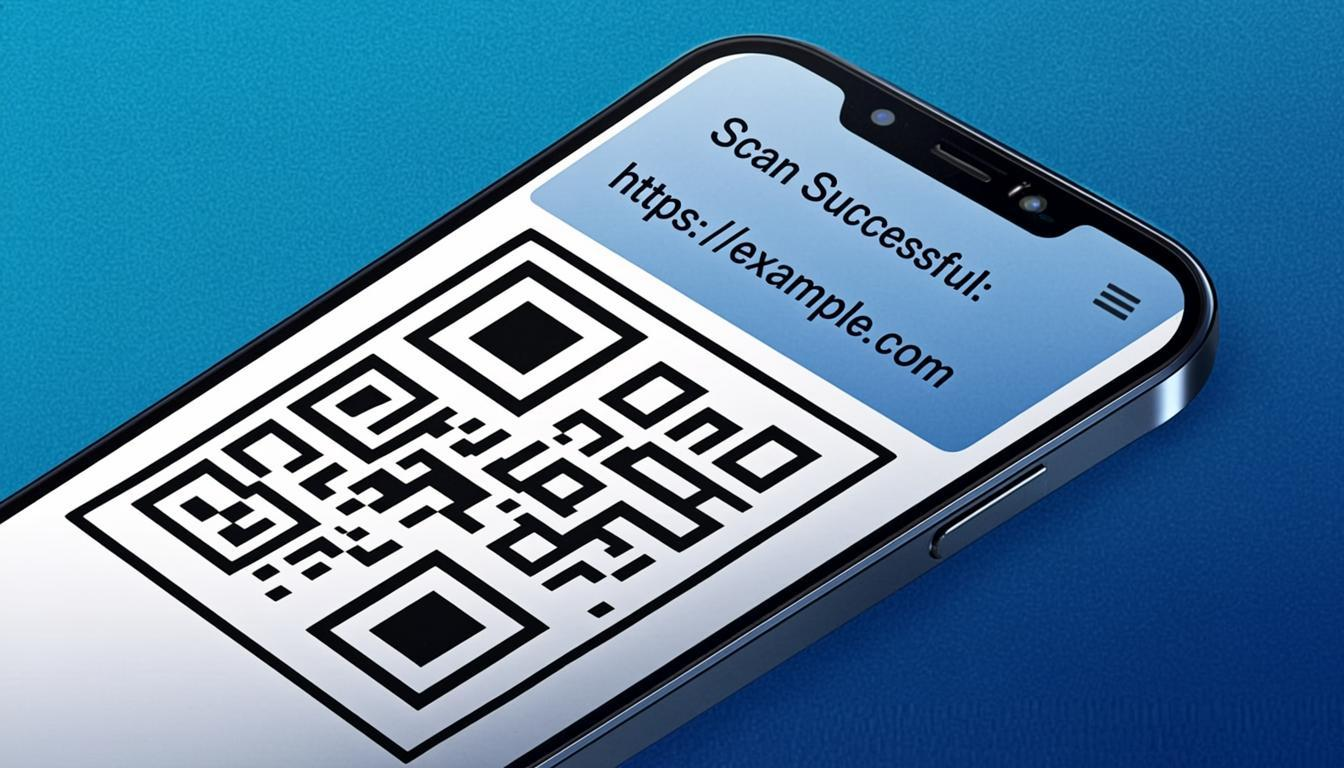
- Need to scan a code? Use the QR code scanner — point your camera and decode instantly.
- Have a code image and want to read it? Use the QR code decoder — upload an image and extract the data.
- Need to convert between formats? Read the QR code converter guide — transform data types, convert codes, or batch-process existing ones.
- Have a low-quality code image? Use the QR code enhancer — improve resolution and clarity of existing images.
The best workflow for branded codes is: generate with the Generator using Level H error correction, then take it to the Customizer to add your brand elements. This two-step process gives you a code that's both functional and beautiful. Level H error correction gives you the resilience to overlay a logo without breaking scannability.
Frequently Asked Questions
Is the QR Code Generator really free? What's the catch?
No catch. QREndless is 100% free with no sign-up, no watermarks, no premium tiers, and no usage limits. The tool runs entirely in your browser — there's no server that could charge you. Generate as many codes as you need, forever, for free. Download in any of 7 formats including 4K PNG, SVG, PDF, and EPS.
What QR code types are supported?
38 categories with 1,421+ specific types. This includes URLs, vCards, Wi-Fi, UPI payments, email, SMS, phone, geolocation, calendar events, social media profiles, App Store links, IRS codes, banking codes (Czech, Polish, SEPA), Aztec codes, Data Matrix, PDF417, and many more. If you need a type we don't have, contact us — we're adding new types regularly.
Is my data safe? Does QREndless store my QR code data?
Yes, your data is safe. Your data never leaves your browser. There's zero server-side processing — the entire generation runs in JavaScript on your device. We don't upload, store, or log any data you enter. Your Wi-Fi passwords, payment details, and personal information stay completely private. This is the core architecture, not a feature added later.
What formats can I download my QR code in?
7 formats: PNG (4K — 3840 × 3840 px), JPG (universal compatibility), WebP (optimized for web), Transparent (no background — for overlays), SVG (vector — scalable for print), PDF (print-ready — for professional printing), and EPS (professional print — for commercial printers). Every format is free, no watermarks, no sign-up.
Why does 4K resolution matter for QR codes?
4K (3840 × 3840 px) keeps your code crisp on high-DPI displays, in presentations, on digital signage, and anywhere the code is shown at larger sizes. Many free generators export at 256px–1024px, which look blurry on Retina displays and pixelated when projected. 4K export at QREndless is free — no premium upgrade needed.
What error correction level should I use?
For most everyday uses, Level M (15% recovery) is ideal. Use Level L (7%) for digital-only codes where size matters. Use Level Q (25%) for outdoor signage or rough conditions. Use Level H (30%) if you plan to add a logo with the customizer or if the code will be in harsh environments. Read our detailed guide on error correction levels for more.
Can I edit a QR code after generating it?
QR codes are fixed — the encoded data is set at generation time. If you need to change the content, generate a new code. You can, however, change the visual look of any code using the customizer — colors, logos, dot styles, and frames — without affecting the underlying data.
How do I add my logo to a QR code?
Generate your code with Level H error correction using the generator, then open the customizer to upload your logo. The Customizer handles the technical details — quiet zones, sizing, and error correction compensation — automatically. See our guide on creative QR code designs for more branding tips.
What's the maximum amount of data a QR code can hold?
It depends on the encoding mode and error correction level. At Level L: up to 7,089 numeric characters, 4,296 alphanumeric characters, or 2,953 bytes. At Level H, these capacities drop significantly — roughly 60–80% depending on the encoding mode — because most of the code's space is used for error correction data instead of your content. For practical purposes, keep URLs under 300 characters for best scannability.
Can I generate QR codes for payments?
Yes. We support UPI payment codes (popular in India), Czech bank payment codes, Polish payment codes, SEPA payment codes, and EPC-QR codes for European banking. These encode payment details — payee name, account, amount, and reference — so customers can scan and pay without typing.
Why is my QR code not scanning?
Common reasons: (1) The code is too small — minimum 2cm × 2cm for print. (2) Low contrast between foreground and background. (3) The code is damaged or partly covered. (4) You're using Level L error correction in a rough environment — switch to Level Q or H. (5) The printed version is blurry — use SVG for print. (6) The resolution is too low — use 4K PNG export. You can scan your code with the QR code scanner to verify it works before sharing.