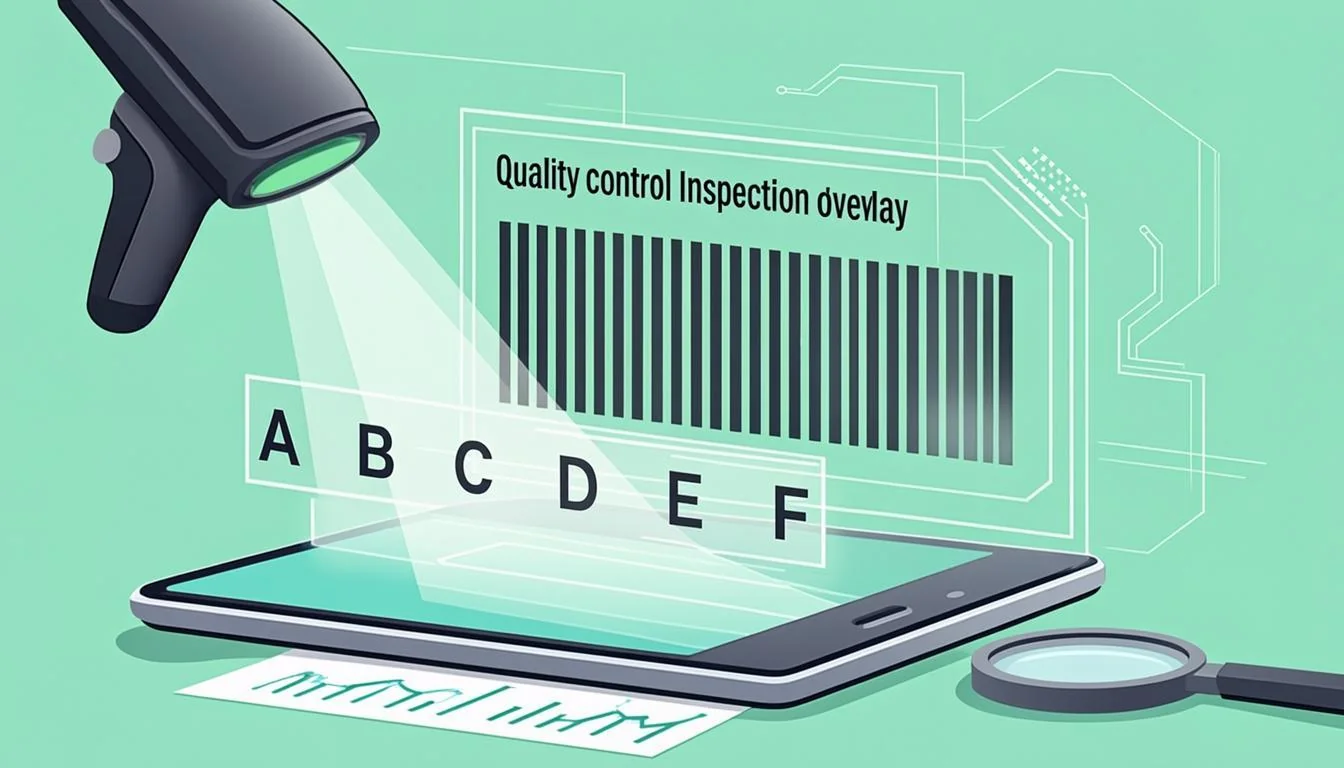
New to barcode verification? This guide explains everything in simple words — no jargon, no math. You will learn what an A-to-F grade means, how to read the six quality parameters, and how to fix a failing barcode before you print thousands of copies. Everything here lines up with our free online soft barcode verifier above.
What Is a Barcode Verifier?
A barcode verifier is a tool that grades the print quality of a barcode. A normal barcode scanner only reads the data. A verifier goes one step further — it tells you if a barcode will scan well at a retail store or a warehouse dock. Big retailers like Walmart, Target, and Costco require grade C or better on every product barcode they sell.
There are two main rules for barcode quality. ISO 15415 covers 2D barcodes like QR and Data Matrix. ISO 15416 covers 1D barcodes like Code 128 and EAN-13. These rules need special hardware with controlled 45° light, a set distance, and a fixed lens. Important: This tool is a soft verifier. It gives you a soft A-to-F grade using ZXing decode and Canvas pixel analysis. It is NOT an ISO-certified verifier. Use it as a quick pre-print check, not for official audits.
Why Use Our Free Soft Barcode Verifier?
- Six quality parameters graded: Decode, Contrast, Quiet Zone, Modulation, Defects, and Edge Acuity.
- A-to-F grade scale — the same scale that ISO 15415 and ISO 15416 use.
- Runs in your browser — no upload, no server, no logging. Your image never leaves your device.
- Free forever — no API key, no credit card.
- Any image format — PNG, JPG, WebP, GIF, or BMP all work.
This tool is a soft verifier, not ISO certified. Think of it as a quick smoke test before you print a big batch. If your barcode fails the soft check, you know you need to fix the artwork before spending money on a full print run.
How Barcode Verification Works: A Simple Explanation
The verifier works in two simple steps. Step one: it uses ZXing (an open-source decoder) to read the barcode. If ZXing cannot read it, the Decode parameter fails with grade F. If ZXing reads it well, the Decode grade is A.
Step two: it loads the image to a Canvas and reads every pixel. Then it checks five more parameters. Contrast measures light vs dark. Quiet Zone checks the blank space on the sides. Modulation is the smallest dark-light gap. Defects looks for extra marks or holes. Edge Acuity measures how sharp the bar edges are.
Each parameter gets an A-to-F grade. The overall grade is the worst one of all six. This is the same idea used by ISO 15415 and ISO 15416, but without the controlled lighting and calibrated hardware. That is why we call it a soft verification, not an ISO certification.
Step-by-Step: Using the Barcode Verifier
- Upload your barcode image. Drag and drop a PNG, JPG, WebP, GIF, or BMP into the upload box. You can also click the box to pick a file from your device.
- Use a sample (optional). If you have no image, click the “Generate Sample” button to make a clean test Code 128 barcode.
- Click “Verify Barcode”. The tool runs ZXing decode and Canvas pixel analysis right inside your browser. No network call is made.
- Read the results. Look at the A-to-F grade for each of the six parameters. Then check the overall grade at the top. The overall grade is always the worst (lowest) of the six.
Real-World Examples of Barcode Verification
Clean Code 128 sample.A 600 DPI black-on-white barcode with a 5 mm quiet zone and sharp edges. Result: grade A on all six parameters. This barcode will scan at any retail checkout, self-checkout kiosk, or warehouse scanner.
Blurry retail EAN-13. A photo of a barcode on a cereal box. The lighting was poor and the phone moved a little. Result: Decode grade A (ZXing read it), but Modulation grade C and Defects grade C. Overall grade = C. It will scan at most retail checkouts, but it may fail at older self-checkout kiosks.
Damaged warehouse label. An SSCC-18 pallet label got smeared by a forklift and the bars are partly missing. Result: Decode grade F (ZXing cannot read it). Overall grade = F. This label must be reprinted before the pallet can ship.
Who Uses a Barcode Verifier? Industries and Roles
Retail. Stores like Walmart, Target, and Costco require grade C or better on every product barcode. This is part of the Sunrise 2027 plan that moves from UPC-A to GS1 DataBar and 2D barcodes.
Pharmaceuticals. Drug makers must mark every pack with a Data Matrix (GS1) for DSCSA track-and-trace. Most drug supply chains require grade B or better on every pack.
Logistics. Pallet labels use SSCC-18 (the GS1 Logistics Label). Truck yards use a verifier to make sure labels scan on the dock without re-printing.
Manufacturing. Part marks (Code 39, Data Matrix) on car parts and airplane parts must hit grade B per ATA Spec 2000.
Healthcare. Patient wristbands use Code 128. A grade B wristband helps a nurse scan on the first try at the bedside, which saves time and prevents errors.
Barcode Verifier Glossary: Key Terms Explained
- Verification
- The act of grading a barcode’s print quality, not just reading the data.
- ISO 15415
- The international standard for grading 2D barcodes (QR, Data Matrix). It needs a calibrated hardware verifier with controlled light.
- ISO 15416
- The international standard for grading 1D barcodes (EAN, Code 128). It also needs a hardware verifier.
- A-to-F Grade
- The ISO quality scale. A = best, F = fail. Most retailers demand C or better. Aerospace and pharma often demand B.
- Quiet Zone
- The empty space around the barcode. Too small a quiet zone is one of the most common causes of scan failure.
- Modulation
- The smallest difference between a dark bar and a light space. Low modulation gives a grade F.
- Soft Verification
- A software-only check that gives an A-to-F grade using decode plus pixel analysis. It is not ISO-certified, but it catches most common print issues.
Tips for Getting the Best Results
- Use a high-resolution image. Aim for 300 DPI or more. Low-res images always score low on Edge Acuity and Modulation.
- Crop to the barcode only. Extra white space around the image changes the quiet zone reading and can drop your grade.
- Use even lighting if you scan with a phone. No shadows, no glare, no flash spot on the barcode.
- Check the quiet zone. The blank space on each side should be at least 10× the narrowest bar width.
- Always test before mass-printing. A 30-second soft check can save a full print run of 10,000 boxes. Fixing a barcode at the design stage is much cheaper than reprinting later.
Common Mistakes to Avoid
- Thinking soft verification equals ISO certification. It does not. A soft grade is a useful sanity check, but it is not a legal audit.
- Uploading low-resolution images. A 72 DPI web thumbnail will always score F on Edge Acuity. Use the original print-ready file when you can.
- Ignoring the quiet zone. Many people crop too tight. Without a quiet zone, no scanner can find the start of the barcode.
- Printing without testing. A soft check takes 30 seconds. Re-printing 5,000 labels takes days. When in doubt, fix the artwork and re-test before you commit to a print run.
Soft Verifier vs ISO-Certified Verifier
This free soft tool gives you a useful A-to-F grade in seconds. It runs ZXing for decode and Canvas for pixel analysis. It will catch the most common issues — low contrast, narrow quiet zone, bad modulation, and visible defects. For most small teams, indie sellers, and quick artwork checks, this is enough to catch problems before they cost money.
But it cannot replace a $1,500+ ISO-certified hardware verifier. Tools like the Axicon 6510, Cognex DataVu, and Honeywell VM1use controlled 45° lighting, a calibrated lens, and a fixed aperture. That is the only way to produce a grade that an auditor or retailer will accept as official. Use this soft verifier for fast pre-print checks during artwork design. Use an ISO-certified verifier for official compliance audits, retailer audits, and new-product qualifications.
Ready to Verify Your Barcode?
You now know what a barcode verifier does, how the soft check works, and how to read an A-to-F grade. Scroll up to the tool, drop in your image, and click Verify Barcode. The whole check runs in your browser in under a second, and your image never leaves your device. If you get grade C or better, you are good to ship. If you get D or F, fix the artwork and try again.
Ready to test? Jump back to the verifier above ↑