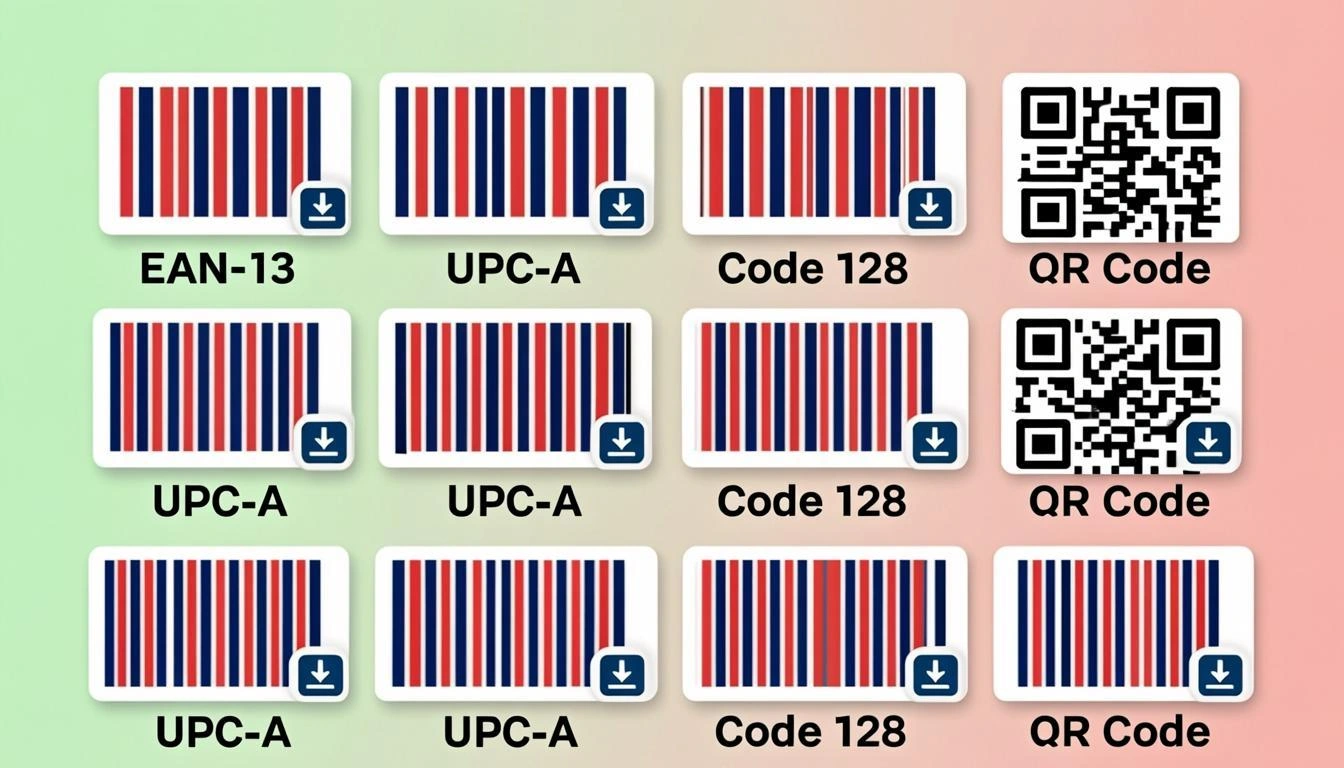
What Is a Barcode Generator?
A barcode generator is a tool that turns your text or numbers into a scannable barcode picture. You type in a value like 3017620422003, pick a barcode type like EAN-13, and the tool draws the black and white bars that a scanner can read. The picture is a small image file that you can save, print, or put on a product, box, or ticket.
Our generator supports 100+ barcode types. That includes the most common retail barcodes (EAN-13, UPC-A, EAN-8), the shipping workhorses (Code 128, GS1-128, ITF-14), 2D codes like Data Matrix and PDF417, and postal codes from around the world. Whatever barcode you need, this tool can probably make it.
Why Use Our Free Barcode Generator?
Here are five reasons people pick our tool:
- 100+ barcode types in one place. EAN-13, UPC-A, Code 128, ITF-14, GS1-128, Data Matrix, PDF417, Aztec, postal codes, and many more — all free, all in one tool.
- Instant PNG, SVG, and JPG download. Pick the format that fits your job. PNG for the web, SVG for sharp print at any size, JPG for emails, and even GIF or PDF if you need them.
- Private by design. Nothing is sent to a server. The barcode is drawn right inside your browser using a small open-source library called bwip-js. Your data stays on your computer.
- Open and go. No account, no email, no credit card. The tool is free for everyone, forever.
- Unlimited. Make one barcode or one thousand. No daily limit, no hidden upgrade prompt. What you see is what you get.
How Barcode Generation Works: A Simple Explanation
Every barcode is built using a set of rules. The rules are called a symbologyor barcode standard. EAN-13 has one set of rules. Code 128 has another. The rules tell the computer how wide to make each bar, how much space to leave between bars, and how to add a check digit so a scanner can tell if the barcode was read correctly.
When you type your data into the box and pick a type, our generator passes both to bwip-js. The library reads the rules for that type, draws the bars on a small canvas inside your browser, and shows the picture on your screen. If your type includes human-readable text (like the 13 digits under an EAN-13), that text is part of the standard and is drawn at the same time. You do not need to add it yourself.
Step-by-Step: Using the Barcode Generator
It only takes four steps to make a barcode:
- Pick a barcode type. Choose from the type list at the top. The most popular types are EAN-13 (retail in Europe and most of the world), UPC-A (retail in North America), and Code 128 (shipping and logistics). Each type has its own rules.
- Type your data. Put your numbers or text in the data box. For EAN-13, that is 12 or 13 digits. For Code 128, it can be letters, numbers, or symbols. The sample value that loads with each type shows you what good data looks like.
- See the live preview. As you type, the barcode draws itself again. If the data is wrong for the type, you will see an error message. Fix the data and the preview updates.
- Download PNG, SVG, or JPG. Pick the format you need and click Download. The file saves to your device in a second. PNG for the web, SVG for print, JPG for email.
Real-World Examples of Barcodes
Here are three real barcodes you can generate right now:
- Nutella EAN-13 — 3017620422003. This is the real barcode on a Nutella jar sold in Europe. Pick EAN-13, type
3017620422003, and you get the same bars that appear on the jar. The last digit (3) is the check digit. - Code 128 shipping label — ABC-1234. Many shipping labels use Code 128 because it handles letters and numbers. Pick Code 128, type
ABC-1234, and you get a clean barcode ready for a courier label. - ITF-14 outer case — 1234567890123. Big cardboard shipping cases use ITF-14. Pick ITF-14, type
1234567890123, and you get the thick bars you see on the side of wholesale boxes.
Who Uses a Barcode Generator? Industries and Roles
Lots of jobs need barcodes. Here are five big ones:
- Retail. Shops and brands put EAN-13 or UPC-A barcodes on every product so the cash register can scan the price. A small maker selling soap at a market needs the same EAN-13 as a giant brand.
- Logistics. Shipping companies use Code 128 and GS1-128 on labels so packages can be tracked from warehouse to doorstep. SSCC-18 numbers label every pallet.
- Manufacturing. Factories tag parts, tools, and work-in-progress with Code 39 or Data Matrix barcodes so the line can scan them at each step.
- Publishing. Every book has an ISBN, which becomes an EAN-13 barcode starting with 978 or 979. Bookstores and warehouses scan it to identify the title.
- Healthcare. Hospitals use HIBC barcodes on medicine and patient wristbands so the right drug goes to the right person. Pharmacy chains scan GS1-128 on every pack.
Barcode Generator Glossary: Key Terms Explained
These six words come up a lot. Here is what each one means:
- Barcode
- A picture of black and white bars (or squares) that a scanner can read and turn back into text or numbers.
- Symbology
- The set of rules for one barcode type. EAN-13 is a symbology. Code 128 is another. Each symbology says how to draw the bars and how to add a check digit.
- EAN-13
- The 13-digit retail barcode used in Europe and most of the world. The first digits are the country prefix, the next ones are the maker code, and the last is a check digit.
- UPC-A
- The 12-digit retail barcode used in the United States and Canada. Same idea as EAN-13, just shorter. A UPC-A can be turned into an EAN-13 by adding a leading zero.
- Code 128
- A flexible barcode that holds letters, numbers, and symbols. Common on shipping labels and any time you need more than just digits.
- Quiet Zone
- The blank white space around the bars. Scanners need it to find where the barcode starts and ends. Too little quiet zone is a top cause of failed scans.
Tips for Getting the Best Results
Five tips that will help your barcodes scan cleanly every time:
- Pick the right type for your use case. Use EAN-13 for European retail, UPC-A for North American retail, Code 128 for shipping, ITF-14 for outer cases, and Data Matrix for tiny labels.
- Validate check digits first. EAN-13, UPC-A, ITF-14, and SSCC-18 all end in a check digit. Run your number through a check-digit calculator first so the barcode is not rejected at the till.
- Leave the quiet zone alone. The blank space around the bars is part of the standard. Do not crop it tight or cover it with text. A safe rule is at least 10x the narrowest bar width.
- Test scan before you print. Always scan a sample with a real scanner or a phone camera app before you print a thousand labels. Better to find a problem now than at the cash register.
- Use vector SVG for print. SVG stays sharp at any size. PNG can look blurry when scaled up. For anything that goes on a real product, label, or box, choose SVG.
Common Mistakes to Avoid
Four mistakes cause most barcode problems:
- Using the wrong type for the country. EAN-13 is the standard in Europe and most of the world. UPC-A is the standard in the United States and Canada. Pick the wrong one and your product may not scan at foreign retailers.
- Wrong data length. EAN-13 needs 12 or 13 digits, no letters. UPC-A needs 11 or 12 digits. Code 128 takes letters too. If your data is the wrong length, the generator will show an error.
- No quiet zone. If you crop the white border off the barcode, the scanner cannot find the start and end of the bars. Always keep the quiet zone the standard asks for.
- Low-resolution PNG for print. A small PNG looks fuzzy when printed on a product box. For anything that goes on a real product, label, or box, choose SVG or use a high scale.
Barcode Generator vs Other Methods
There are paid barcode programs like BarTender and TEC-IT. They are good if you need to link barcodes to a database, print to a special label printer, or follow strict enterprise rules. They cost money, need a license, and often run on one computer. For a quick barcode or a small batch, they are overkill.
There are also online barcode services that send your data to a server. Our tool is different. It runs entirely in your browser, and your data never leaves your device. For most jobs — a product launch, a shipping label, a school project, a one-off asset tag — this free tool does exactly what you need with no strings attached.
Ready to Generate Your Barcode?
You now know what a barcode generator is, how it works, who uses it, and what mistakes to avoid. The next step is to try it yourself. Pick a barcode type from the list, type your data, watch the live preview, and download in your favorite format. It is free, private, and runs fully inside your browser.