Table of Contents
- Most Businesses Use QR Codes for Just One Thing — Here Are 10 Ways to Get More Value
- 1. Contactless Payments
- 2. Restaurant Menus and Ordering
- 3. Business Cards and Networking
- 4. Event Check-In and Ticketing
- 5. Product Authentication and Anti-Counterfeiting
- 6. Customer Feedback and Reviews
- 7. Inventory Management and Asset Tracking
- 8. Loyalty Programs
- 9. Wi-Fi Access for Customers
- 10. Marketing Campaigns and Print-to-Digital Bridges
- Choosing the Right QR Code Type for Your Business
- Measuring QR Code ROI
- Getting Started
- FAQ
Most Businesses Use QR Codes for Just One Thing — Here Are 10 Ways to Get More Value
QR codes went from a niche technology to a business essential almost overnight. But most businesses only use them for one thing — usually a link to their website. That's like buying a smartphone and only using it to make calls.
I've spent time building browser-based QR tools and testing them across real business scenarios — printing codes on matte paper, scanning them with different phones, watching where they fail in the real world. What I keep finding is that the businesses getting the most value from QR codes are the ones using them for operational problems, not just marketing links.
This guide walks through 10 practical ways businesses use QR codes — each one solving a real problem, with tips you can implement today. Whether you run a restaurant, retail store, event, or SaaS company, there's a strategy here that will save you time and money.
1. Contactless Payments
Handling cash is slow, unhygienic, and error-prone. Card terminals require hardware, maintenance, and transaction fees. For small businesses — food trucks, market stalls, sole proprietors — the cost and complexity of traditional payment systems can be a real barrier.
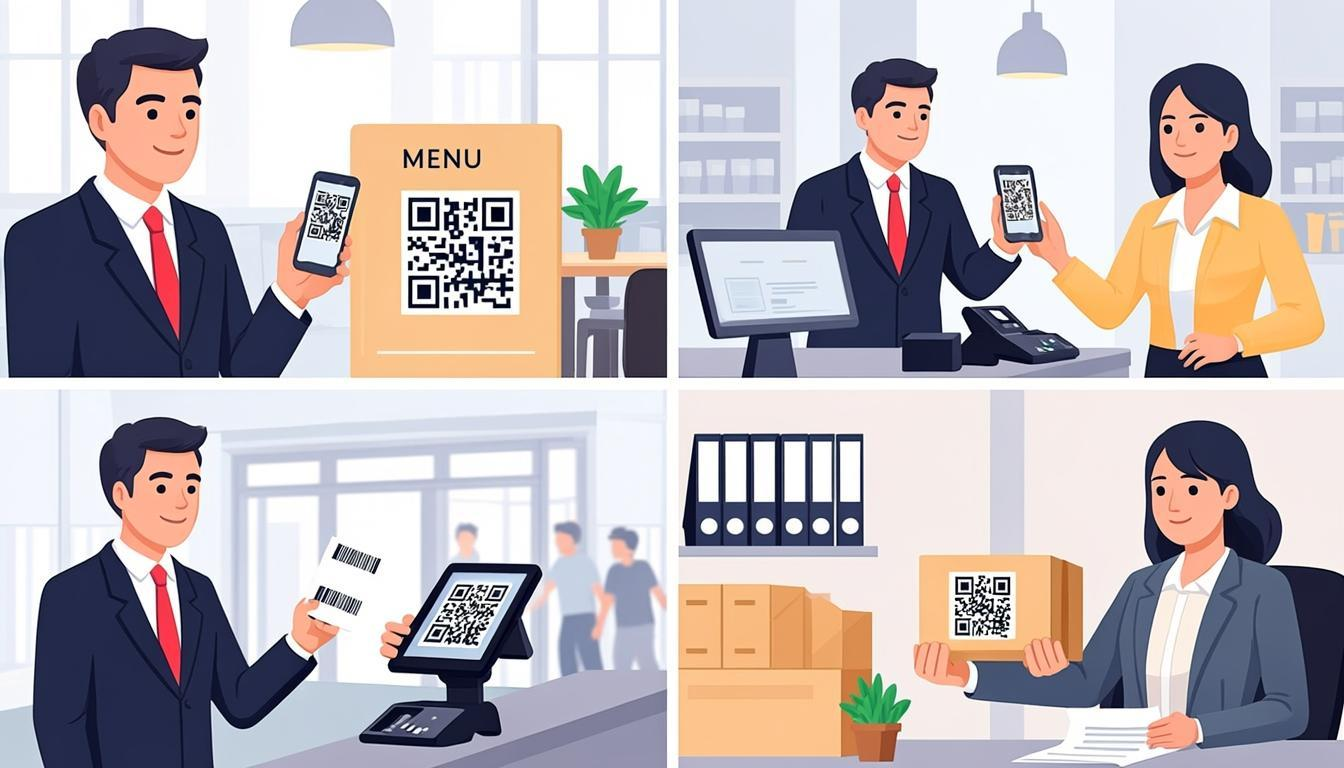
A QR code linked to a payment page (PayPal, Venmo, UPI, or your own payment gateway) lets customers pay instantly by scanning with their phone. No card reader needed. No app to install. The customer scans, enters the amount, and the payment is done. In countries like India and China, QR-based payments have largely replaced cash for everyday transactions.
What I learned testing this: I printed a payment QR code at 2cm × 2cm and placed it on a counter at 30cm scanning distance. It worked on newer phones but failed on two older Android devices. Increasing to 3cm × 3cm fixed it. If your customers have mixed phone ages, go bigger than you think you need. Use a static QR code for a fixed payment link, or integrate with a dynamic payment system that generates unique codes per transaction for security. Generate one with the QREndless QR code generator.
2. Restaurant Menus and Ordering
Printed menus are expensive to reprint, can't be updated in real time, and became a hygiene concern during the pandemic. For restaurants that change dishes, prices, or specials frequently, a printed menu is always out of date the moment it's handed to a customer.
A QR code on each table links to a digital menu you can update instantly — new dishes, price changes, sold-out items, seasonal specials. No reprints, no waste. Customers scan, browse, and even order directly from their phone. Many restaurants now use QR codes to power full table-ordering systems, reducing wait times and freeing up staff.
Practical tip: Don't just link to a PDF of your old menu. Create a mobile-optimized web menu with photos, dietary labels, and an ordering button. Use the QR code generator to create a clean, scannable code, and place it in a table tent at eye level — not flat on the table where it's hard to scan.
3. Business Cards and Networking
Paper business cards get lost, discarded, or buried in a drawer. Transferring contact details manually is tedious and error-prone. And at a networking event, fumbling for a card while holding a drink and a phone is awkward at best.
A QR code on your business card, lanyard, or email signature encodes a vCard — a digital contact file that adds your name, phone, email, company, and website directly to the recipient's phone with one scan. No typing, no typos, no lost cards. The recipient scans, taps "Add to Contacts," and your information is permanently saved.
Practical tip: Use a vCard QR code that includes all your contact details, plus links to your LinkedIn and portfolio. Print it on the back of a minimalist business card — the front has your name and logo, the back has the QR code. Generate one instantly with the free QR code generator.
4. Event Check-In and Ticketing
Paper tickets are easy to lose and hard to verify. Manual check-in at events means long lines, slow entry, and frustrated attendees. For conferences, concerts, and workshops with hundreds or thousands of attendees, the check-in bottleneck can ruin the first impression.
Each attendee receives a unique QR code ticket — by email, SMS, or app. At the door, staff scan the code with a phone or tablet, and the check-in system instantly verifies the ticket, marks the attendee as present, and logs the entry time. Lines move significantly faster than manual check-in. Duplicate tickets are flagged. No-shows are tracked automatically.
Practical tip: Use the bulk QR code generator to create unique QR codes for hundreds of attendees at once. Export them as images and embed them into your ticket emails or PDFs. For scanning at the door, use the QR code scanner — it works on any device with a camera, no app installation required.
5. Product Authentication and Anti-Counterfeiting
Counterfeit products damage brand reputation, hurt revenue, and can be dangerous — especially in pharmaceuticals, cosmetics, and electronics. Customers have no easy way to verify whether the product they just bought is genuine.
Place a unique QR code on each product or packaging. When scanned, it links to a verification page that confirms the product's authenticity, batch number, manufacturing date, and origin. Some brands use serial-numbered QR codes that can only be scanned once — if the same code is scanned again, the system flags it as potentially counterfeit.
Practical tip: Use a unique QR code per product unit (not one code for the entire product line) and link it to a verification page with your brand's visual identity. This builds trust and gives you traceability data — you can see exactly when and where each product was verified.
6. Customer Feedback and Reviews
Getting customers to leave feedback is hard. Email surveys have low response rates. Paper forms are cumbersome. And most customers won't go out of their way to find your review page after they've left your store or finished a service.
Place a QR code on receipts, packaging, table tents, or at the exit that links directly to a feedback form or review page. The key is reducing friction — the customer scans, answers a quick question or leaves a star rating, and they're done in 30 seconds. The easier you make it, the more responses you get.
Practical tip: Use a one-question survey ("How was your experience today?") with a simple emoji scale as the landing page. The shorter the survey, the higher the completion rate. Link the QR code to a Google Form, Typeform, or your own custom page — and create the QR code with the QR code generator.
7. Inventory Management and Asset Tracking
Tracking inventory with spreadsheets or manual counts is slow, error-prone, and doesn't scale. Barcode systems work, but they're limited to numeric IDs and require specialized scanners. For warehouses, offices, and retail backrooms, knowing what you have and where it is remains a constant challenge.
Label each item, shelf, or bin with a QR code that encodes the item ID, location, or a link to the item's record in your inventory system. Staff scan with their phone to look up details, update quantities, log movements, or mark items as checked. No special hardware needed — any smartphone becomes an inventory scanner.
Practical tip: Use the bulk QR code generator to create labels for hundreds of items at once. Print them on durable adhesive labels. Encode the item ID and a URL to the item's record in your system — that way, scanning gives you both a quick ID and a deep link to full details.
8. Loyalty Programs
Traditional punch cards get lost. App-based loyalty programs require customers to download yet another app — and most won't. For small businesses, building a custom loyalty app is expensive and overkill. The result? Most loyalty programs never reach their potential.
Give each customer a unique QR code (printed on a card, stored in their phone's wallet, or sent via email). At each visit, they present their code, and you scan it to log the visit or add points. No app needed on the customer's side. You can track visits, points, and rewards in a simple spreadsheet or database — the QR code is just the identifier.
Practical tip: Start simple. Use a Google Sheet to track customer visits — each row is a customer, identified by their QR code ID. When they visit, scan their code with the QR scanner, and the scan result tells you which row to update. You can upgrade to a proper system later, but you can launch a working loyalty program today.
9. Wi-Fi Access for Customers
Sharing your Wi-Fi password is awkward. You have to write it on a chalkboard, recite it to every customer, or print it on a card that gets passed around. Customers type it wrong, ask you to repeat it, and the process wastes everyone's time. And changing the password means updating all your signage.
A Wi-Fi QR code encodes your network name, password, and encryption type. When a customer scans it, their phone automatically connects to the Wi-Fi — no typing, no mistakes, no asking staff. You can change the password anytime and just update the QR code. It's a small touch that dramatically improves the customer experience.
Practical tip: Create a Wi-Fi QR code with the QR generator, print it on a small card or poster, and place it near seating areas. Make sure you use the "Wi-Fi" data type when generating — this automatically formats the network credentials in the correct syntax. If you change your password, generate a new code and swap the old one — it takes 30 seconds.
10. Marketing Campaigns and Print-to-Digital Bridges
Print marketing — flyers, posters, direct mail, packaging — is inherently one-directional. You can show a message, but you can't close the loop. You don't know who read it, who acted on it, or whether it drove any results. Digital marketing has tracking; print marketing has guessing.
A QR code on your print material bridges the gap between physical and digital. Each campaign gets a unique QR code with a UTM-tagged URL, so you can track exactly how many people scanned, when, and from where. A poster in a subway station and a flyer at a trade show can have different QR codes, and you'll know exactly which one drove more traffic.
Practical tip: Use UTM parameters on your QR code URLs (e.g., yoursite.com/promo?utm_source=flyer&utm_campaign=spring_sale). This feeds data directly into Google Analytics so you can measure clicks, conversions, and ROI per campaign. Create branded, scannable QR codes with the QR code customizer to match your campaign's visual identity.
Choosing the Right QR Code Type for Your Business
Not all QR codes are the same, and choosing the right type matters.
Static QR codes — The encoded data is fixed. Best for Wi-Fi credentials, vCard contact details, and permanent links. Use the QR code generator to create static codes.
Dynamic QR codes — The QR code redirects through a short URL that you can update later. Best for marketing campaigns where you might need to change the destination URL without reprinting the code. Note: dynamic codes require a URL redirect service.
Bulk QR codes — When you need hundreds or thousands of unique codes (event tickets, inventory labels, product authentication). Use the bulk QR code generator to create them all at once and download as a ZIP file.
Customized QR codes — When brand visibility matters. Add your logo, brand colors, or a custom design while maintaining scannability. Use the QR code customizer to create branded codes.
The key factor: match the QR code type to the use case. A static code is fine for a Wi-Fi password. A dynamic code is better for a seasonal promotion. A bulk code is essential for event tickets. And a customized code is worth the effort for customer-facing marketing materials.
Measuring QR Code ROI
You've deployed QR codes across your business — but are they working? Here's how to measure the return on your investment.
Track scans with UTM parameters — Every QR code URL should include UTM tags (source, medium, campaign). This feeds directly into Google Analytics or your analytics platform. You'll see exactly how many visits came from each QR code, how long they stayed, and what they did next.
Measure conversion, not just scans — A scan is a click. A conversion is a result. If your QR code links to a menu, track how many people placed an order. If it links to a feedback form, track how many completed it. Scans tell you interest; conversions tell you impact.
Compare before and after — Before QR codes, how many customers left feedback? How long did check-in take? How often was inventory accurate? After deploying QR codes, measure the same metrics. The difference is your ROI.
Calculate cost savings — QR codes eliminate printing costs (menus, tickets, loyalty cards), reduce staff time (manual check-in, payment processing), and reduce errors (inventory miscounts, payment mistakes). Add up the monthly savings and compare against the cost of creating and deploying the QR codes (which, with QREndless, is free).
Use a QR code decoder for audits — Periodically verify that your deployed QR codes still point to the right destination. Use the QR code decoder to scan and verify any QR code image — it shows you the exact encoded data in seconds.
The businesses that get the most value from QR codes are the ones that treat them as measurable tools, not just decorative squares. Track, measure, optimize, repeat.
Getting Started
Every use case in this guide can be implemented today — for free, with no sign-up, entirely in your browser. Start with one high-impact use case (like contactless payments or Wi-Fi access), measure the results, and expand from there. The tools are free and unlimited:
- QR Code Generator — Create individual codes for any data type
- Bulk QR Code Generator — Generate hundreds of unique codes at once
- QR Code Customizer — Add branding, colors, and logos to your codes
- QR Code Scanner — Scan codes with any device camera
- QR Code Decoder — Read and verify data from QR code images
- QR Code Enhancer — Improve the quality and scannability of existing codes
For more strategies and technical guides, explore our other posts: Creative QR Code Designs and QR Code Scanner Guide.
FAQ
How can a small business use QR codes?
Small businesses can use QR codes for contactless payments, Wi-Fi sharing, customer feedback, loyalty programs, and digital menus. The key is to start with one high-impact use case — like a payment QR code at your checkout — and expand from there. Every use case in this guide works for businesses of any size, and you can create all the QR codes you need for free with QREndless.
Are QR codes free for business use?
Yes. The QR code specification is an open ISO standard — there are no licensing fees to create or use QR codes. You can generate unlimited QR codes for free using tools like the QREndless QR code generator. The only cost is printing, and even that can be minimal if you display codes on screens instead of paper.
What type of QR code should I use for marketing?
For marketing campaigns, use a dynamic QR code with a UTM-tagged URL so you can track scans in Google Analytics and update the destination URL if needed. If you want the code to match your brand, customize it with the QR code customizer — just make sure the contrast stays high enough for reliable scanning.
How do I track QR code scans?
The simplest method is to use UTM parameters in your QR code URLs. When someone scans the code and visits the URL, the UTM data appears in Google Analytics under your campaign reports. You'll see scan counts, geographic data, device types, and conversion events. For more advanced tracking, you can use a URL shortener with built-in analytics or a dedicated QR code management platform.
Can QR codes work without internet?
It depends on the encoded data. If the QR code contains a URL, the user needs internet to visit the page. But if the QR code contains text, a vCard, or Wi-Fi credentials, the data is read directly from the code — no internet required. The QR code itself doesn't need a network connection; it's just a pattern of squares that encodes data. The scanning and decoding happen entirely on the device.
How do I make sure my QR code is scannable?
Four key factors: size (at least 2 cm × 2 cm for close-range scanning), contrast (dark on light, never light on light), error correction (use level M or higher for printed materials), and placement (flat, well-lit, at a comfortable scanning angle). If you're customizing the design, use the QR code enhancer to verify that the code remains scannable after visual changes. Always test your QR code on multiple devices before printing.


