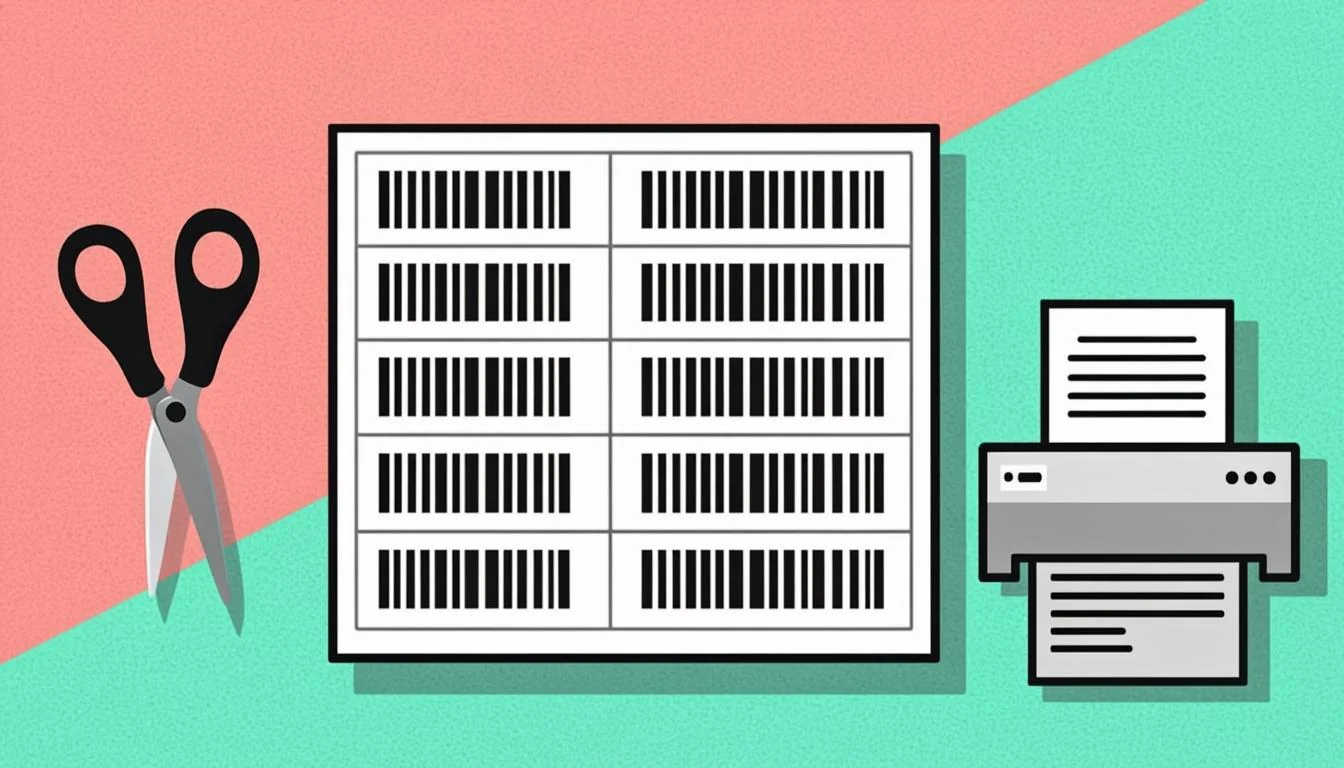
What Is a Barcode Label Generator?
A barcode label generator is a tool that puts barcodes into label templates so you can print many labels on one sheet of paper. For example, an Avery 5160 sheet has 30 labels on it. The generator takes your list of barcode values and places one barcode in each of those 30 spots. When you print the sheet on a real Avery label sheet, every label already has its own barcode. This saves you from typing each barcode one by one or paying for special label software. You just type, click, and print. The tool works in your web browser, so you do not need to install anything.
Why Use Our Free Barcode Label Generator?
Our generator makes label printing easy and fast. Here is why people choose it for their daily work:
- Works with Avery 5160, 5163, 5164, 5167, and 22806 templates
- Supports both A4 (Europe) and Letter (US) paper sizes
- Produces a print-ready PDF you can print at home or at work
- Runs entirely in your browser — no install, no login
- Free and unlimited
You can use it from any computer, tablet, or phone with a browser.
How Barcode Labels Are Generated: A Simple Explanation
When you click "Generate Labels PDF," here is what happens behind the screen. First, you type your barcode values — one value per line. Next, you pick an Avery template. For example, Avery 5160 fits 30 labels on one Letter sheet. The tool then takes each value, turns it into a real barcode using a library called bwip-js, and places that barcode in the next empty spot on the label sheet. When all 30 spots are full, the sheet is done. The tool then makes a PDF file with the barcodes in the exact right positions, ready for an Avery sheet. The whole process runs in your browser. No data ever leaves your computer.
Step-by-Step: Using the Barcode Label Generator
Follow these four simple steps to make your label sheet:
- Type your barcode values in the text box. Put one value on each line. You can also type just one value to repeat it on every label.
- Pick an Avery template from the list. Choose 5160 for 30 small labels, 5163 for 10 medium labels, 5164 for 3 big labels, 5167 for 80 tiny labels, or 22806 for 10 round labels.
- Look at the live preview. You will see exactly how your barcodes fit on the page before you print.
- Click "Generate Labels PDF." Save the PDF and print it on a real Avery sheet. Make sure your printer is set to 100% scale, not "fit to page."
Real-World Examples of Barcode Labels
Here are three real examples of how people use the tool every day:
- 30 product EAN-13s on Avery 5160: A small shop owner makes 30 price labels for new products. Each label shows the EAN-13 barcode and the number under it. The owner sticks them on the shelves next to the prices.
- 10 shipping SSCC-18s on Avery 5163: A warehouse prints 10 large shipping labels for pallets going out the door. Each pallet gets one big label so the truck driver can scan it.
- 6 asset tags on Avery 5164: A school puts asset tags on 6 new laptops. Each laptop gets a Code 128 barcode label so the school can track who borrowed it.
You can also print student ID labels, file folder labels, event tickets, name tags, and bin labels.
Who Uses a Barcode Label Generator? Industries and Roles
Many jobs use barcode labels every single day:
- Retail: Shops print price labels for shelves and products. Each label helps a cashier scan the price fast.
- Logistics: Shipping and warehouse teams print SSCC-18 labels for boxes and pallets. Each label tracks the box on its journey.
- Manufacturing: Factories print asset tags for tools and machines. Each tag tells the team who owns the tool and when it was checked.
- Education: Schools print student ID labels and library book labels. Each label helps the school know who borrowed what.
- Offices: Offices print file folder labels and equipment tags. Each tag keeps files and gear in the right place.
Any person who needs to print many barcodes on one sheet can use this tool.
Barcode Label Glossary: Key Terms Explained
Here are some words you may see when making labels. Learn these and label printing will feel easy:
- Label
- A small sticker on a sheet. One sheet has many labels in a grid.
- Avery Template
- A layout made by the Avery company. It tells you where each label sits on the sheet and how big it is.
- A4
- A paper size used in Europe and most of the world. It measures 210 × 297 mm.
- Letter
- A paper size used in the United States and Canada. It measures 8.5 × 11 inches.
- Margin
- The empty space around the edge of the page. Printers need it so the print does not get cut off.
- Gutter
- The empty space between two labels on the same sheet. It stops one label from touching the next.
Tips for Getting the Best Results
Follow these five tips for clean, scannable labels every time:
- Pick the right template for your label sheets. Check the Avery box to find the number. Using the wrong template makes the barcodes print in the wrong spots.
- Test print on plain paper first. Hold the printed page over a real label sheet up to the light. If the barcodes line up with the labels, you are good to print.
- Calibrate your printer. Some printers shift the print a tiny bit. Fix this once and save the setting so every page comes out right.
- Use the vector PDF output. Vector barcodes stay sharp at any size. PNG or JPG can look fuzzy.
- Leave the quiet zone. The quiet zone is the white space around a barcode. Scanners need it to read the code.
Common Mistakes to Avoid
Watch out for these four common mistakes:
- Wrong template for your label sheets: If you pick 5160 but your sheet is 5163, the barcodes will not line up with the die-cut labels. The print is wasted.
- Low-resolution print: Always print barcodes at 600 dpi or higher. Low dpi makes fuzzy barcodes that scanners cannot read.
- Forgetting the quiet zone: The white border around a barcode is part of the code. Without it, scanners fail. Leave at least a small white border.
- Misaligned margins: Always print at 100% scale. Do not pick "fit to page" — that shrinks the print and breaks the layout.
Barcode Label Generator vs Label Software
Our free tool is great for most people. It runs in your browser, needs no install, and makes clean PDFs in seconds. You can use it from any computer, tablet, or phone. It works for small shops, schools, home projects, and one-off office jobs. There is no login.
Paid label software like Avery Design & Print or BarTender has more power. It can pull data from Excel, link to a database, and print to many printers at once. Big factories and big warehouses often pay for these tools because they print thousands of labels every day. But for one sheet or even a hundred sheets, our free generator does the job well and costs you nothing.
Ready to Generate Barcode Labels?
You now know what a barcode label generator is, how it works, and how to use it the right way. Pick your Avery template, type your values, and download your print-ready PDF in seconds. Jump back to the label generator above ↑