Table of Contents
- Scan a QR Code Instantly — No App Download, No Sign-Up Required
- How the Scanner Works
- Fast Scanning on Any Device
- 1D Barcode Support: Beyond QR Codes
- Security Features — What Makes This Scanner Different
- How to Scan Safely: Security Tips
- Real-World Use Cases
- When to Use vs. Related Tools
- Frequently Asked Questions
Scan a QR Code Instantly — No App Download, No Sign-Up Required
You need to scan a QR code right now. You don't want to download an app, create an account, or deal with ads. You just want to point your camera and get the result. But most QR scanners require an app download, show you ads, or upload your data to their servers.
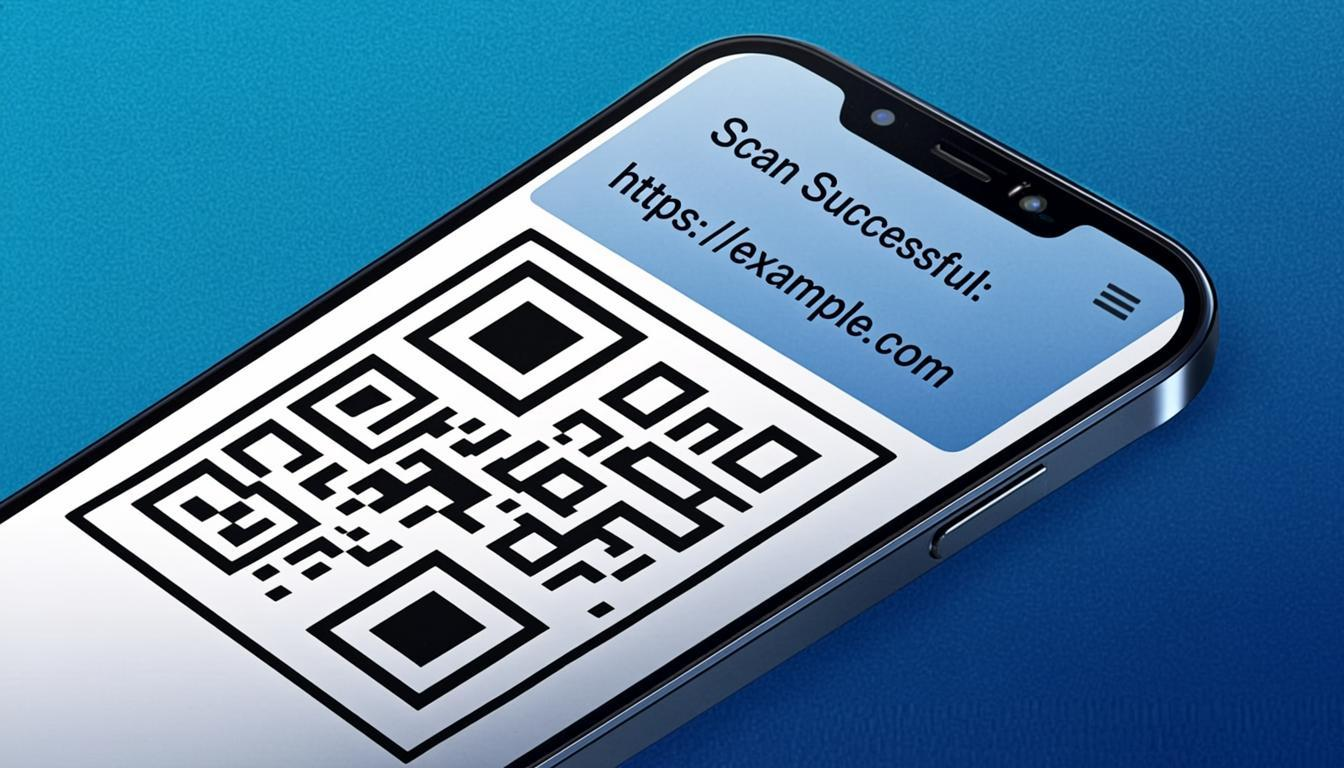
The QREndless QR code scanner works entirely in your browser. No download. No account. No data sent to any server. Open the page, point your camera, and get your result.
I tested this on an old Android phone and a new iPhone side by side. On the Android, the scan was almost instant — the phone's built-in barcode detection kicked in. On the iPhone, which doesn't have that built-in detection, the scanner used its own fast decoder and still finished in under a second. Both worked. Neither needed an app.
How the Scanner Works
The scanner has three modes, each made for a different situation.
Live Camera Scanning
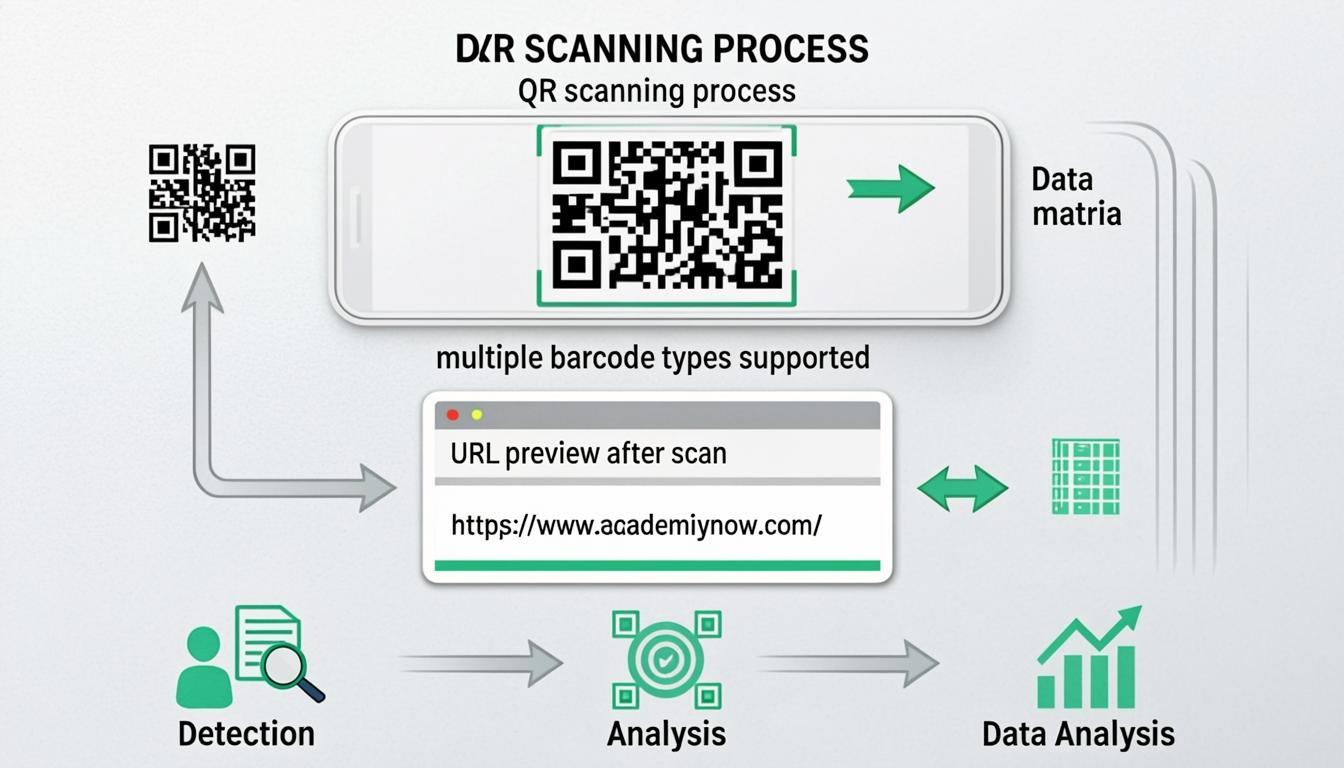
Open the scanner on any device with a camera — phone, tablet, or laptop. The tool uses your browser's built-in camera access, so no app install is needed. Point your camera at any QR code, and it's detected and decoded in real time. Results appear the moment the code is recognized. This is the fastest way when you have the physical code in front of you.
Image Upload Scanning
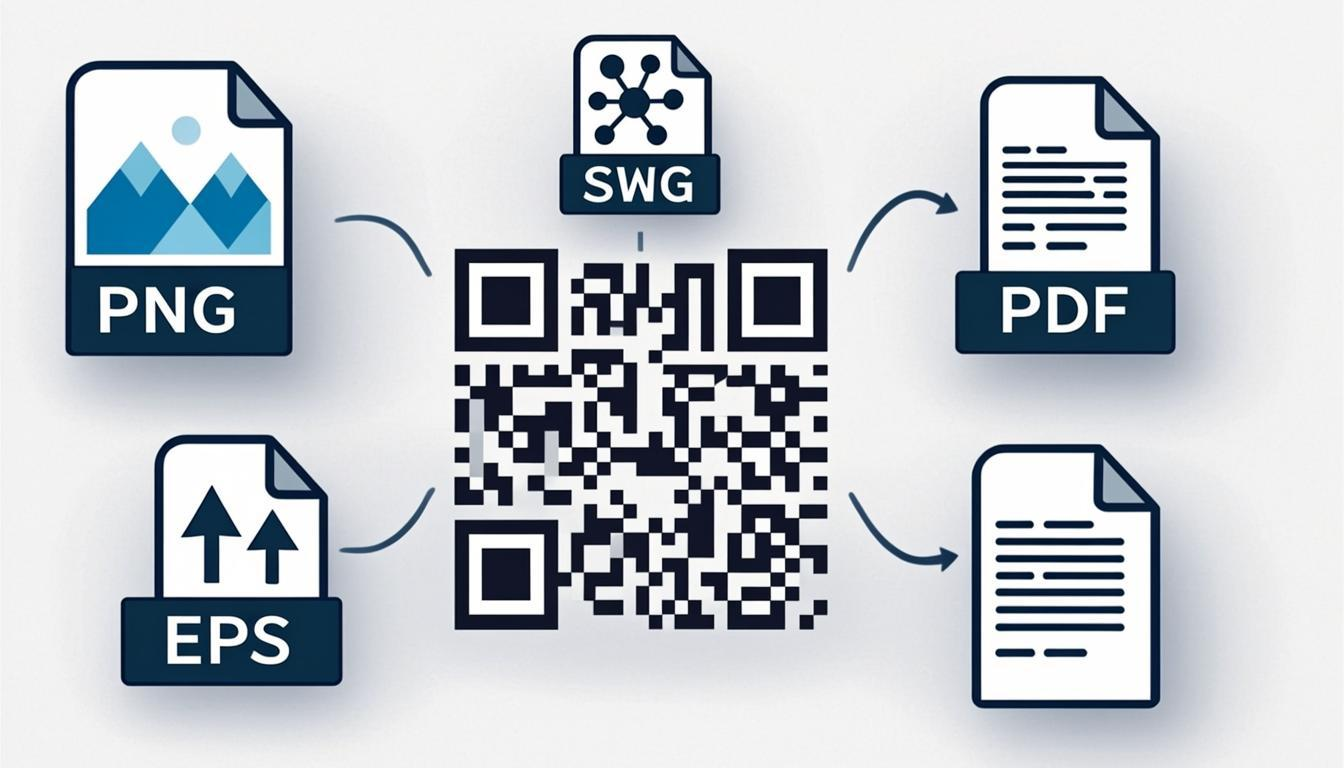
Have a saved QR code image from an email, a screenshot, or a photo? Upload it directly. The scanner reads the image and pulls out the encoded data. This is useful when you can't physically scan the code — someone sent you a QR code image, or you're on a desktop without a camera. All common image formats are supported: PNG, JPG, WEBP, BMP, and SVG.
Bulk Scan: Decode Up to 100 Images at Once
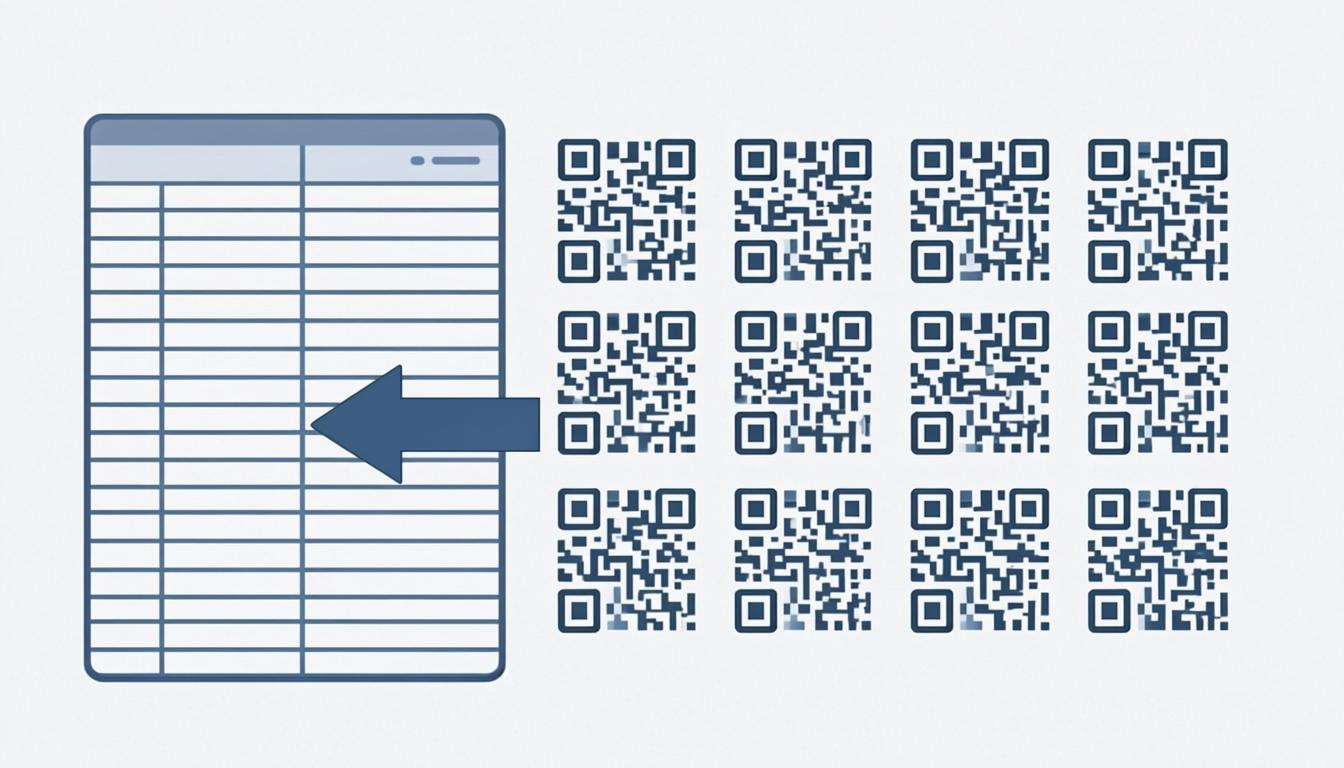
When you have dozens of QR code images to decode — product sheets, event tickets, inventory labels — scanning them one by one is slow. The scanner supports bulk upload of up to 100 images at once. Drop all your files together, and the scanner decodes every QR code in every image, showing all results in one organized view. This is especially useful for checking batches made with the bulk QR code generator or processing large sets of product labels.
Fast Scanning on Any Device
Speed matters when you're scanning. The scanner uses two decoding methods and picks the fastest one for your device.
Built-in browser scanning. On devices that support it — Chrome on Android, Edge on Windows, and other Chromium-based browsers — the scanner uses your device's built-in barcode detection. This is the fastest method because it uses your device's hardware for speed and saves battery.
Built-in fast decoder. On devices where the built-in method isn't available — Safari, older browsers, iOS — the scanner uses its own fast decoder that runs in the background. This keeps the page responsive while scanning at high speed.
Running both at once. On devices that support both methods, the scanner runs them at the same time and takes whichever result arrives first. This means you get the fastest possible scan for your device and your particular code.
The result is a camera scanner that feels instant on every device and every browser. No waiting, no lag, no missed frames. Just point, scan, and see the result.
1D Barcode Support: Beyond QR Codes
The scanner isn't limited to QR codes. It also reads a wide range of 1D barcodes — the traditional line barcodes found on products, shipping labels, and ID cards around the world.
- EAN-13 and EAN-8 — the standard retail product barcodes on almost every consumer product
- UPC-A and UPC-E — the North American retail barcode standard
- Code 128 — a high-density barcode used in shipping, packaging, and supply chains
- Code 39 — widely used in automotive, defense, and healthcare
- ITF (Interleaved 2 of 5) — common on shipping cartons and warehouse labels
- Codabar — used in libraries, blood banks, and FedEx shipping
This means you can use the scanner as a full barcode scanner online — scan product barcodes to look up prices, check shipping labels, or read inventory codes, all without installing a dedicated barcode app. The same security features (URL checking, PII masking, script protection) apply to all barcode types.
Security Features — What Makes This Scanner Different
Most QR scanners just decode the data and show it. That's risky. A bad QR code could contain a phishing link, a harmful script, or misleading content. The scanner includes several safety layers that protect you.
URL Checking
When a scanned QR code contains a link, the scanner automatically checks it for suspicious patterns:
- Common phishing patterns
- IP addresses instead of domain names (common in bad codes)
- Link shorteners that hide the destination
- Misspelled or look-alike domains (like "g00gle.com" instead of "google.com")
- Non-HTTPS links for sensitive content (payment, login pages)
Suspicious links are flagged with a warning before you click. Legitimate links are shown as verified links.
PII Masking
When a QR code contains personal information — phone numbers, email addresses, home addresses, payment details — the scanner hides sensitive fields by default. For example, a phone number shows as "555-***-1234" and an email shows as "j***@example.com".
You can reveal the full data with one click, but the default view stops accidental exposure of private information on shared screens or in public. I've used this more than once when scanning codes at a shared desk — it saved me from flashing someone's phone number to the whole room.
XSS Protection
Some QR codes contain encoded HTML or JavaScript that could run when shown. The scanner cleans all decoded content, stops bad scripts from running, and prevents malicious QR codes from doing anything on your device through the scanner's output.
Content Type Detection
The scanner automatically identifies the type of data in a QR code and shows it in the most useful format:
- URL — shown as a clickable link with safety checking
- vCard (Contact) — shown as a contact card with name, phone, email
- Wi-Fi — shows network name, password, and encryption type
- UPI Payment — shows payee name, UPI ID, and amount
- Email — shows recipient, subject, and body
- SMS — shows phone number and message
- Phone — shows the number with a call button
- Geolocation — shows coordinates with a map link
- Calendar Event — shows event details with an "Add to Calendar" option
- Plain Text — shown as-is with copy support
This smart formatting makes scanned content immediately useful — no need to manually pick apart raw encoded strings.
How to Scan Safely: Security Tips
The scanner has built-in safety features, but your own habits matter too. Here's how to stay safe when scanning QR codes.
Scan before you click. Always use the scanner to check a QR code's content before following any links. See what's encoded, check that the link is real, and decide whether to go ahead — all before clicking anything.
Watch for URL red flags. If the decoded link uses an IP address instead of a domain name, uses a link shortener, or doesn't use HTTPS for sensitive content, be careful.
Be wary of unexpected QR codes. QR codes on posters, flyers, or stickers in public places could be placed by attackers covering up real codes. If a QR code looks like it was stuck on top of something else, don't scan it.
Check for quishing (QR phishing). If a QR code claims to be from your bank, a delivery service, or a government agency, check that the decoded link matches the official domain. Attackers use QR codes in phishing emails the same way they use fake links.
Use the decoder for deep analysis. If something feels off about a QR code, run it through the QR code decoder for a full technical breakdown — encoding mode, version, error correction level, and the raw data. This helps spot hidden or unexpected data.
Keep PII masking on. When scanning in public or on shared screens, leave PII masking on. It stops accidental exposure of phone numbers, emails, and payment details to people nearby.
For a deeper look at QR code safety, read my guide on QR code security.
Real-World Use Cases
Checking QR Codes Before Sharing
Made a QR code with the QR code generator or customized it with the QR code customizer? Scan it with the scanner to check that it holds the right data before printing or sharing. This quick check catches mistakes — wrong links, missing fields, or broken codes.
Checking Unknown QR Codes
Found a QR code on a poster, a product, or a document? Scan it with the scanner's safety checks before interacting with the content. See what's encoded, check that the link is real, and decide whether to go ahead — all before clicking anything.
Event Check-In
Use the scanner to check event tickets at the door. Each ticket's QR code holds the attendee's name, ticket ID, and registration details. Scan, check, and mark attendance — all in seconds. The dual-method scanning keeps up during busy check-in times.
Inventory Checking
Scan product QR codes and 1D barcodes (EAN, UPC, Code 128) to check inventory data — SKU, batch number, location, expiry date. The formatted output makes checking quick and accurate. No manual lookup, no typing — just scan and confirm.
Batch Quality Checks
Made hundreds of QR codes with the bulk QR code generator? Use the bulk scan feature to upload up to 100 images at once and check that they all hold the right data. This batch check catches errors before they reach print or distribution.
Getting Contact Information
Got a business card with a QR code? Scan it to instantly get the full contact profile. The vCard data saves straight to your contacts — name, phone, email, company, social media. No typing.
When to Use vs. Related Tools
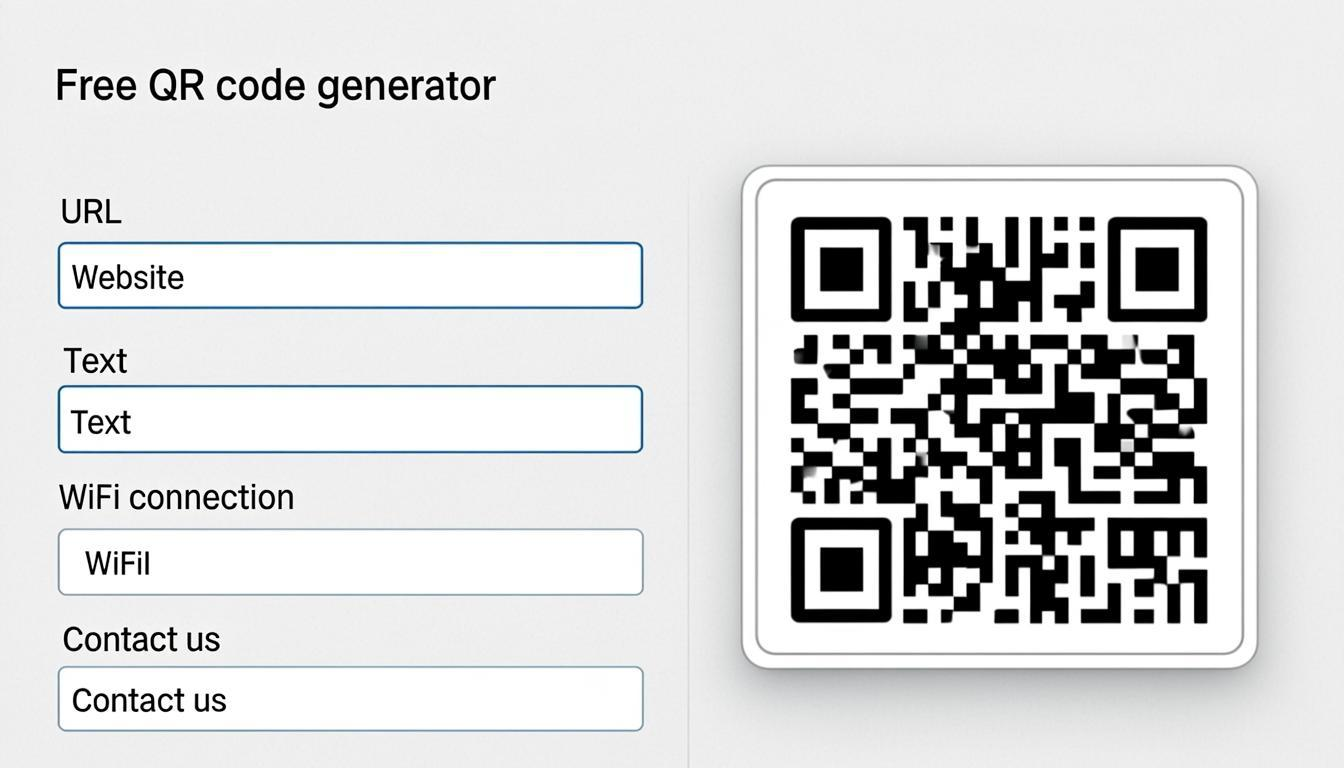
- Need to make a QR code? Use the QR code generator.
- Need many QR codes? Use the bulk QR code generator for batch creation.
- Need to brand a QR code? Use the QR code customizer for visual styling.
- Have a QR code image and want deep technical analysis? Use the QR code decoder — it shows encoding mode, version, error correction level, and the raw data.
- Need to convert scanned data to a different QR code type? Use the QR code converter guide after scanning.
- Need to improve a low-quality QR code image? Use the QR code enhancer to sharpen and upscale before scanning.
For a thorough safety check, scan first with the scanner for quick content detection and safety checks, then analyze with the decoder for detailed technical information. This two-step approach gives you both ease of use and depth. Learn more about how QR codes work under the hood in my fundamentals guide.
Frequently Asked Questions
Does the scanner require an app download?
No. The QR scanner works entirely in your web browser — no app download, no installation, no account. It uses your browser's camera access for live scanning and processes everything locally on your device. Works on any device with a camera and a modern browser.
Can I scan QR codes from uploaded images?
Yes. Upload any image file (PNG, JPG, WEBP, BMP, SVG) containing a QR code, and the scanner will decode it. This is useful when you get QR codes by email, as screenshots, or as photos, and can't physically scan them with your camera.
How does the dual-method scanning work?
It's a two-part system: on supported devices, the scanner uses your browser's built-in barcode detection for speed. On other devices, it uses its own fast decoder running in the background. On devices that support both, it runs them at the same time and takes whichever result arrives first — giving you the fastest scan on every device.
What is Bulk Scan and how many images can I upload?
Bulk Scan lets you upload up to 100 images at once and decode all QR codes in all images at the same time. It's perfect for batch-checking codes made with the bulk generator, checking product labels, or processing event tickets in bulk.
Can the scanner read 1D barcodes like EAN and UPC?
Yes. The scanner reads a wide range of 1D barcodes along with QR codes, including EAN-13, EAN-8, UPC-A, UPC-E, Code 128, Code 39, ITF, and Codabar. This makes it a complete barcode scanner online — you can scan product barcodes, shipping labels, and inventory codes without a dedicated app.
Does the scanner work on desktop computers?
Yes, with two options: (1) If your desktop has a webcam, use live camera scanning. (2) If no camera is available, upload a QR code image for decoding. Both work on any desktop browser.
How does URL checking work?
When a scanned QR code contains a link, the scanner checks it against several safety rules: known phishing patterns, IP-based links, link shorteners, look-alike domains, and HTTPS presence. Suspicious links are flagged with a warning. The scanner doesn't block links — it tells you so you can make a safe choice.
What is PII masking?
PII (Personal Identifiable Information) masking hides sensitive data in scan results by default — phone numbers show as "555-***-1234," emails show as "j***@example.com." This stops accidental exposure of private information when scanning in public or on shared screens. Click "Reveal" to see the full data.
Is my scanned data stored anywhere?
No. All scanning and decoding happens in your browser. Your camera feed, uploaded images, and decoded data are never sent to any server. QREndless has no server-side processing. Your scanned data stays completely private on your device.
What happens if a QR code is damaged or partly covered?
QR codes with error correction (all standard QR codes) can be scanned even when partly damaged. The scanner uses the QR code's built-in error correction to recover data from damaged or covered codes. However, if the damage is bigger than the error correction can handle (7–30% depending on the level), scanning may fail. Use the decoder for a more detailed look at damaged codes, and read my guide on QR code error correction to understand how recovery works.
Can I use the scanner to check QR codes I made?
Yes. After making a QR code with the generator or customizing it with the customizer, scan it to check that the encoded data matches what you expect. This is an important quality check before printing or sharing any QR code.