Table of Contents
- Creating Hundreds of QR Codes Manually Takes Hours — Here Is a Faster Way
- How Bulk Generation Works
- Styling Options for Bulk QR Codes
- Sequential Numbering and Column Merge
- Export Formats for Bulk Batches
- Split-ZIP Downloads
- Performance: How Fast Is It Really?
- Real-World Use Cases
- Data Format Guidelines
- When to Use vs. Related Tools
- Frequently Asked Questions
Creating Hundreds of QR Codes Manually Takes Hours — Here Is a Faster Way
You've got a QR code generator that makes one code at a time. That's fine for a business card, a Wi-Fi sign, or a single payment code. But what happens when you need 200 QR codes for event attendees? Or 500 codes for product SKUs? Or 3,000 codes for a conference with a unique check-in code for every session?
You could generate them one by one. Open the generator, type the data, download, repeat. Two hundred times. That's not a workflow — that's a waste of a day.
I've done it both ways. The first time I needed 300 unique codes for a workshop, I generated them one at a time. It took me almost five hours, and I made a typo on code number 187 that I didn't catch until the day of the event. After that, I built the Bulk QR Code Generator so nobody has to repeat my mistake.
The bulk QR code generator lets you upload your data, set your options, and generate up to 5,000 codes in one batch — all in your browser, with no sign-up and no limits. This guide covers everything you need to get the most out of it.
How Bulk Generation Works
The process has five steps.
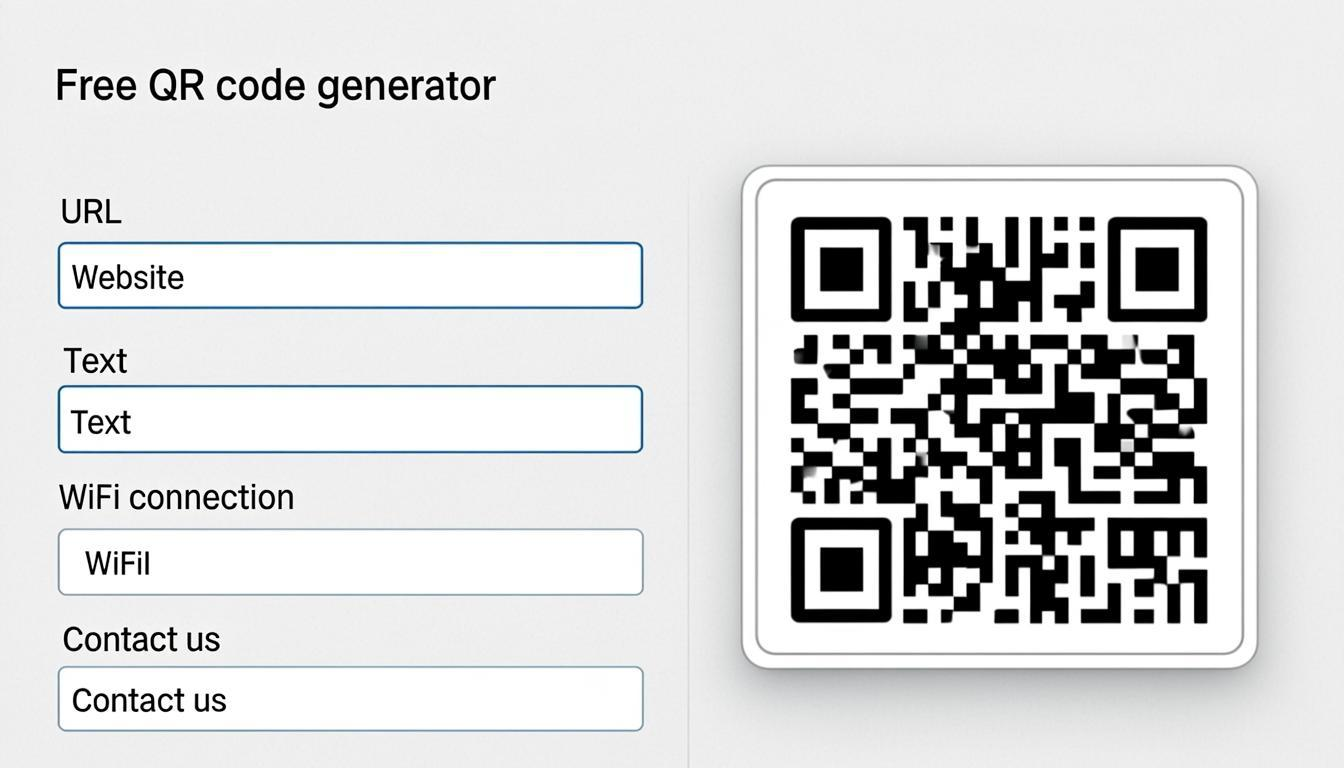
1. Choose your QR code type. URLs, vCards, Wi-Fi, UPI payments, SMS, email, or any other supported type.
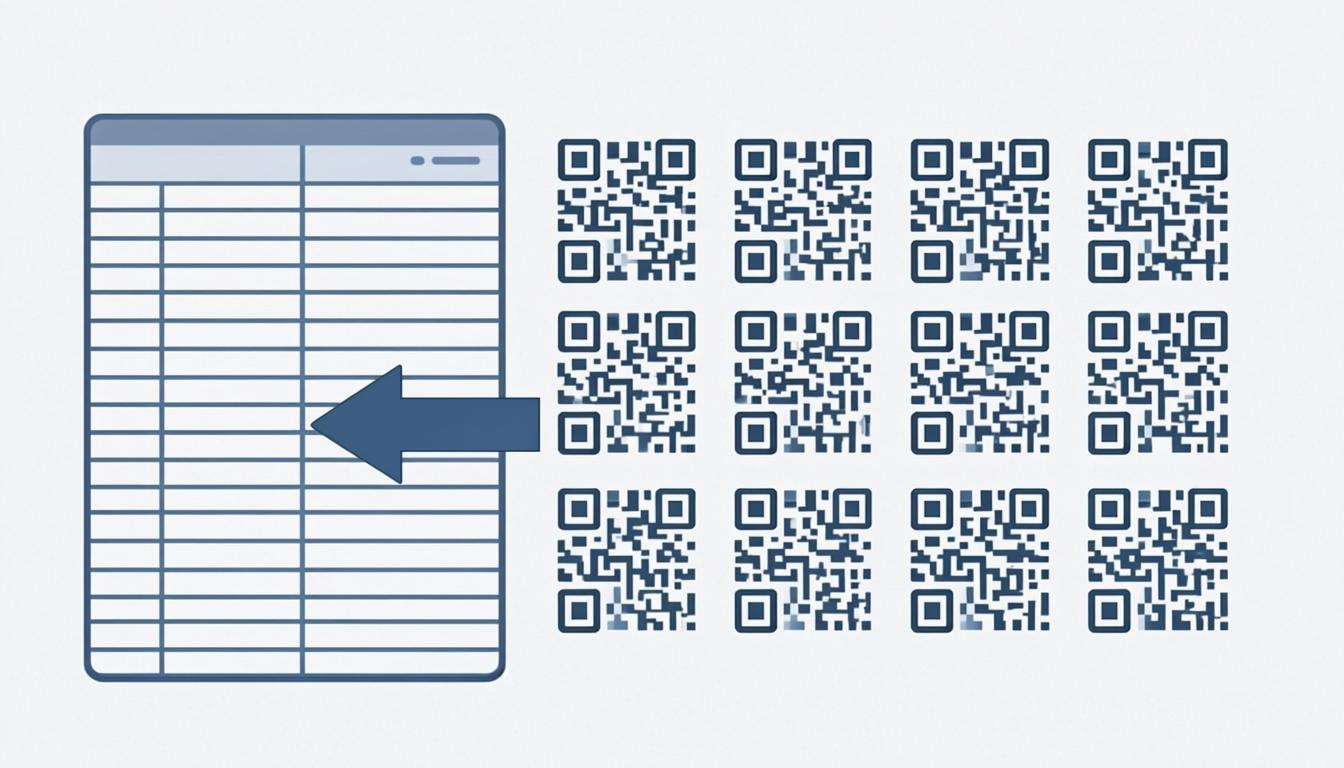
2. Input your data. Upload a CSV or Excel file, paste tab-separated data from any spreadsheet app, or type rows into the built-in editor.
3. Set your options. Choose error correction level, size, output format, and file naming. Apply dot styles, finder styles, and frames across the whole batch.
4. Generate all at once. The preview system processes every row in your browser at the same time. No server uploads, no waiting in a queue.
5. Download your batch. Get all codes as individual files, a combined sheet, or a split-ZIP download for large batches.
The preview updates in real time — change any setting and every code in your batch updates instantly. You can fine-tune until every code looks right before you download.
Styling Options for Bulk QR Codes
Plain black-and-white codes work, but branded codes get noticed more. When I tested a branded code against a plain one on the same table at an event, the branded one was scanned noticeably more often. The only thing that changed was the design.
The Bulk Generator lets you apply the same styling across your whole batch so every code looks like it belongs to the same family.
67 Dot Styles The small squares inside your code don't have to be boring squares. Choose from 67 shapes — geometric (rounded squares, circles, diamonds, hexagons), organic (rounded dots, blobs, leaf shapes), decorative (stars, hearts, crosses, arrows), and specialty shapes. Apply one style across all 5,000 codes for a consistent look.
55 Finder Styles The three corner squares are the first thing people notice. With 55 finder styles, you can change their shape, inner pattern, corner rounding, and color — separately from the data dots. Apply one style across the batch for a unified look.
25 SVG Frames A frame with "Scan Me" or "Scan to Pay" text tells people what to expect. The Bulk Generator has 25 SVG frame templates — rectangular with CTA text, rounded and pill-shaped, badge and stamp styles, plus custom text, color, and font options. Every frame includes proper quiet zone spacing so scanning still works.
Text-Logo Instead of uploading an image logo, you can put text directly in the center of each code — your brand name, a short label, or a serial number. This is perfect for bulk batches where each code should carry a unique identifier (like "TICKET-001", "TICKET-002") right inside the code. Combined with sequential numbering, this creates codes that identify themselves without scanning.
Sequential Numbering and Column Merge
Two features make bulk codes practical for real operations.
Sequential Numbering Automatically add sequential numbers to each code's data — perfect for ticket IDs, serial numbers, asset tags, and loyalty card numbers. Start from any number, use any prefix, and control the padding (001, 0001, or just 1). The number is embedded in the code's data, so scanning returns the number along with the rest of the data. No manual entry needed.
Column Merge When your spreadsheet has multiple columns that need to be combined into one code, column merge handles it automatically. If your spreadsheet has separate "First Name" and "Last Name" columns, column merge joins them into a "Full Name" field for the vCard. If you have separate "Domain" and "Path" columns, merge them into a complete URL. This saves you from creating a combined column in your spreadsheet before uploading.
Export Formats for Bulk Batches
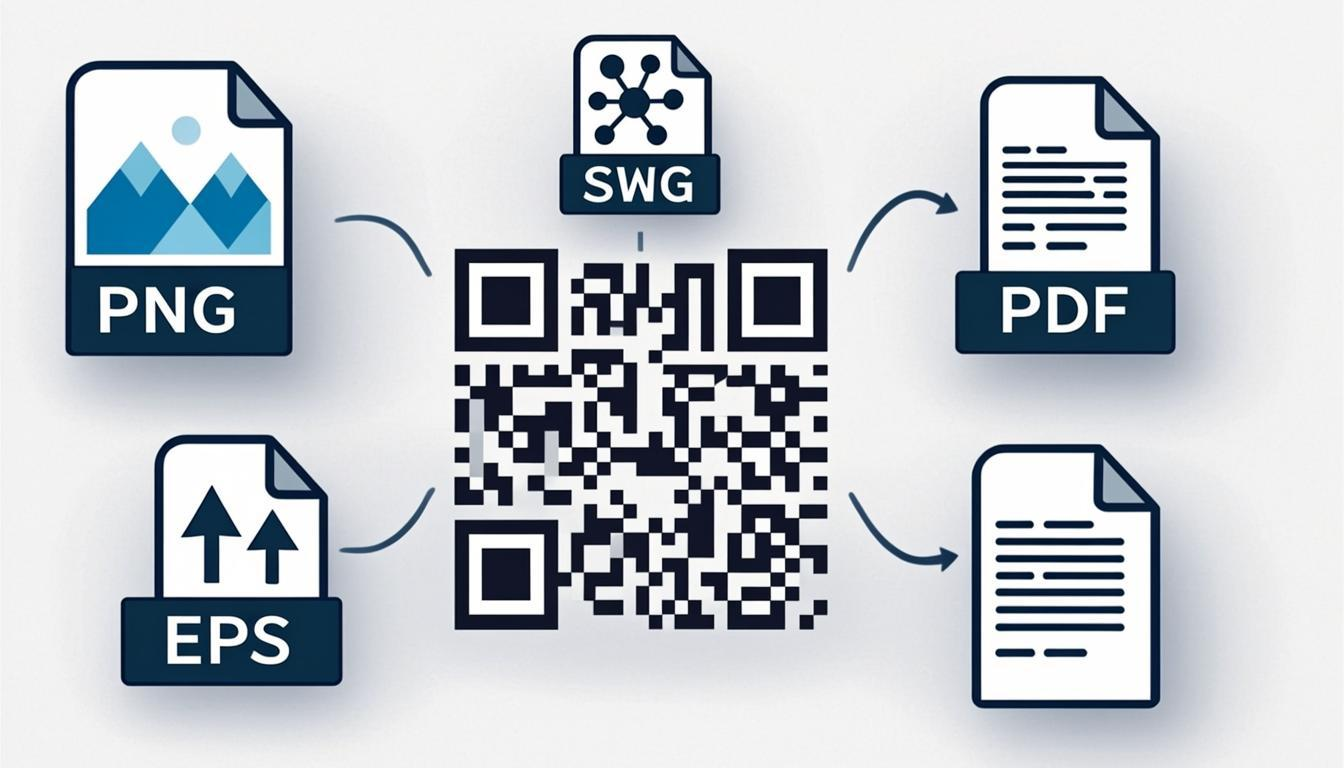
The Bulk Generator supports 7 export formats. For bulk workflows, the right format saves time and ensures codes work in their target context.
PNG 4K (3840 × 3840 px) — Best for printed tickets, product labels, and any code that needs to look sharp at larger sizes.
JPG — Smaller files than PNG. Practical when emailing hundreds of code images or embedding them in documents.
WebP — 30–50% smaller than PNG at the same quality. The best choice for codes on websites, apps, or digital signage.
Transparent PNG — Removes the white background. Use this when codes will be overlaid on packaging, colored backgrounds, or branded templates.
SVG — Vector format that scales to any size without quality loss. Ideal for large-format print like posters, banners, and trade show displays.
PDF — Print-ready format for documents, presentation decks, and professional print workflows.
EPS — Required by many commercial printers and sign shops for large-format production.
For bulk batches, you can select one format for the whole batch or generate multiple formats at the same time. Each format comes in its own download.
Split-ZIP Downloads
Generating 5,000 QR codes produces a lot of files. A single ZIP archive with 5,000 PNG files would be huge and slow to open. The Bulk Generator uses split-ZIP downloads — your batch is automatically split into multiple ZIP files (for example, 5 ZIPs of 1,000 codes each), each with a manageable size. This speeds up both the download and the extraction.
You can also set the split size yourself if you prefer smaller or larger chunks.
Performance: How Fast Is It Really?
The Bulk Generator runs entirely in your browser — no server uploads, no queue waiting. Here's what I measured on a normal laptop:
| Batch Size | Approximate Time |
|---|---|
| 50 codes | ~3 seconds |
| 200 codes | ~10 seconds |
| 500 codes | ~25 seconds |
| 1,000 codes | ~50 seconds |
| 5,000 codes | ~4 minutes |
The maximum batch size is 5,000 codes per run. For larger batches, split into multiple runs and use the split-ZIP download to organize the output. Every run happens in your browser with zero server interaction — your data never leaves your device.
Real-World Use Cases
Event Ticketing You're hosting a conference with 2,000 attendees. Each ticket needs a unique code for check-in. Upload your attendee list (name, email, ticket ID) to the Bulk Generator, turn on sequential numbering for ticket IDs, and generate 2,000 unique codes in one batch. Add a branded frame with "Scan for Entry" text. Export as PNG 4K for printed tickets or SVG for digital passes. At the event, use the QR code scanner to check each ticket in seconds.
Product Inventory and SKU Labels Every product in your warehouse needs a label with SKU, batch number, location, and expiry date. With 500+ SKUs, generating labels one by one doesn't make sense. Upload your inventory spreadsheet, use column merge to combine SKU and location data, and generate 500+ labels in one batch. Print on durable adhesive labels. Staff scan with their phone using the QR code scanner — no special hardware needed.
Multi-Location Marketing You're running a campaign across 30 store locations. Each location needs its own code with a UTM-tagged URL for tracking. Bulk-generate 30 codes from a spreadsheet. Apply the same dot style, brand colors, and a frame with your campaign CTA across the whole batch. Change the dot style from squares to rounded dots, and all 30 codes update instantly.
Student ID Cards Schools and universities can bulk-generate codes for student ID cards — encoding student ID, name, department, and academic year. Use sequential numbering for the student IDs, apply the school's brand colors, and export as PDF for direct printing on ID card stock.
Restaurant Chain Menus A restaurant chain with 15 locations needs unique digital menu codes for each branch. Bulk-generate all 15 in one pass with the chain's branded dot style and frame, export as Transparent PNG for overlay on table tent designs, and send to each location.
Direct Mail Campaigns Personalized direct mail works better when each piece has a unique code linking to a personalized landing page. Upload your recipient list with personalized URLs, bulk-generate the codes with sequential numbering, and embed them in your mail designs. Track which recipients engaged through landing page analytics.
Data Format Guidelines
The Bulk Generator accepts data in several formats.
CSV Files Comma-separated files are the most universal format. Column headers should match the code type's expected fields. For URL codes, you need a "url" column. For vCard codes, you need "name", "phone", and "email" columns. Each row generates one code.
Excel Files (.xlsx) Upload your Excel file directly. The tool reads the first sheet, uses the first row as headers, and processes each following row as one code entry. Same column naming as CSV.
Pasted Table Data Copy data from any spreadsheet, Google Sheets, or table and paste it into the input area. The tool auto-detects tab-separated columns and newline-separated rows.
Manual Row Entry For smaller batches (5–20 codes), use the built-in editor to add rows one by one. Each row shows the relevant fields for the code type you picked.
When to Use vs. Related Tools
- Need a single code? Use the QR code generator — it's faster for one-off codes.
- Need branded bulk codes? Generate here with styling applied, or generate plain codes and batch-customize with the QR code customizer for more control.
- Need to check bulk-generated codes? Scan them with the QR code scanner or decode them with the QR code decoder.
- Need to convert existing codes to a different format? Read the QR code converter guide.
- Have a low-quality code image? Use the QR code enhancer to improve clarity.
Frequently Asked Questions
How many QR codes can I generate at once?
Up to 5,000 per batch. For larger quantities, split into multiple runs. Each run processes entirely in your browser with zero server interaction. The split-ZIP download keeps large batches manageable.
What file formats can I upload?
CSV (.csv) and Excel (.xlsx) files are supported directly. You can also paste tab-separated data from any spreadsheet app (Google Sheets, Numbers, LibreOffice) into the input area. The tool auto-detects the format and column structure.
Can I bulk-generate different QR code types at once?
Each bulk run supports one code type. If you need mixed types (for example, some URLs and some vCards), run two separate batches. This keeps the output formatting consistent and ensures each type gets proper data validation.
How are the output files named?
You can set the naming rule — by row number (qr-001, qr-002), by a data field (like the name or ID column), or by a custom pattern. Sequential numbering adds a prefix and number to each file. The default uses the first column value from your data, which is usually the most identifying field.
Is bulk generation still 100% browser-based?
Yes. Even for bulk generation, all processing happens in your browser. Your spreadsheet data, code content, and generated images never leave your device. This matters especially for bulk data containing payment details, personal information, or private business data.
Can I customize bulk-generated codes with logos and colors?
Yes. The Bulk Generator includes 67 dot styles, 55 finder styles, and 25 SVG frames you can apply across the whole batch. For logo embedding, generate your codes with Level H error correction, then use the QR code customizer to add your logo. The preview lets you see styling changes before downloading.
What if some rows in my data have errors?
The Bulk Generator checks each row before processing. Rows with missing required fields, bad data formats, or data that exceeds the code's capacity are flagged and skipped with a clear error message. Valid rows are processed normally. You get a report showing which rows worked and which didn't, so you can fix and re-run the problem ones.
What export formats are available?
Seven formats: PNG 4K (3840 × 3840 px), JPG, WebP, Transparent PNG, SVG, PDF, and EPS. You can pick one format for the whole batch or generate multiple formats at the same time. Each format comes in its own download.
Can I bulk-generate Wi-Fi codes for multiple locations?
Yes. Create a spreadsheet with columns for network name (SSID), password, and encryption type for each location. Upload it to the Bulk Generator, select Wi-Fi as the code type, and generate all location-specific Wi-Fi codes in one batch. Print them as signs for each location.