What Is a Barcode Verifier?
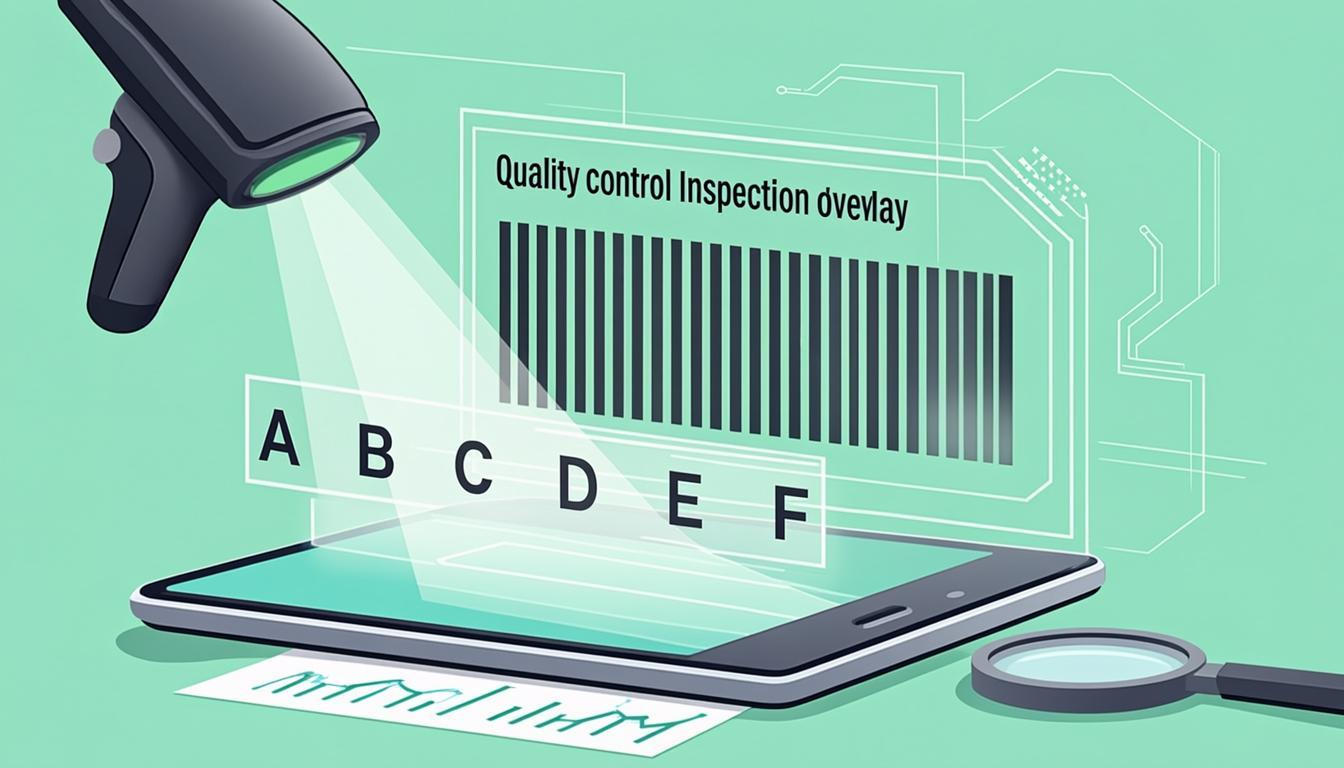
A barcode verifier is a tool that grades how well a printed barcode will scan in the real world. It does not just read the barcode — it scores the print quality on a letter scale from A (excellent) to F (failing). A grade of C or better is the global minimum for retail and most logistics barcodes.
Verification is different from scanning. A scanner only tells you "I read this barcode." A verifier tells you "this barcode is grade B, mostly because of low contrast on the left side, and you should reprint it." That difference matters when you are printing 50,000 labels for a major retailer who will reject any barcode below grade C.
The standards behind barcode verification are ISO/IEC 15415 (for 2D barcodes like QR codes and Data Matrix) and ISO/IEC 15416 (for 1D barcodes like Code 128, EAN-13, and UPC-A). ISO 15426 is the standard for verifier equipment. A real ISO-grade verifier is a physical device with a controlled light source and a calibrated camera; our barcode verifier is a software-based soft verification tool that estimates a grade from a high-resolution image, which is a useful first check but not a substitute for an ISO-certified device.
Why Use Our Free Barcode Verifier?
A hardware ISO verifier costs $1,500 to $5,000. That makes sense for a packaging plant that prints millions of labels, but it is overkill for a small brand that just wants to know whether the barcode on a new label design will scan reliably.
Our free barcode verifier at QREndlessPro runs in the browser and gives you a fast, useful grade estimate. You upload a photo or scan of your printed barcode, and the tool:
- Grades the barcode on the same A-to-F scale used by ISO 15415/15416.
- Shows the score for each verification parameter (Decode, Contrast, Quiet Zone, Modulation, Defects, Edge Acuity).
- Highlights which parameter pulled the grade down.
- Gives plain-English advice ("increase quiet zone", "improve print contrast", "reprint at higher DPI").
- Stores a verification report you can keep for compliance records.
Everything runs in your browser. No sign-up, no install. The tool does not replace a hardware verifier for legal compliance audits, but it is the fastest way to catch a bad label before it ships. To verify a barcode right now, open our barcode verifier.
How Barcode Verification Works
ISO/IEC 15415 and 15416 break barcode quality down into six measurable parameters. Each one gets a grade from A (best) to F (worst). The overall grade is the lowest of the six — your barcode is only as good as its weakest parameter.
The six parameters are:
- Decode — Pass or fail. Could the verifier read the barcode at all? If no, the grade is F and the other parameters do not matter. If yes, the verifier moves on to the next five.
- Contrast (Symbol Contrast, SC) — The difference between the darkest bar and the lightest space, measured in reflectance. High contrast (black on white) scores A. Low contrast (gray on white, or red on white) scores C or worse.
- Quiet Zone — The empty space around the barcode. ISO standards require a quiet zone at least 10X wide (where X is the module width) on the left and right of a 1D barcode, and 4X on every side of a 2D barcode. Too little quiet zone = lower grade.
- Modulation (MOD) — The difference between the darkest and lightest elements within the barcode, not just at the edges. Low modulation means the scanner might confuse a real bar with a space. This is what kills most marginal barcodes.
- Defects (DEF) — Spots in the spaces and voids in the bars. A scratch, a stray ink dot, or a paper fiber counts as a defect. More defects = lower grade.
- Edge Acuity — How sharp the edge of each bar is. Blurry edges from a low-resolution printer or a worn printhead hurt this score. In the strict ISO standard, this maps to the "Decodability" parameter that measures how cleanly each element is bounded.
Each parameter gets a grade: A (4.0), B (3.0), C (2.0), D (1.0), or F (0). The overall grade is the lowest parameter grade. So if your barcode scores A on five parameters but D on Modulation, the overall grade is D.
Most retailers and freight carriers require an overall grade of C (2.0) or better. Some — like global pharma cold chain — require B (3.0) or better. Knowing the grade before you ship prevents refused freight and chargebacks.
Step-by-Step: Using the Barcode Verifier
- Open the tool: Go to /barcode-verifier/ in your browser.
- Upload an image: Take a flat, well-lit photo or scan of your printed barcode. PNG, JPG, or PDF all work. Aim for at least 300 pixels of width per centimeter of barcode.
- Crop to the barcode: If the image has lots of background, crop close to the barcode plus its quiet zone. The tool needs the quiet zone visible to grade it correctly.
- Choose the symbology: Auto-detect works for most 1D and 2D barcodes. If the tool misidentifies the type, pick manually (Code 128, EAN-13, UPC-A, QR code, Data Matrix, GS1-128, ITF-14).
- Run verification: Click Verify. The tool decodes the barcode, measures each of the six parameters, and assigns a letter grade.
- Read the report: The report shows the overall grade at the top, then the grade for each parameter. A red parameter is the one to fix.
- Follow the fix advice: Each parameter that scored below A comes with a plain-English action. For example: "Quiet Zone grade D — increase the empty space around the barcode by 4 mm on each side."
- Reprint and re-verify: Make the change, print a new label, and verify again. A barcode that scores C or better is ready to ship.
- Save the report: Download the verification PDF for your compliance file. Major retailers and customs brokers sometimes ask for it.
For audits that require a legally binding ISO grade, follow up with a hardware verifier (a Cognex Datamax, a Zebra DS-Series, or a Weber Solutions verifier). The software grade from our tool is a strong pre-check but is not certified.
Real-World Examples
Example 1 — A clean Code 128 shipping label:
- Printed on a Zebra ZT411 at 300 DPI, on a white synthetic label, with black resin ribbon.
- Quiet zone: 12 modules on each side (more than the 10-module minimum).
- Symbol contrast: 78% (black on white, well above the 70% A-grade threshold).
- Defects: none visible.
- Overall grade: A. This label will scan anywhere, including worn forklift scanners.
Example 2 — A blurry EAN-13 retail barcode:
- Printed on an office laser printer at 600 DPI, but scaled down to 80% of the standard size.
- Quiet zone: only 5 modules (below the 10-module minimum).
- Edge Acuity: D, because the laser toner spreads and blurs the bar edges.
- Modulation: C, because toner density is uneven.
- Overall grade: C. This barcode scans at most retail POS, but a strict retailer may reject it. Reprint at full size.
Example 3 — A damaged SSCC-18 pallet label:
- Printed correctly, then wrapped under stretch film that left a fold across the barcode.
- Decode: failed. The verifier could not read the barcode at all because the fold obscured two bars.
- Defects: F, because the fold reads as a giant defect.
- Overall grade: F. The label must be reprinted and re-applied on a flat surface of the pallet.
Example 4 — A GS1 Digital Link QR code on a retail pack:
- Printed at 25×25 mm on a glossy paperboard box.
- Contrast: B (the glossy finish reflected light back at the verifier).
- Modulation: A.
- Defects: A.
- Overall grade: B. Acceptable for retail, but switching to a matte finish would push it to A.
Each example shows how a different parameter drives the grade. Knowing which one is the problem tells you exactly what to fix.
Who Uses Barcode Verifiers?
- Retail: Brands shipping to Walmart, Target, Costco, Tesco, Carrefour, and other major retailers must verify barcodes. A single failed scan at the retailer's DC can trigger a chargeback.
- Pharma: Drug makers must verify Data Matrix codes on serialized packs per the EU Falsified Medicines Directive and the US DSCPA. Verification is part of the legal chain of custody.
- Logistics: Carriers verify SSCC-18 and GS1-128 barcodes on freight. A failing barcode means refused freight and re-labeling fees.
- Manufacturing: Factories verify work-in-process labels so the next workstation can scan them without slowdown.
- Healthcare: Hospitals verify patient wristband barcodes to comply with patient-safety standards.
- Food and beverage: Suppliers verify barcodes on fresh-food packs because expired or recalled items must be locatable.
- Print houses: Label converters run verification on every print run and ship a report with the labels as proof of quality.
If anyone in your supply chain asks for a verification report, you are in one of the industries above.
Tips for Best Results
- Photograph the barcode flat: Curved or angled photos give a false low grade. Lay the label flat under even lighting.
- Include the quiet zone: Crop close, but include the empty space around the barcode. Without it, the Quiet Zone parameter cannot be graded.
- Use enough resolution: 300 pixels per centimeter is the floor. A low-resolution photo gives a low Modulation and Edge Acuity score that does not reflect the actual print quality.
- Verify on the final substrate: A proof on plain paper is not the same as the production run on coated label stock. Verify the actual printed label, not a sample.
- Aim for B or better: C is the minimum, but real-world scanners are less capable than a verifier. B gives you a margin of safety.
- Fix the worst parameter first: Because the overall grade is the lowest parameter, fixing the worst one lifts the whole grade.
- Verify before every print run: Printheads wear, ribbon rolls change, substrates shift. A grade that held last month may not hold today.
- Keep the reports: Save each verification report with the date and the label batch. If a retailer challenges a barcode later, you have proof it passed when it left your facility.
Common Mistakes to Avoid
- Treating a phone scan as a passing grade: "It scanned on my phone, so it must be fine" is the most common mistake. Phone cameras are extremely forgiving. A phone scan does not tell you the grade.
- Confusing soft verification with ISO certification: Our barcode verifier is software-based soft verification. It estimates the grade from an image and is excellent for pre-checks. It does not produce an ISO-certified grade. For audits, retailers, customs, and pharma compliance, use a hardware ISO 15415/15416 verifier.
- Verifying only once: A grade at the start of a print run says nothing about label #5,000. Verify at the start, middle, and end of the run.
- Ignoring the quiet zone: Designers often shrink the quiet zone to fit the label. ISO standards are strict on this. Always honor the minimum (10X for 1D, 4X for 2D).
- Using glossy substrates without testing: Glossy labels reflect light and depress the Contrast score. Verify under the lighting the retailer will use, not your design studio.
- Scaling barcodes down: A 100% EAN-13 scans reliably. The same barcode at 80% may score C or D because the bars blur. Always print at standard magnification.
- Forgetting to grade the human-readable text: The verifier only grades the barcode. If the printed number underneath is wrong, the label is still wrong — even if the grade is A.
Frequently Asked Questions
What is the difference between barcode scanning and barcode verification?
Scanning tells you whether a barcode can be read at all. Verification tells you how reliably it scans and grades the print quality A–F against ISO 15415 (2D) or ISO 15416 (1D). A barcode can scan in a phone camera and still fail verification — for example, by having too small a quiet zone or low contrast. Verification predicts how the barcode will behave across thousands of scans in real-world conditions.
What does a grade of C mean?
C is the minimum passing grade for most retail and logistics barcodes. It means the barcode will scan reliably on most compliant scanners but has at least one weak parameter — for example, low modulation or a tight quiet zone. Most retailers require C or better; pharma and high-security supply chains often require B or better. If your grade is C, find the weakest parameter and fix it before shipping.
Is the QREndlessPro verifier ISO 15415 certified?
No. Our barcode verifier is a software-based soft verification tool. It estimates an A–F grade from a high-resolution image of the barcode. It is excellent for pre-shipment checks, design iteration, and catching problems early. For a legally binding ISO grade, you need a hardware verifier that meets ISO/IEC 15426-1 (for 1D) or 15426-2 (for 2D) — devices like the Cognex Checker, the Zebra DS9808, or the Weber Solutions verifier.
How do I improve a low Contrast grade?
Switch to higher-contrast materials: black resin ribbon on white synthetic label stock, or genuine thermal paper rather than economy grade. If you are printing on a colored substrate, switch to white. If you are using a glossy stock, switch to matte — glossy surfaces reflect the verifier's light back and depress the contrast score. Avoid printing barcodes in color (red, blue, green); always use black on white.
Why does my barcode get a low Quiet Zone grade?
The quiet zone is the empty space around the barcode. ISO 15416 requires at least 10X (10 module widths) on the left and right of a 1D barcode; ISO 15415 requires at least 4X on every side of a 2D barcode. If a designer cropped the barcode too close to the edge of the label, or if a logo intrudes into the quiet zone, the grade drops. Fix it by widening the empty space around the barcode.
Can I verify any barcode type?
Our verifier supports the most common symbologies: Code 128, EAN-13, EAN-8, UPC-A, UPC-E, ITF-14, GS1-128, QR code, Data Matrix, and PDF417. For rarer symbologies (Codabar, Code 93, MSI), use a hardware verifier. The verification standards and parameters are the same; the only limit is whether the software can decode the symbol before grading it.
Ready to Try Our Barcode Verifier?
You now know what barcode verification is, what the six parameters measure, how A–F grading works, and why a software verifier is a useful pre-check but not a substitute for an ISO-certified device when audits are on the line. The fastest next step is to verify a label you already printed.
Open our barcode verifier, upload a photo of your printed barcode, and get an A–F grade with plain-English fix advice in seconds. To create fresh SSCC-18 pallet labels, pair this with our SSCC-18 generator. To generate GS1 Digital Link QR codes for retail packaging, see our GS1 Digital Link tool. And to send any of those barcodes to a Zebra thermal printer, use our ZPL generator.