Every barcode you scan at a store ends with one special digit called the check digit. That single number is a built-in safety check. It catches typing mistakes, swapped digits, and wrong scans before a product reaches the register. Our free Check Digit Calculator works out that final digit for you in milliseconds — no signup, no limits, no math homework.
This guide explains what a check digit is, why it matters, how the mod-10 and mod-11 formulas work, and how to use our calculator step by step. We will run three real barcodes through the math — a jar of Nutella, a Wikipedia test UPC-A, and an ISBN-10 book number — so you can see the exact steps. Whether you sell products, publish books, or simply want to understand how the barcodes you scan every day protect you from errors, this guide has you covered.
What Is a Check Digit?
A check digit is the last number in a barcode. It is calculated from all the digits that come before it. Think of it as a tiny math lock — the front digits are the key, and the check digit proves the key fits. If any one digit is mistyped, the lock no longer fits, and a scanner immediately knows the barcode is wrong.
The idea was invented in the 1960s by IBM engineer Hans Peter Luhn, who also designed the Luhn algorithm still used on credit cards today. Barcode standards took the same idea and tuned it for product codes. Today, every major barcode system — EAN-13, UPC-A, EAN-8, GTIN-14, ISBN-10, ISBN-13, ISSN, and ITF — uses a check digit at the end.
The check digit is not random and it is not chosen by the brand. It is forced by math. Given the first digits, only one value can be the correct check digit. That predictable relationship is what makes the system so powerful: a single number can detect roughly 90% of all single-digit typing errors and 100% of adjacent digit swaps.
For a deeper background on how barcodes carry data, see our QR Code vs Barcode comparison guide.
Why Use Our Free Check Digit Calculator?
You can work out a check digit by hand. We will show you how later in this guide. But hand math is slow and easy to mess up — and a wrong check digit means every product with that barcode will fail at the register. Our free Check Digit Calculator does the work instantly and accurately.
- Supports every common barcode type: EAN-13, EAN-8, UPC-A, UPC-E, GTIN-13, GTIN-14, ISBN-10, ISBN-13, ISSN, and ITF-14.
- 100% free and unlimited: Calculate one check digit or one thousand. No signup, no daily limit, no premium tier.
- Runs in your browser: The math runs locally on your device. No data is sent anywhere. You can use it offline once the page is loaded.
- Shows the step-by-step math: You do not just get the answer — you see every multiplication, addition, and subtraction so you can learn the formula as you go.
- Catches bad input: Wrong length, letters in a number-only field, or an ISBN-10 "X" in the wrong place — the calculator flags these before it calculates.
- No ads, no popups, no tracking: A clean tool that does one job well.
Because the calculator handles both mod-10 (used by retail barcodes) and mod-11 (used by ISBN-10 and ISSN-8), it is the only check digit tool most users will ever need.
How Check Digit Calculation Works
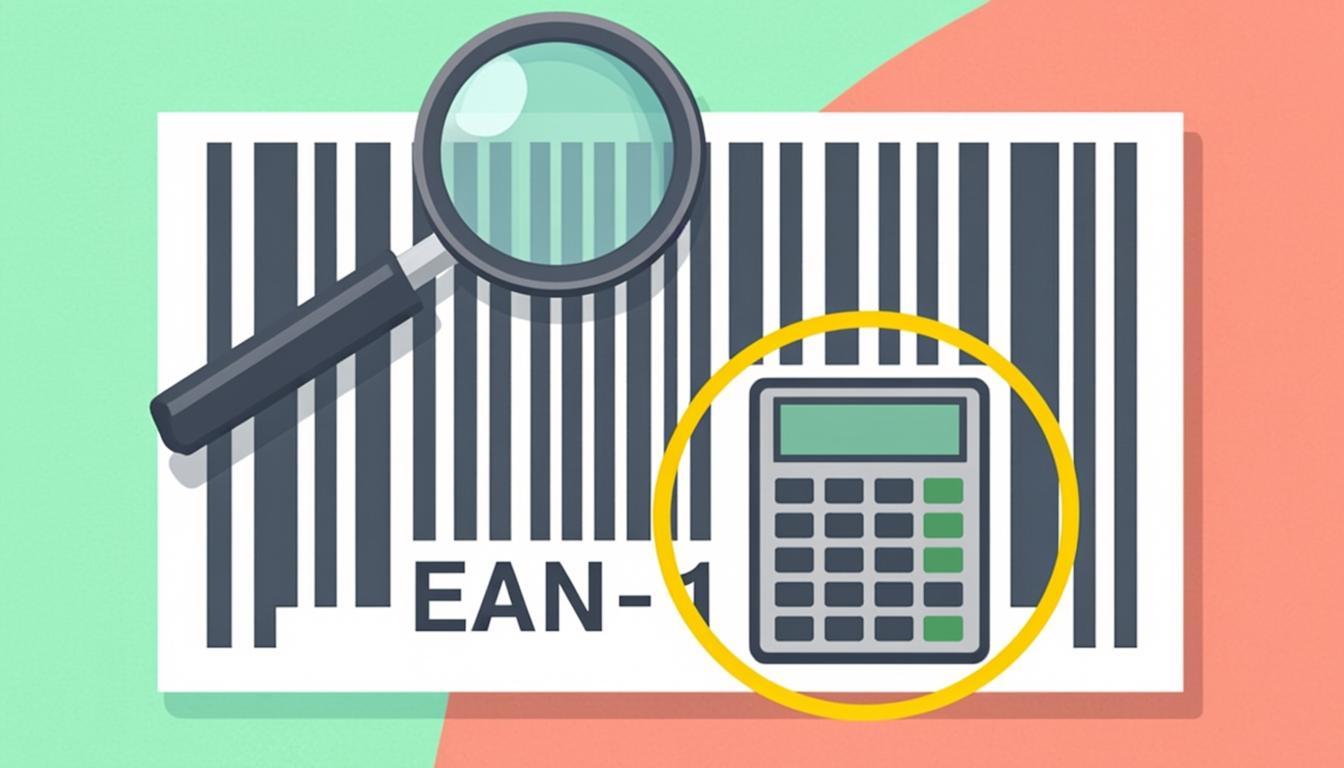
There are two formulas you need to know about. The first is mod-10, used by almost every retail barcode in the world. The second is mod-11, used by ISBN-10 and ISSN-8. Both formulas share the same goal: produce a final digit that makes the whole code add up to a multiple of a base number.
The Mod-10 Algorithm (EAN-13, UPC-A, EAN-8, GTIN)
Mod-10 is the workhorse of retail. It is used by EAN-13, UPC-A, EAN-8, GTIN-13, GTIN-14, ISBN-13, and ITF-14. The rule is simple:
- Take all the digits except the check digit.
- Starting from the rightmost digit (the spot just before where the check digit will go), multiply by 3.
- Moving left, multiply the next digit by 1.
- Keep alternating: 3, 1, 3, 1, 3, 1 ...
- Add up every product.
- Find the smallest number (0 through 9) that, when added to your sum, makes a multiple of 10. That number is the check digit.
In a single line: check digit = (10 − (sum mod 10)) mod 10.
The "mod" word means "the remainder after dividing." So "sum mod 10" is just the last digit of the sum. The double mod at the end handles the rare case where the sum is already a multiple of 10 — in that case the check digit is 0, not 10.
The Mod-11 Algorithm (ISBN-10, ISSN-8)
Mod-11 is older and slightly more powerful. It can catch digit swaps that mod-10 misses. ISBN-10 (the 10-digit book number used before 2007) and ISSN-8 (the 8-digit serial number for magazines and journals) both use mod-11.
- Take the digits except the check digit. ISBN-10 has 9 digits before the check; ISSN-8 has 7.
- Weight each digit by a descending number, starting from the left. For ISBN-10 the weights are 10, 9, 8, 7, 6, 5, 4, 3, 2. For ISSN-8 they are 8, 7, 6, 5, 4, 3, 2.
- Multiply each digit by its weight and add up the products.
- Find the smallest number (0 through 10) that, when added to the sum, makes a multiple of 11. That number is the check digit.
Because the answer can be 10, ISBN-10 uses the Roman numeral X to represent a check digit of 10. This is the only place a letter appears in a numeric barcode.
Step-by-Step: Using the Check Digit Calculator
Using the calculator takes about ten seconds. Here is the full process.
- Open the tool: Go to the Check Digit Calculator.
- Pick your barcode type: Choose EAN-13, UPC-A, ISBN-10, ISBN-13, EAN-8, GTIN-14, or another format from the dropdown.
- Type in your digits: Paste or type all the digits except the check digit. The calculator will tell you if the length is wrong for the format you picked.
- Click Calculate: The check digit appears instantly. Below the answer, the tool shows the full math — every multiplication step, the sum, the modulo step, and the final digit.
- Copy or export: Copy the full barcode (with the new check digit appended) or just the check digit alone.
- Verify (optional): Paste the full barcode into the Barcode Validator to confirm it passes the check.
If you already have a full barcode and you want to know whether its check digit is correct, jump straight to the Barcode Validator instead. That tool does the reverse: it recalculates the check digit and tells you whether the existing one matches.
Real-World Examples
Let us run three real barcodes through the mod-10 and mod-11 formulas by hand. These are the same calculations our tool does in milliseconds.
Example 1 — Nutella EAN-13 (Mod-10)
The famous hazelnut spread sold across Europe carries the EAN-13 prefix digits 301762042200. We need the 13th digit.
- Start from the rightmost digit (the 0 in position 12). Multiply by 3: 0 × 3 = 0.
- Move left, multiply by 1: 0 × 1 = 0.
- Continue alternating: 2 × 3 = 6, 2 × 1 = 2, 4 × 3 = 12, 0 × 1 = 0, 2 × 3 = 6, 6 × 1 = 6, 7 × 3 = 21, 1 × 1 = 1, 0 × 3 = 0, 3 × 1 = 3.
- Add them up: 0 + 0 + 6 + 2 + 12 + 0 + 6 + 6 + 21 + 1 + 0 + 3 = 57.
- 57 mod 10 = 7. Subtract from 10: 10 − 7 = 3.
- The check digit is 3. Full barcode: 3017620422003.
The "301" at the start tells us this product was registered in France. You can confirm that on our GS1 Prefix Lookup.
Example 2 — Wikipedia Test UPC-A (Mod-10)
The UPC-A barcode used as a teaching example on Wikipedia has the digits 03600029145. UPC-A uses 11 digits before the check.
- Start from the rightmost digit (the 5). For UPC-A, the rightmost digit is multiplied by 3: 5 × 3 = 15.
- Move left, multiply by 1: 4 × 1 = 4.
- Continue alternating: 1 × 3 = 3, 9 × 1 = 9, 2 × 3 = 6, 0 × 1 = 0, 0 × 3 = 0, 0 × 1 = 0, 6 × 3 = 18, 3 × 1 = 3, 0 × 3 = 0.
- Add them up: 15 + 4 + 3 + 9 + 6 + 0 + 0 + 0 + 18 + 3 + 0 = 58.
- 58 mod 10 = 8. Subtract from 10: 10 − 8 = 2.
- The check digit is 2. Full barcode: 036000291452.
Example 3 — ISBN-10 Book Number (Mod-11)
An older book carries the ISBN-10 digits 030640615. We need the 10th digit, which is calculated with mod-11.
- Weight each digit from left to right by 10, 9, 8, 7, 6, 5, 4, 3, 2.
- 0 × 10 = 0, 3 × 9 = 27, 0 × 8 = 0, 6 × 7 = 42, 4 × 6 = 24, 0 × 5 = 0, 6 × 4 = 24, 1 × 3 = 3, 5 × 2 = 10.
- Add them up: 0 + 27 + 0 + 42 + 24 + 0 + 24 + 3 + 10 = 130.
- Find the value that makes the total a multiple of 11. 130 mod 11 = 9. Subtract from 11: 11 − 9 = 2.
- The check digit is 2. Full ISBN-10: 0-306-40615-2.
If the result had been 10, the check digit would have been written as the letter X. That is why you occasionally see an X at the end of an old book's ISBN.
Who Uses the Check Digit Calculator?
Anyone who creates or verifies barcodes needs this tool. Here are the most common users.
- Product brand owners: When you register a new GS1 company prefix and assign new GTINs to your products, the last digit of every GTIN must be calculated. Get it wrong and your products will not scan at retail.
- Self-published authors: If you buy your own ISBNs, you must calculate the check digit yourself. Our tool handles both ISBN-10 (mod-11) and ISBN-13 (mod-10) formats.
- Publishers and librarians: Magazines and journals use ISSN numbers. Each one ends with a mod-11 check digit.
- Warehouse and logistics teams: Shipping labels use ITF-14 and SSCC codes, both of which end in a mod-10 check digit. Generate a new label, calculate a new check digit.
- Coupon and pharmaceutical companies: Coupon codes and National Drug Code (NDC) numbers both rely on check digits.
- Students and teachers: The calculator is a great learning aid for anyone studying data structures, error-correcting codes, or retail systems.
- Curious shoppers: Want to know how that 13-digit number on a jar of Nutella is built? Paste the first 12 digits into the calculator and see the magic.
If you also need to look up which country a barcode was registered in, pair the calculator with our GS1 Prefix Lookup.
Tips for Best Results
- Pick the right barcode type first: The same 12 digits can produce a different check digit for EAN-13 (mod-10) versus ISBN-10 (mod-11). Always choose the format before typing.
- Count the digits before typing: EAN-13 needs 12 digits before the check. UPC-A needs 11. ISBN-10 needs 9. If your count is off, the calculator will warn you, but it is faster to check first.
- Strip out dashes and spaces: ISBNs are usually printed like 0-306-40615-2. Remove the dashes before pasting. The calculator also strips them for you, but doing it yourself avoids surprises.
- Handle the letter X carefully: Only ISBN-10 uses the letter X, and only as the final (check) digit. An X anywhere else is invalid input.
- Use copy and paste: Manual typing is where most check digit mistakes happen. Paste from your original source whenever possible.
- Verify the result: After calculating, paste the full code into the Barcode Validator to confirm it passes. Two tools, one second, total certainty.
- Generate the barcode image: Once you have the full number, use the Barcode Generator to create the actual scannable image.
Common Mistakes to Avoid
- Forgetting that UPC-A weights the leftmost digit by 3: Many guides describe mod-10 as "odd positions by 1, even by 3" — that rule only works for EAN-13. The universal rule is "rightmost digit (before the check) by 3, alternate going left," which works for every mod-10 format.
- Using mod-10 for ISBN-10: ISBN-10 uses mod-11. ISBN-13 uses mod-10. Mixing them up is the single most common mistake we see.
- Forgetting the "X" in ISBN-10: A calculated check digit of 10 must be written as X. Writing "10" breaks the ISBN because the field only accepts one character.
- Treating the check digit as random: Some users think they can pick any digit 0-9 as the check digit. You cannot. The check digit is forced by the math.
- Reusing a check digit when the front digits change: If you change a single digit anywhere in the body, the check digit also changes. Always recalculate.
- Confusing check digit with country prefix: The first three digits of an EAN-13 tell you the country of registration. The last digit is the check digit. They have nothing to do with each other.
- Printing the barcode too small: Even a perfect check digit will not save a barcode that is printed too small to scan. See our QR Code Size Guide for print-size rules that apply to barcodes too.
Frequently Asked Questions
What is a check digit and why do barcodes need one?
A check digit is the last digit of a barcode. It is calculated from all the digits that come before it, using a public formula. When a scanner reads the barcode, it recalculates the check digit and compares it to the printed one. If they do not match, the scanner knows the code is wrong and refuses it. This single digit catches about 90% of all typing errors.
How is the EAN-13 check digit calculated?
EAN-13 uses the mod-10 algorithm. Take the first 12 digits. Starting from the rightmost one, multiply by 3, then alternate 1, 3, 1, 3 going left. Add up every product. The check digit is the smallest number (0-9) that, when added to the sum, makes a multiple of 10. In math: check = (10 − (sum mod 10)) mod 10.
How is the ISBN-10 check digit different?
ISBN-10 uses the mod-11 algorithm instead of mod-10. The first 9 digits are weighted by 10, 9, 8, 7, 6, 5, 4, 3, 2 (left to right). The products are added. The check digit is the value (0-10) that makes the total a multiple of 11. Because the answer can be 10, ISBN-10 writes 10 as the Roman numeral X.
Can a check digit be the letter X?
Yes, but only in ISBN-10. When the mod-11 calculation produces a check value of 10, the standard writes it as X. No other common barcode uses X. If you see an X anywhere in an EAN-13, UPC-A, or ISBN-13, the code is invalid.
Does the check digit tell me where a product is from?
No. The check digit only verifies accuracy. The first three digits of an EAN-13 (called the GS1 prefix) tell you which country the brand registered in. To find that, use our GS1 Prefix Lookup tool.
Is the check digit calculator free?
Yes. The Check Digit Calculator is 100% free, unlimited, and runs in your browser. No signup, no ads, no tracking, no daily cap. Calculate as many check digits as you need.
Ready to Try the Check Digit Calculator?
You now know what a check digit is, why it matters, and exactly how the mod-10 and mod-11 formulas turn your front digits into that final safety number. The fastest way to put it into practice is to try the tool on your own barcodes.
Open the Check Digit Calculator, paste in your digits, and get the answer in milliseconds. If you also need to look up a barcode's country of registration, jump to the GS1 Prefix Lookup. If you already have a full barcode and want to confirm it is valid, use the Barcode Validator. And once your number is ready, generate the actual barcode image with the Barcode Generator.
Every barcode ends with one quiet little digit doing a big job. Now you have the tool to calculate it correctly every time.