Document Scanner — Scan Documents to PDF Free Online
Loading document scanner…
Document Scanner
Free online document scanner. Scan with your camera or upload photos and PDFs — auto edge detection, perspective correction, Magic Color enhancement, multi-page PDF. 100% browser-based, no sign-up.
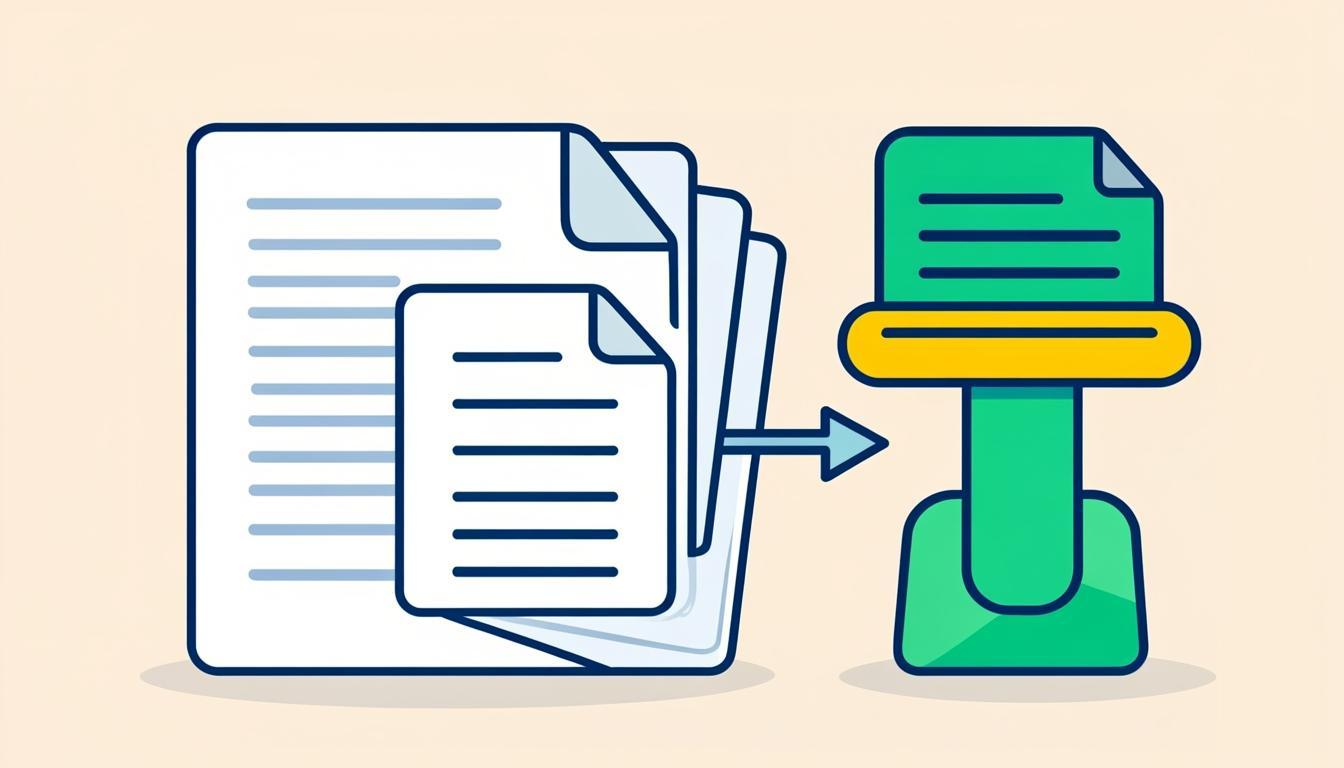
Scan Anything into a Clean, Straight PDF
Turn phone photos into professional-quality document scans. Automatic edge detection, perspective correction, Magic Color enhancement, and multi-page PDF assembly — all inside your browser. Your documents never leave your device.
- Camera or upload — images and multi-page PDFs
- Automatic edge detection with draggable corner control
- Magic Color and Black & White enhancement
- Shadow removal, rotate, and auto-crop
- Multi-page PDF with A4 / Letter page sizes
- 100% browser-based — zero uploads, no sign-up
Four Steps to a Perfect Scan
From phone photo to print-ready PDF in under a minute. No account, no upload, no waiting.Capture or Upload
Use your device camera directly in the browser, or upload photos (JPG, PNG, HEIC) and PDF files. Multi-page PDFs are imported page by page automatically.
Auto Edge Detection
The scanner finds the document boundary automatically — Sobel edge detection, Otsu thresholding, and convex hull corner extraction. Drag the corner handles if you want manual control.
Straighten & Enhance
Perspective correction squares up the page. Then choose Magic Color for a clean white-paper look, Black & White for crisp text, or Grayscale — with shadow removal, brightness, contrast, and sharpen controls.
Build & Download PDF
Add pages, reorder or delete them, apply your enhancement settings to every page at once, and download a multi-page PDF in Fit-to-image, A4, or US Letter size.
Everything a Document Scanner Should Do
A complete scan pipeline — capture, detect, straighten, enhance, assemble — running entirely in your browser.Automatic Edge Detection
Sobel + Otsu + convex-hull corner extraction finds the document boundary in your photo automatically.
Draggable Corner Control
Auto-detection not perfect on a cluttered desk? Drag the four corner handles to the exact page edges and re-process instantly.
Magic Color Enhancement
CLAHE local tone mapping turns dull phone photos into bright, white-paper scans — the classic "scanned document" look.
Black & White Mode
Sauvola adaptive binarization makes text razor-sharp for printing and archiving, even under uneven lighting.
Rotate & Straighten
Scanned sideways? Rotate 90° either way — the full pipeline re-runs so the page comes out perfectly straight.
Multi-Page Documents
Add unlimited pages, reorder them, delete mistakes, and apply your enhancement settings to every page at once.
A4 / Letter / Fit-to-Image
Export print-standard page sizes with automatic portrait/landscape matching, or keep the native scan dimensions.
100% Private by Design
Every pixel is processed on your device. Zero uploads, zero server processing, zero tracking — verifiable in DevTools.
Download Exactly What You Need
One multi-page PDF or individual page images — your choice.
Multi-Page PDF
All scanned pages assembled into one PDF. Choose Fit-to-image, A4, or US Letter with automatic orientation matching.
Per-Page JPEG
Download any page as a high-quality JPEG image for use in other apps.
Print-Ready Output
A4 and Letter modes add proper margins and center your scan on a standard sheet for direct printing.
Your Documents Never Leave Your Device
Unlike cloud scanners that upload your documents to remote servers, this scanner processes everything locally.
Zero Data Uploads
Scans never leave your device. There is no server to upload to — the scanner has no upload endpoint at all.
On-Device Processing
Edge detection, perspective correction, and enhancement all run on your device CPU via Canvas and typed arrays.
Works Offline
Once loaded, the scanner works without an internet connection. Perfect for sensitive documents anywhere.
No Tracking
No cookies, no analytics on scan content, no third-party requests during processing. Your documents stay yours.
One Scanner, Every Document
From expense receipts to business contracts — if you can photograph it, you can scan it.Receipts & Invoices
Scan expense receipts with Black & White mode for crisp, archival-quality records.
Notes & Assignments
Digitize handwritten notes, lecture handouts, and homework — straightened and cleaned up.
Business Documents
Contracts, forms, and ID documents — scan, enhance, and file as multi-page PDFs.
Books & Articles
Scan book pages and magazine articles with Magic Color for a clean reading copy.
From Messy Photo to Clean Scan
Every common phone-photo problem, fixed automatically — with manual controls for full control.
Phone photos look dull and gray
Magic Color tone mapping produces the bright, white-paper look of a real scanner.
Document is at an angle in the photo
Automatic perspective correction squares the page using detected corners.
Edges detected wrong on a messy desk
Drag the corner handles manually and the page re-processes instantly.
Text is washed out by uneven lighting
Sauvola adaptive binarization computes a local threshold for every region.
Shadows across the page
Illumination-ratio shadow removal evens out lighting while preserving text detail.
Scanned the page sideways
Rotate 90° in either direction — the pipeline re-runs and re-straightens.
Every Feature, Completely Free
No freemium tiers, no locked features, no watermarks. Everything works for everyone, forever.
Frequently Asked Questions
Everything you need to know about this free document scanner.How do I scan a document to PDF online?
Upload a photo of your document or use your device camera directly in the browser. The scanner automatically detects the document edges, corrects the perspective, and enhances the page with Magic Color tone mapping. Add as many pages as you need and download a multi-page PDF. The entire process runs in your browser — nothing is uploaded to any server.
Is this document scanner really free and private?
Yes. The scanner is 100% free with no sign-up, no watermark, and no usage limits. Every scan is processed entirely in your browser using your device’s own CPU — your documents never leave your device. You can verify this yourself: open your browser DevTools network tab while scanning and you will see zero outbound image requests.
How does automatic edge detection work?
The scanner converts your photo to grayscale, applies a Gaussian blur, runs Sobel edge detection, finds the strongest connected contour using Otsu thresholding, and extracts the four document corners via a convex hull. If automatic detection does not find the right edges on a cluttered background, simply drag the four corner handles to the correct positions and the page is re-processed instantly.
My document was scanned sideways. Can I rotate it?
Yes. Use the Rotate buttons to turn the capture 90 degrees clockwise or counter-clockwise. Rotation re-runs the full pipeline (edge detection, perspective correction, and enhancement) on the rotated image, so the final page comes out perfectly straight.
What is Magic Color enhancement?
Magic Color is a local tone-mapping enhancement built on CLAHE (Contrast Limited Adaptive Histogram Equalization). It splits the image into brightness and color channels, equalizes contrast locally across tiles, and boosts saturation — producing the bright, clean, white-paper look of a professional scan from a phone photo.
When should I use Black & White mode?
Black & White mode uses Sauvola adaptive binarization — the gold standard for document text. It computes a local threshold for every pixel region, making it ideal for receipts, printed text, and documents photographed in uneven lighting. Global thresholding fails on uneven light; Sauvola handles it.
Can I upload a multi-page PDF and enhance it?
Yes. Upload a PDF and every page is rendered in your browser, enhanced, and added to your document automatically. PDF pages are already rectangular, so edge detection is skipped and enhancement is applied directly. Choose Magic Color for color pages or Black & White for text pages.
What page sizes can I export?
Three options: Fit to Image keeps the native pixel size of the scan; A4 (210 × 297 mm) and US Letter (8.5 × 11 in) scale your page onto a print-standard sheet with margins and automatic portrait/landscape orientation matching. All options produce a valid multi-page PDF.
How many pages can I scan into one PDF?
There is no hard limit on page count. Each page is processed individually and stored in your browser. For most documents, 1–50 pages is typical and processes in seconds. Reorder pages with the move buttons, delete unwanted pages, and apply your enhancement settings to all pages at once with the Apply to All button.
Does the scanner work offline?
Yes. Once the page has loaded, the scanner works fully offline. All processing — edge detection, perspective correction, enhancement, and PDF assembly — runs on your device. No internet connection is required during scanning.
Ready to Scan Your First Document?
Capture with your camera or upload a photo — get a clean, straight, enhanced multi-page PDF in seconds. A4 and Letter page sizes, unlimited pages, auto edge detection. All free, forever. No sign-up required.
QREndless · 100% Browser-Based Scanning · No Server Processing · Your Documents Never Leave Your Device