Table of Contents
- Why I Built a Customizer That Protects Scannability
- Dot Styles: 67 Ways to Shape the Data
- Finder Styles: 55 Options for the Corner Squares
- Frames: 25 SVG Borders With Built-In Calls to Action
- Logo Upload and Text-Logo
- Real-Time Preview, No Spinner
- 4K Export in 7 Formats
- Color Customization and Gradients
- Error Correction Levels
- Your Designs and Logos Stay Private
- How to Design a Custom QR Code
- When to Use the Related Tools
- Frequently Asked Questions
A plain black-and-white QR code works. It encodes data and it scans. But when a QR code sits on a business card, product label, or restaurant menu, it represents your brand, and a generic black square says nothing about it. A custom code with your logo, brand colors, and a polished frame communicates intention.
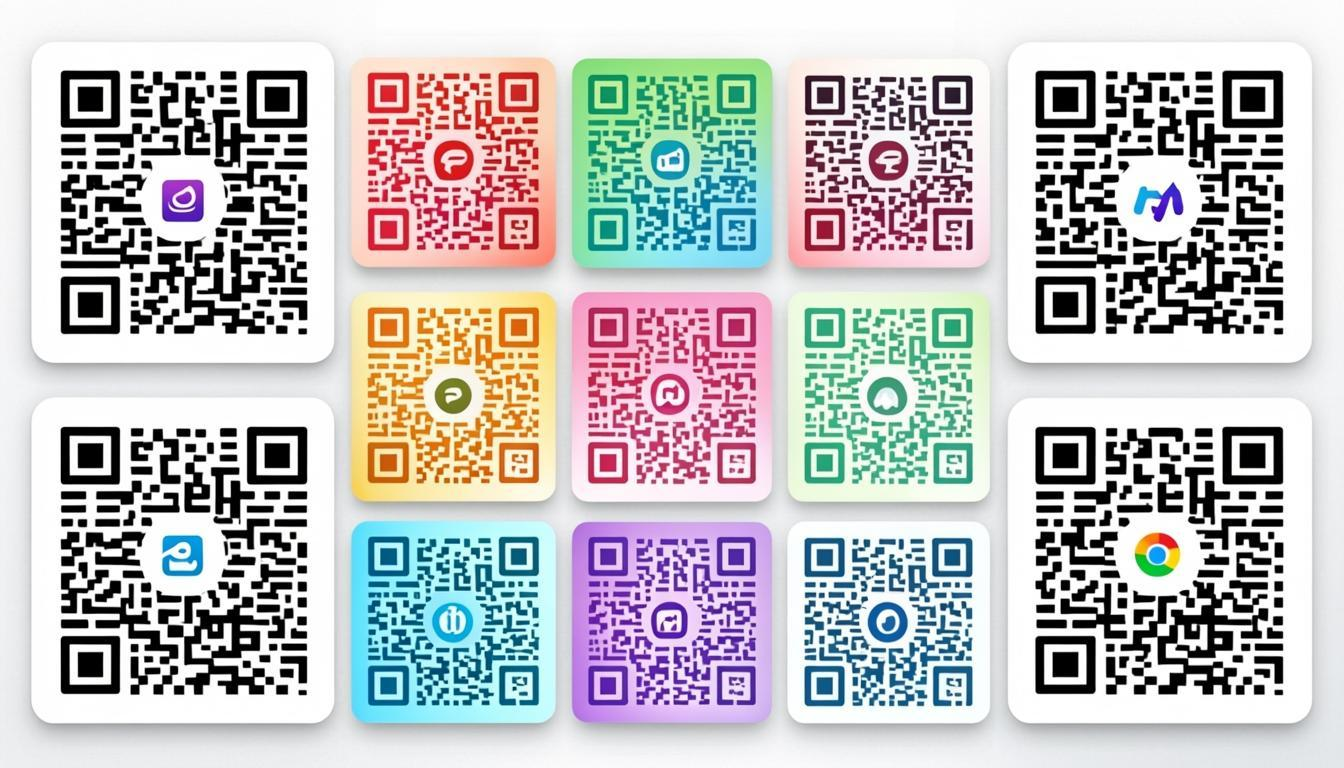
The Free Custom QR Code Maker at QREndless gives you control over every visual element: 67 dot styles, 55 finder styles, 25 SVG frames, logo upload, text-logo embedding, gradient fills, and 7 export formats at 4K resolution. Everything runs in your browser with a real-time preview, and no sign-up is required.
Why I Built a Customizer That Protects Scannability
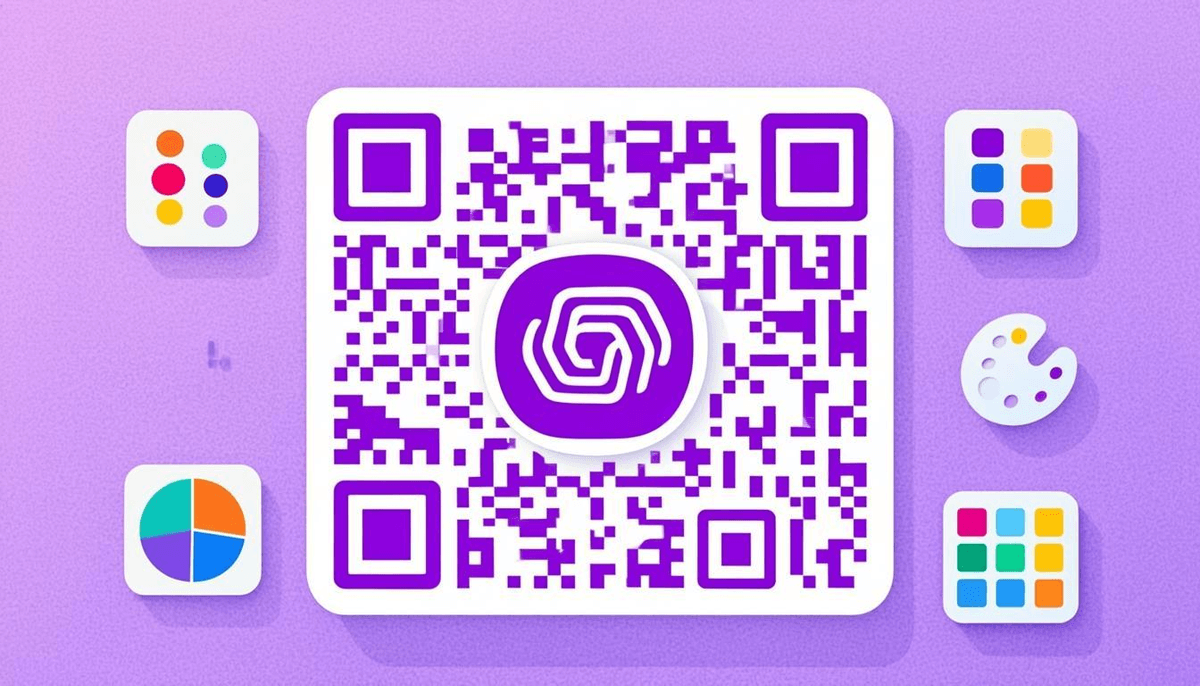
Every custom QR code is a bet between beauty and reliability. Push the design too far and the code stops scanning, which is the one failure a branded code cannot recover from. I built this maker around that tension.
Three guardrails carry the weight. Every dot and finder style is tested for scannability across multiple devices and scanners before it ships. Logo placement automatically raises error correction to Level H so the overlay never eats the data. And the logo is capped at a proportional size with a quiet zone around it, because a scanner that cannot find the code's edges cannot read anything else either.
A custom code also earns its place as a branding tool. When someone scans your packaging or signage, they meet your brand before they reach the destination, and colors, logo, and frame reinforce recognition in that moment. For design theory and examples, see our guide on Creative QR Code Designs.
Dot Styles: 67 Ways to Shape the Data
The dots (modules) are the small squares that make up a QR code's data pattern. Most generators offer exactly one option: plain squares. The Custom QR Code Maker offers 67 dot styles:
- Classic shapes: Square, Rounded Square, Circle, Rounded Dot
- Geometric: Diamond, Hexagon, Octagon, Cross, Triangle
- Organic: Leaf, Water Drop, Heart, Star, Flower, Petal
- Decorative: Starburst, Gear, Crown, Arrow, Shield, Music Note
- Playful: Speech Bubble, Lightning, Flame, Snowflake
- Artistic: Brush Stroke, Ink Splatter, Calligraphy, Watercolor, Sketch
Each style changes the character of the code. A restaurant might pick heart dots for a seasonal menu; a tech company usually lands on hexagons. Nearly all 67 work reliably at Level M error correction or higher.
Finder Styles: 55 Options for the Corner Squares
The three large corner squares are finder patterns: scanners use them to locate and orient the code. They do not have to be plain squares. The maker offers 55 finder styles, including:
- Rounded corners: soft, modern appearance
- Circle-in-square: clean and professional
- Diamond finder: bold and distinctive
- Leaf and petal: organic and natural
- Star and sunburst: high-visibility patterns
- Frame-style finders: double-border, inset, and shadowed
Mix dot styles with finder styles and you get thousands of unique combinations. Your branded QR code ends up visually distinct from every other code on the shelf.
Frames: 25 SVG Borders With Built-In Calls to Action
A frame adds context and branding around the code. The maker includes 25 SVG frames:
- Minimalist: thin lines and clean borders
- Call-to-action: "Scan Me," "Tap to Scan," "Open Here" with directional arrows
- Branded: space for your business name or tagline above or below the code
- Themed: seasonal designs, event-specific borders, holiday themes
- Ornamental: decorative corners, flourishes, artistic borders
Every frame is a scalable SVG, so it stays crisp from a business card to a poster, and it exports cleanly in SVG, PDF, and EPS. A "Scan Me" frame also gives hesitant audiences explicit permission, which quietly lifts scan rates.
Logo Upload and Text-Logo
A QR code with logo is the most effective single branding customization. The maker supports two approaches.
Upload Your Own Logo
Upload an image (PNG, JPG, SVG, or WebP) and place it in the center. The tool adjusts the error correction level automatically to keep the code scannable under the overlay. You can resize and reposition the logo; it is sized proportionally (max 20–25% of QR code area) with a quiet zone around it to prevent scanner interference.
Text-Logo Feature
No logo file? Type your brand name, initials, or a short tagline straight into the center with the text-logo feature. Fonts, sizes, and colors are all selectable. Combined with the dot and finder styles, a text-logo produces a distinctive branded code without any image assets.
Real-Time Preview, No Spinner
Every change (dot style, finder style, color, gradient, logo, frame, text-logo) updates the preview instantly. There is no regeneration step, no "Apply" button, no watching a spinner. You can cycle through dozens of combinations in minutes and settle on the right design before exporting.
All of it happens in your browser with no server round-trips. The preview is as fast as your device.
4K Export in 7 Formats
Once the design looks right, export in any of seven formats at high resolution:
- PNG (4K): high-resolution raster for web, social media, and digital displays
- JPG: widely compatible, suited to documents and email signatures
- WebP: modern compression, smaller files with strong quality for web use
- Transparent PNG: overlays cleanly on images, colored backgrounds, or packaging
- SVG (vector): renders perfectly at any size, the correct choice for banners and billboards
- PDF (print-ready): high-quality, CMYK-compatible professional printing
- EPS (professional print): industry standard for Illustrator, InDesign, and similar tools
For most jobs, SVG is the recommendation because it scales without loss. For web and app use, WebP compresses best. For print shops, SVG or EPS are the professional standards.
Color Customization and Gradients
Your QR code should match your brand palette. The maker gives you three controls:
- Foreground color: the color of the dots and finder patterns, any solid color
- Background color: the color behind the code; white is standard, and transparency is available
- Gradient options: linear or radial gradients on the foreground, background, or both, with custom start and end colors
The non-negotiable is contrast. A dark foreground on a light background scans best, and with gradients the lightest point of the foreground must stay clearly darker than the background. If you are unsure, test the code with the QR Code Scanner after applying your colors.
Error Correction Levels
QR codes carry built-in error correction using Reed-Solomon encoding, which is why a code still scans with part of it damaged or covered. The maker supports four levels:
- Level L (7% recovery): smallest code size, least redundancy; use with no logo
- Level M (15% recovery): balanced; works for small logos and simple designs
- Level Q (25% recovery): higher redundancy for larger logos and busy frames
- Level H (30% recovery): maximum recovery for large logos, heavy customization, and rough surfaces
Adding a logo? Use at least Level Q. The maker applies Level H automatically whenever a logo is detected. The full math lives in our guide to QR Code Error Correction.
Your Designs and Logos Stay Private
Uploading a company logo is a trust decision, so the tool honors it. All processing happens in your browser, and your QR content, logos, and designs never leave your device. The proof is the same as always: load the page, disconnect your internet, and keep designing. The tool continues to work.
How to Design a Custom QR Code
- Open the maker: go to the Custom QR Code Maker.
- Enter your content: URL, text, email, phone, Wi-Fi credentials, or any data.
- Choose a dot style: browse the 67 options and match your brand.
- Select finder styles: pick from 55 patterns for the corners.
- Add a frame: one of 25 SVG frames for a border or call-to-action.
- Upload your logo or use the text-logo feature.
- Customize colors: foreground, background, and gradients to match the brand.
- Set error correction: Level H for a large logo, Level L for a simple code.
- Preview in real time and iterate until it looks right.
- Export: PNG 4K, JPG, WebP, Transparent PNG, SVG, PDF, or EPS.
When to Use the Related Tools
The customizer is one stop in a pipeline:
- Need to create the QR code first? Generate it with the Free QR Code Generator, then customize it here.
- Need many branded QR codes? Generate in bulk with the Bulk QR Code Generator, then customize each one.
- Need to verify your customized code works? Scan it with the QR Code Scanner or decode the image with the QR Code Decoder.
Frequently Asked Questions
Is the Custom QR Code Maker free?
Yes. Create as many custom QR codes as you want, with all dot styles, finder styles, frames, and export formats included. No sign-up, no watermarks, no premium tiers.
Will my custom QR code still scan reliably?
Yes, if you follow best practices. The real-time preview keeps the code valid as you customize, and error correction up to Level H maintains scannability with logos and heavy customization. Always test on multiple devices. If a heavily customized code does not scan, simplify the design or raise the error correction level.
What's the best export format for printing?
For professional printing, use SVG (vector), PDF (print-ready), or EPS (professional print); all three scale without quality loss. For digital use, PNG 4K provides excellent resolution.
Can I use a transparent background?
Yes. The Transparent PNG export removes the background entirely, so the QR code overlays cleanly on any image, color, or pattern.
How many dot styles and finder styles are available?
67 dot styles and 55 finder styles, and you can mix any dot style with any finder style. That is thousands of unique combinations.
Is my data safe?
Yes. QREndless runs entirely in your browser. Your QR code content, logos, and designs are never uploaded to any server. Everything stays on your device.