Table of Contents
- Plain QR Codes Work — Custom QR Codes Perform Better
- Customization Features
- Real-Time Preview: See Every Change Instantly
- The Design-Scannability Balance
- 7 Export Formats for Custom QR Codes
- Step-by-Step Customization Workflow
- Design Inspiration
- When to Use vs. Related Tools
- Frequently Asked Questions
Plain QR Codes Work — Custom QR Codes Perform Better
A standard black-and-white QR code is functional. It scans, it redirects, it gets the job done. But a QR code that matches your brand colors, carries your logo, and has a clear "Scan Me" call-to-action looks like someone cared about it. A plain code looks generic.
I've tested this on my own codes. At an event, I put two table tents side by side — one with a plain black-and-white code, one with the event's brand color, logo in the center, and a "Scan for Menu" frame. The branded one got scanned noticeably more often. Same table, same event, same link. The only thing that changed was how the code looked.
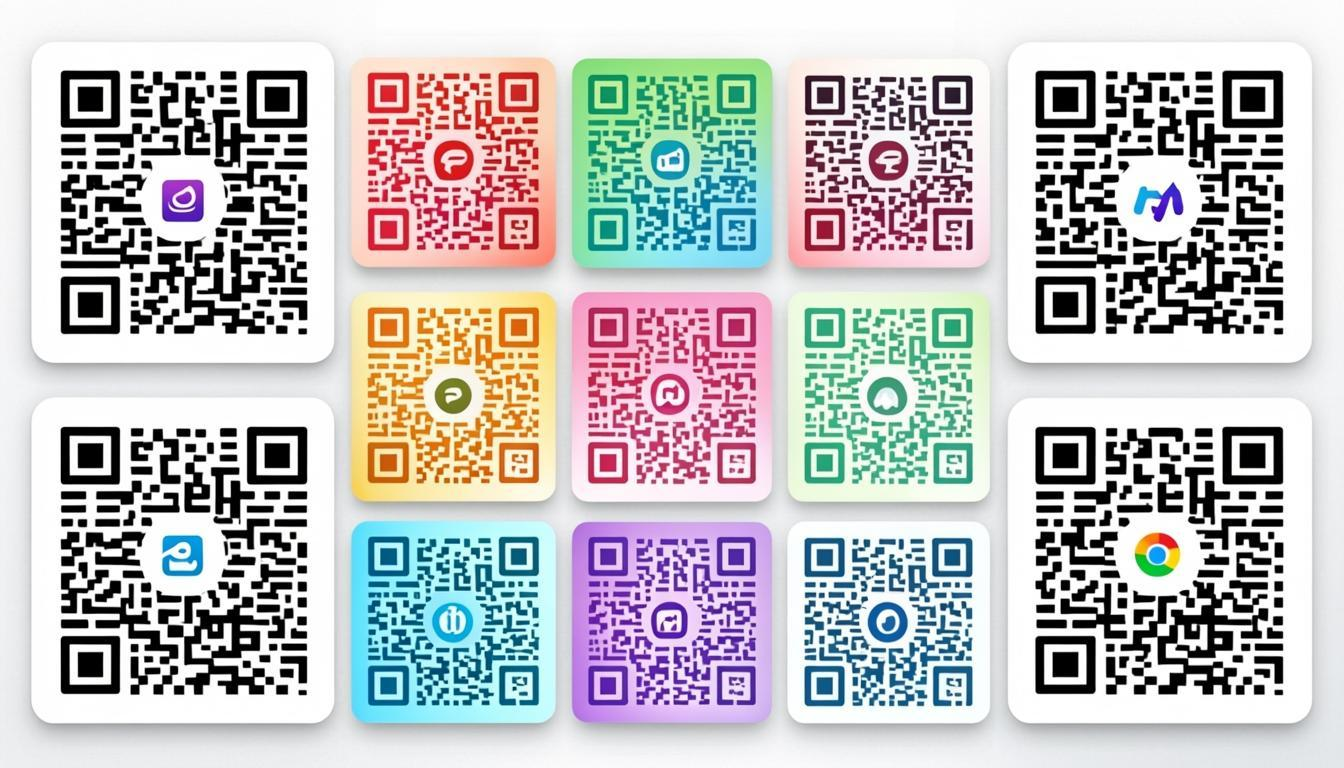
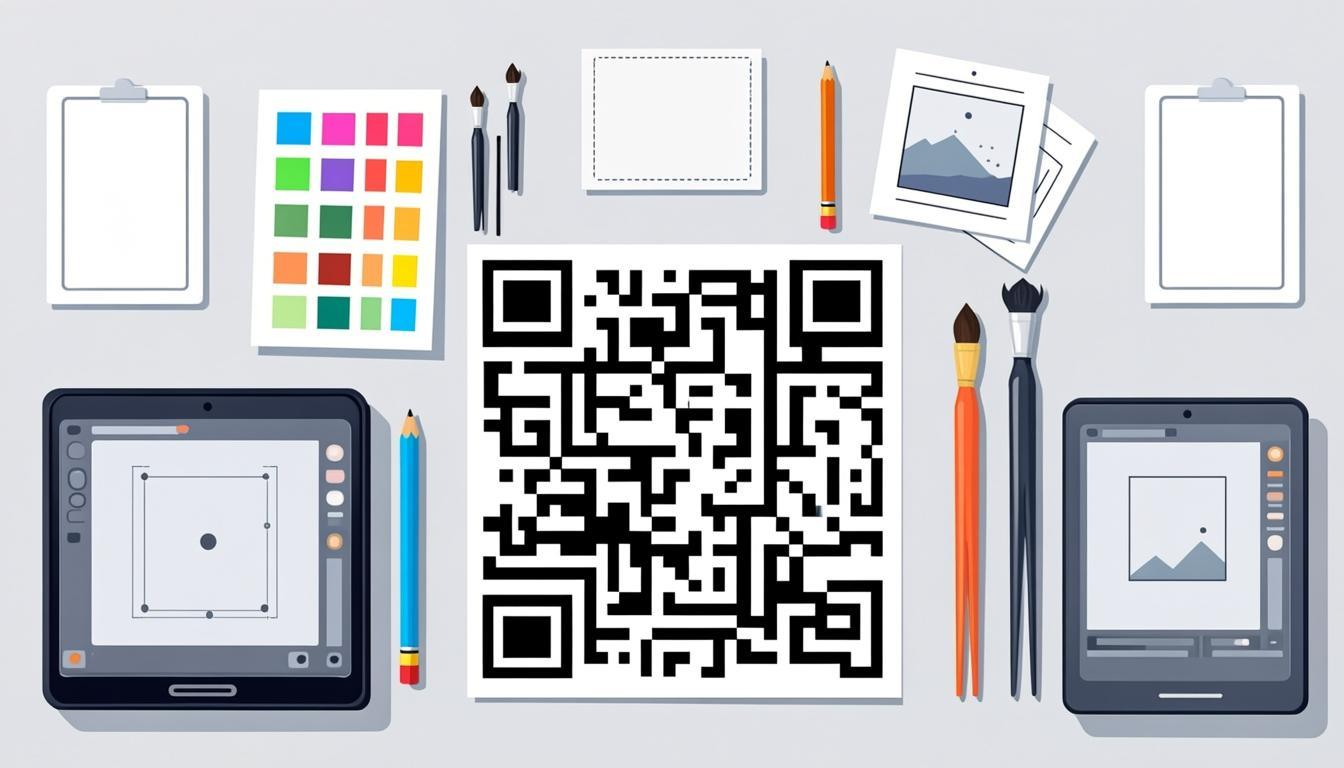
The QR Code Customizer gives you control over every visual element — 67 dot styles, 55 finder styles, 25 SVG frames, gradients, text-logos, and 7 export formats — while keeping the code scannable. No design skills needed. Works with any code from the QR code generator or the bulk QR code generator. Free, no sign-up, 100% browser-based.
Customization Features
67 Dot Styles
The small squares inside a QR code don't have to be plain squares. The Customizer offers 67 shapes:
- Geometric: rounded squares, circles, diamonds, hexagons, octagons, triangles
- Organic: dots, rounded dots, blobs, leaf shapes
- Decorative: stars, hearts, crosses, plus signs, arrows
- Specialty: claw marks, branded patterns, and custom variations
Each style is tested for scannability on multiple devices. Some styles (like very small dots or thin outlines) may need higher error correction, but most work reliably at Level M or higher. The preview updates instantly as you switch styles — you see the result without regenerating.
55 Finder Styles
The three corner squares are the most recognizable part of a QR code. With 55 finder styles, you can change their shape, inner pattern, corner rounding, and color separately from the data dots. This is a subtle but strong branding touch — it makes your code recognizable at a glance. You can mix any finder style with any dot style.
Color Presets and Custom Colors
QR codes aren't limited to black and white. The only real rule is contrast — the foreground (data dots) must be clearly different from the background. The Customizer has 30+ preset color combinations, all checked for a minimum 4:1 contrast ratio, so they look good and scan reliably.
You can also set custom colors — foreground, background, and individual element colors (finder patterns, alignment patterns, timing patterns can each have their own color). This lets you match your brand exactly. The Customizer shows a real-time contrast warning if your chosen colors might affect scannability.
Gradient Fills
Gradients add depth and make a code look more polished. Two types are available:
- Linear gradients: color flows from one edge to another (top-to-bottom, left-to-right, diagonal)
- Radial gradients: color radiates outward from the center — good for a spotlight effect
When using gradients, make sure the lightest point of the foreground is still clearly darker than the background. After applying a gradient, scan the code with the QR code scanner. If it doesn't scan, increase contrast or darken the lightest color.
Logo Embedding
Adding your logo to the center of a code is the most noticeable customization. It tells people who the code belongs to. The Customizer handles the technical details automatically:
- Sizes the logo so it takes up no more than 20–25% of the code area
- Keeps a quiet zone (white border) around the logo
- Applies Level H error correction automatically to make up for the covered dots
- Supports PNG, JPG, and SVG logo files
- Offers logo shape options (square, rounded, circle)
Text-Logo Feature
Instead of uploading an image, you can put text directly in the center — your brand name, a short label, or any identifier. This is useful when you don't have a logo file ready, or when you want a clean, typographic look. Combined with dot and finder styles, text-logos create a branded code without any image files.
25 SVG Frames
Frames do two things — they add visual appeal, and they give a call-to-action. A frame with "Scan Me" or "Scan to Pay" text tells people what to expect. The Customizer has 25 SVG frame templates:
- Classic rectangular frames with CTA text
- Rounded and pill-shaped frames
- Badge and stamp-style frames
- Custom text, colors, and font options
- Proper quiet zone spacing between frame and code
Every frame is rendered as SVG, so it scales perfectly at any size — from a small web badge to a large poster. The frame text is fully editable, so you can match the call-to-action to your use case ("Scan for Menu," "Scan to Pay," "Scan for Wi-Fi," etc.).
Real-Time Preview: See Every Change Instantly
Every change you make — dot style, finder style, color, gradient, logo, frame, text-logo — updates the code in real time. No waiting, no "Apply" button, no spinner. You see the result instantly as you adjust settings, so you can try different combinations quickly and find the one that looks right before downloading.
This matters most when you're experimenting. Try a rounded-square dot style with a hexagonal finder style — see it instantly. Switch to a circle dot style with a gradient — see it instantly. Add a frame, change the CTA text, adjust the colors — all in real time. Every visual change is reflected immediately while the code stays scannable.
The Design-Scannability Balance
Every customization option is built to keep the code scannable. Here's how the Customizer protects you:
Error correction compensation. When you add a logo or text-logo, Level H (30% recovery) is applied automatically, so the covered dots can be rebuilt by the scanner.
Contrast validation. Preset colors are pre-checked for a minimum 4:1 contrast ratio. Custom colors get a real-time contrast warning.
Module size preservation. Dot style changes keep the minimum module size needed for scanning. Decorative styles that reduce the effective module area are flagged.
Quiet zone enforcement. Frames and logos automatically include proper quiet zones (4-module white borders) so the scanner doesn't get confused.
Instant scan test. After customizing, you can scan the code immediately with the QR code scanner to check that it works.
Always test your customized code on at least 3 different devices (an iPhone, an Android, and a dedicated scanner app if you have one) before printing or sharing. If it doesn't scan on any device, increase error correction, reduce the logo size, or simplify the dot style.
7 Export Formats for Custom QR Codes
The Customizer supports 7 export formats. For branded codes, format choice matters even more because visual quality directly affects scan reliability.
PNG 4K (3840 × 3840 px) — High-resolution raster. Captures gradient fills, custom dot shapes, and logo details at full fidelity. Best for digital display and presentations.
JPG — Smaller than PNG, but no transparency support. Use when your code has a solid background and file size matters.
WebP — 30–50% better compression than PNG. Keeps gradient and color quality while staying small for web use.
Transparent PNG — Lets you overlay your code on any background, product photo, or marketing material without a white box.
SVG — The top choice for print. Vectors keep dot shapes, finder styles, and frame details perfect at any size — from a business card to a billboard.
PDF — Print-ready format for embedding your code in documents for professional printing.
EPS — For commercial printers who need this format for sign shops, vehicle wraps, and large-format work.
For most custom codes, SVG is the recommended format — it keeps every design detail at any size. For web and app use, WebP offers the best compression. For print, SVG or EPS are the professional standards.
Step-by-Step Customization Workflow
The workflow I use for every branded code:
- Generate. Create your code with the QR code generator. Use Level H error correction if you plan to add a logo.
- Customize. Open the QR code customizer and apply your design choices — dot style, finder style, colors, gradient, logo or text-logo, frame.
- Preview in real time. Every change shows instantly. Try a few combinations until the design looks right.
- Test. Scan the customized code with the QR code scanner or your phone camera to check it works.
- Refine. If it doesn't scan, simplify the dot style, reduce the logo size, or increase contrast.
- Export. Download in your preferred format — PNG 4K, JPG, WebP, Transparent PNG, SVG, PDF, or EPS.
Design Inspiration
Restaurant QR Codes Warm colors (amber, burgundy) with a food-related dot style. Add your restaurant logo and a frame with "Scan for Menu" text. Generate the URL code with the generator, then make it look like it belongs on your tables.
Tech Company QR Codes Clean, modern look — geometric dot styles (rounded squares or hexagons), brand colors with a subtle gradient, logo centered, minimal frame.
Fashion and Lifestyle QR Codes Organic dot styles (circles or rounded dots), pastel or brand-specific colors, elegant gradient, stylish logo. The code itself becomes a design element.
Event and Festival QR Codes Bright colors, decorative dot styles (stars or hearts), bold gradient, event logo, frame with "Scan for Entry" text. Make the code part of the event, not just a tool.
When to Use vs. Related Tools
- Need to create the code first? Use the QR code generator to make your base code, then customize it here.
- Need many branded codes? Generate in bulk with the bulk QR code generator, then customize each one or apply a consistent template.
- Need to check your customized code works? Scan it with the QR code scanner or decode the image with the QR code decoder.
- Need to convert a customized code to a different format? Read the QR code converter guide.
Frequently Asked Questions
Will my customized QR code still scan reliably?
Yes, if you follow best practices. The Customizer is built to keep codes scannable — automatic Level H for logos, contrast-checked presets, proper quiet zones. Always test on multiple devices after customizing. If a heavily customized code doesn't scan, simplify the design or increase error correction.
What error correction level should I use for customized QR codes?
Level H (30% recovery) for any code with a logo or heavy customization. Level Q (25%) for color changes and simple dot styles without logos. Level M (15%) for minimal changes (just colors). The Customizer suggests the right level based on what you've changed.
How big can my logo be?
Maximum 20–25% of the code area. The Customizer enforces this limit automatically and adjusts the quiet zone around the logo. Larger logos cover too many data dots and can break scanning even at Level H.
Can I use custom colors beyond the presets?
Yes. Set any foreground and background color with the color picker. The tool shows a real-time contrast warning if your colors might affect scanning. Aim for at least 4:1 contrast (ideally 7:1 for print).
Can I customize codes generated by the Bulk Generator?
Yes. Generate your batch with the bulk QR code generator using Level H error correction, then customize each code one by one. For consistent branding, set up a template (colors, logo, frame) and apply it to each code in sequence.
What export formats are available?
Seven formats: PNG 4K (3840 × 3840 px), JPG, WebP, Transparent PNG, SVG, PDF, and EPS. SVG is recommended for print — your code stays sharp whether it's 2cm or 50cm. WebP is best for web and apps due to better compression.
Can I undo customizations?
Yes. The Customizer has full undo/redo. Every change — colors, dot style, logo, frame — can be reverted. You can also reset to the default black-and-white code at any point.
Does the Customizer work with any QR code?
It works best with codes from QREndless's generator or bulk generator, since the tool has full control over the encoding settings. You can import external code images too, but customization options may be limited depending on the original code's error correction level and version.
How do I make sure my QR code looks good in print?
Three rules: (1) Export as SVG — vector format keeps it perfect at any size. (2) Use high contrast — printed materials need stronger contrast than screens. (3) Test a physical print before mass production — colors on screen can look different on paper. Use the scanner to check your printed copy works.
What's the minimum QR code size for print?
2cm × 2cm minimum for standard codes. For customized codes with logos and frames, 3cm × 3cm minimum. For outdoor signage or codes scanned from a distance, scale up — a code scanned from 1 meter away should be at least 10cm × 10cm.
What is the text-logo feature?
The text-logo feature lets you put text directly in the center of your code instead of uploading an image. It's useful when you don't have a logo file ready, or when you want a clean, typographic look. The text is sized correctly with proper quiet zone spacing, and Level H error correction is applied automatically to keep it scannable.
How many dot styles and finder styles are available?
67 dot styles and 55 finder styles. Dot styles cover geometric, organic, decorative, and specialty shapes. Finder styles cover different shapes, inner patterns, corner rounding, and color options for the three corner squares. You can mix any combination for a unique look.