Table of Contents
- Decode QR Codes and Barcodes, Then Convert the Data to 9 Formats
- When Raw Text Is Not Enough
- 9 Output Formats
- Deep Parsing by Content Type
- Verify Scan: Confirm Decoded Data Accuracy
- Why I Made Verify Scan Part of the Decoder
- Supported Barcode Formats
- Browser-Based Processing: Your Uploaded Images Stay Private
- How to Decode a QR Code or Barcode
- Frequently Asked Questions
Decode QR Codes and Barcodes, Then Convert the Data to 9 Formats
Most barcode decoders give you raw text and stop there. For developers, QA engineers, and anyone working with barcode data at scale, raw text is only the starting point. You need the decoded data structured, formatted, and ready to use in your code, API, or documentation.
The QR & Barcode Decoder at QREndless decodes any QR code or barcode image and converts the extracted data into 9 output formats: Raw, JSON, SVG, HTML, Base64, CSS, Markdown, Python, and JavaScript. All processing runs locally in your browser. No uploads, no sign-up.
When Raw Text Is Not Enough
A basic QR Code Scanner shows you what a QR code contains. That works for everyday use. But when you need to do something with the decoded data, raw text alone creates friction:
- API development: You need the decoded payload as a JSON object or Python dict, not a string to parse manually.
- Barcode verification: You need to confirm that a printed barcode encodes the correct data before it ships.
- Content migration: You have hundreds of QR code images and need structured data from all of them.
- Documentation: You want decoded QR code data in Markdown, HTML, or code samples ready to paste.
For quick scanning, use the Scanner. For deep technical analysis including encoding mode, version, and error correction level, use the QR Code Decoder. For extracting data in multiple output formats from both QR codes and 1D barcodes, use this tool.
9 Output Formats
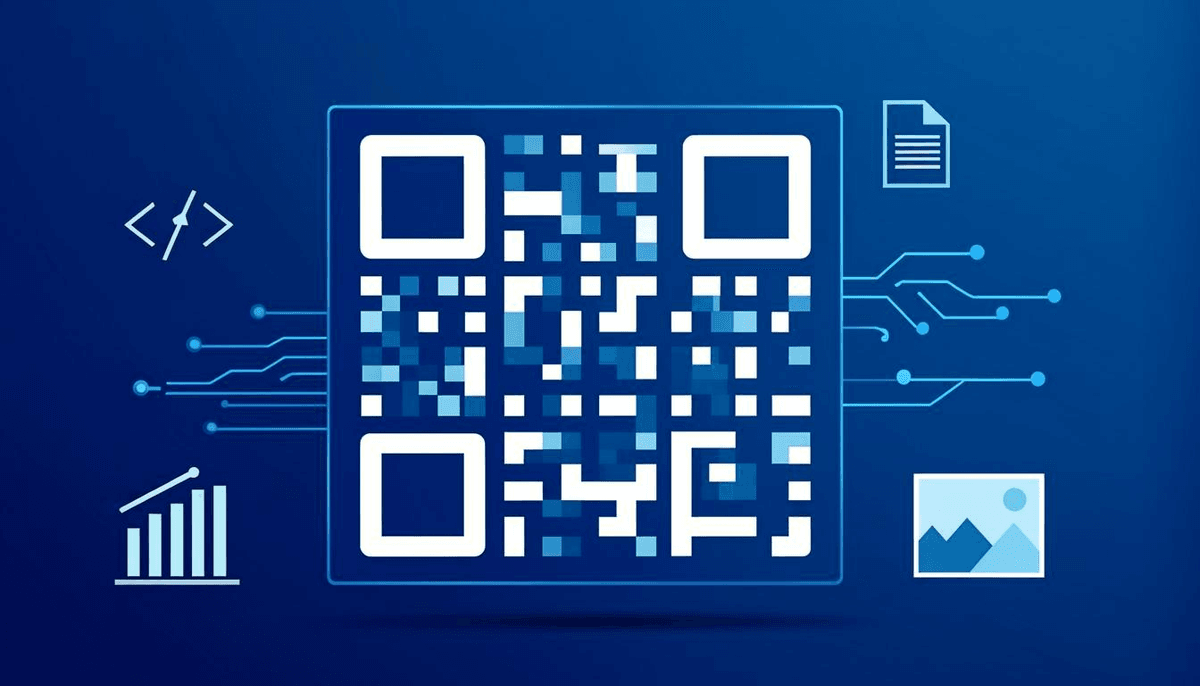
Each format serves a specific workflow. Choose the one that fits your project:
Raw (Plain Text)
The exact decoded string with no formatting or structure applied. Use it for manual inspection or as input to another tool.
JSON (Structured)
The decoder parses the content and structures it as a JSON object. URLs break into components (protocol, domain, path, query parameters), vCards become objects with named fields, and plain text gets wrapped in a clean envelope. This is the standard format for API consumption and programmatic processing.
SVG (Visual)
An SVG representation of the decoded content. Use it to embed decoded barcode visuals in documentation, presentations, or web pages.
HTML (Rendered)
Formatted HTML output. Links become clickable, structured data gets semantic markup, and the result is ready to paste into any web page or email template.
Base64 (Encoded)
The decoded data encoded as a Base64 string. Useful for embedding data in URLs, configuration files, or any context that requires safe ASCII encoding.
CSS (Custom Properties)
The decoded data structured as CSS custom properties. Useful when you need to reference QR code data as design tokens in a stylesheet.
Markdown (MD)
The decoded data formatted as Markdown. Ready to drop into README files, wiki pages, issue trackers, or any Markdown-based platform.
Python (Dict/Code)
A valid Python dictionary or code snippet. vCards become dicts with named fields, URLs become parsed objects, and the output is ready to paste directly into a Python script or notebook.
JavaScript (JS Object)
A JavaScript object representation of the decoded data. Ready to paste into Node.js apps, frontend code, or any JS-based project.
Deep Parsing by Content Type
The decoder performs content-aware parsing based on what the QR code or barcode contains:
- vCards: Contact information is parsed into structured objects with named fields: name, phone, email, address, and more. When you decode to JSON or Python, vCards become proper dictionaries with all fields mapped.
- URLs: The decoder breaks URLs into structured components: protocol, hostname, path, query parameters, and fragments.
- Email addresses: mailto: links are parsed into objects with recipient, subject, and body fields.
- Wi-Fi credentials: WIFI: codes are parsed into SSID, password, and encryption type.
- Plain text: Unstructured data is cleanly formatted and wrapped in the output format of your choice.
Verify Scan: Confirm Decoded Data Accuracy
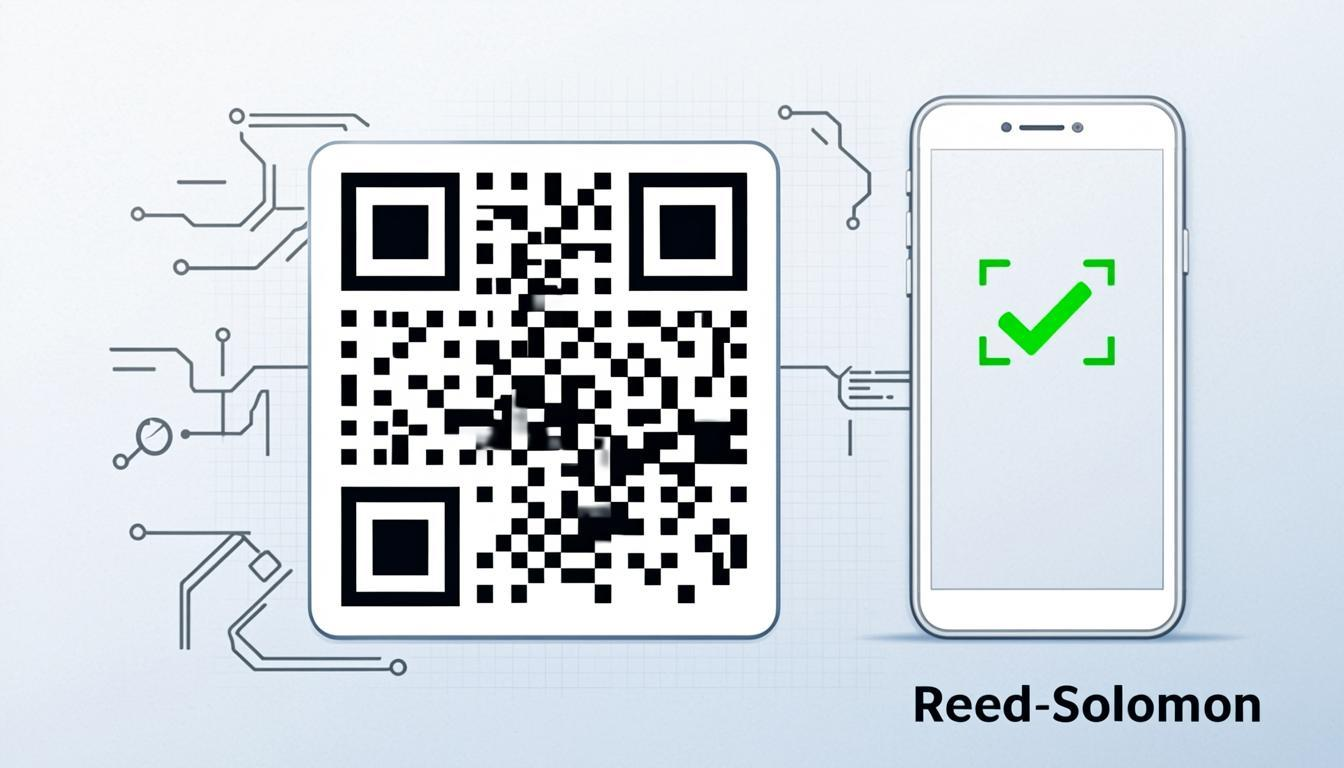
After decoding, the Verify Scan feature re-encodes the decoded data and compares it against the original image. This confirms that the extracted data matches what was encoded in the original code.
Decoding errors can occur from damaged images, partial scans, or ambiguous barcodes. Verify Scan catches these errors before the data enters your workflow. This is essential for barcode verification in production environments: shipping labels, product codes, and ID documents where accuracy matters.
Why I Made Verify Scan Part of the Decoder
I built the Verify Scan feature after seeing how easy it is to trust a decode that looks right and is not. A single damaged module can turn a 4 into a 9, and nobody notices until the wrong SKU ships. Verify Scan re-encodes the decoded data and compares the result against the original image, so the tool itself tells you whether the extraction is faithful.
I also wired in content-aware parsing rather than stopping at raw text. The decoder detects whether the payload is a vCard, a URL, a mailto link, Wi-Fi credentials, or plain text, and structures the output accordingly in all 9 formats. Everything runs locally in the browser, because the QR codes developers decode in testing often contain internal URLs or credentials that should never leave the machine.
Supported Barcode Formats
The decoder can parse and extract data from both 2D and 1D barcodes, with structured output for each:
- QR Code: The most common 2D barcode. Decodes with full structure: encoding mode, version, error correction level, and module breakdown.
- Code128: Widely used in shipping and packaging. Decoded to raw string output.
- EAN-13: The standard retail barcode. Decoded to the 13-digit product number.
- UPC-A: The primary barcode in North American retail. Decoded to the 12-digit product number.
- DataMatrix: Compact 2D codes used in electronics and aerospace. Full data extraction.
- PDF417: Used on ID cards, boarding passes, and shipping labels. Full data extraction.
- Aztec: Commonly found on transport tickets. Full data extraction.
- ITF: Used in warehousing and logistics. Decoded to the numeric value.
This covers virtually all common barcode formats in retail, shipping, logistics, and identification. Each QR code decode also reports its encoding mode, version, and error correction level. The QR Code Decoder article explains what each of those fields means.
Browser-Based Processing: Your Uploaded Images Stay Private
The decoder runs entirely in your browser. No QR code images are uploaded to any server, and no decoded data is stored anywhere. This matters especially when decoding QR codes that contain contact information, internal URLs, access credentials, or payment details. Your sensitive data never leaves your device.
How to Decode a QR Code or Barcode
- Open the decoder. Navigate to the QR & Barcode Decoder.
- Upload your image. Click to upload a QR code or barcode image, or paste image data from your clipboard.
- Wait for decoding. The decoder processes the image locally and identifies the barcode format.
- View the raw data. The decoded content appears in the Raw output by default.
- Select your output format. Choose from Raw, JSON, SVG, HTML, Base64, CSS, Markdown, Python, or JavaScript.
- Copy the result. Click to copy the formatted output to your clipboard.
- Verify the scan. Use Verify Scan to confirm the decoded data matches the original encoding.
Frequently Asked Questions
Is the QR & Barcode Decoder free?
Yes. Decode QR codes and barcodes as many times as you need. No sign-up, no subscription, no hidden fees.
What image formats can I upload?
The decoder supports PNG, JPG, JPEG, GIF, BMP, and WebP. You can also paste image data directly from your clipboard.
Can I decode QR codes from screenshots?
Yes. The decoder works with any image containing a QR code or barcode, including screenshots, photos, and scanned documents.
What is the difference between Raw and JSON output?
Raw output gives you the decoded string as plain text. JSON output parses the content and structures it as a JSON object: URLs break into components, vCards into named fields, and Wi-Fi credentials into separate properties.
Is my data sent to a server?
No. All decoding happens locally in your browser. Your images and decoded data never leave your device.
What barcode formats are supported?
QR Code, Code128, EAN-13, UPC-A, DataMatrix, PDF417, Aztec, and ITF. This covers virtually all common barcode formats used in retail, shipping, logistics, and identification.
Decode QR codes and barcodes with structured output in 9 formats. Try the Free QR & Barcode Decoder at QREndless.