Table of Contents
- What Happens When You Upload a QR Code
- The Data You Are Exposing
- How to Check Whether a Tool Uploads Your QR
- The No-Upload Alternative
- Verify Zero Uploads Yourself in 60 Seconds
- FAQ
What Happens When You Upload a QR Code to a Typical Online Enhancer
Most free QR code enhancers work the same way: you pick a file, it travels to a server, the server processes it, and a cleaned-up version comes back. That round trip is convenient, but it means a copy of your QR code — and everything encoded inside it — sits on someone else's machine, even if only for a few seconds.
The server might be a shared hosting box, a cloud function, or a microservice behind a load balancer. You have no way to know from the upload form whether the file is deleted immediately after processing, kept for an hour, logged to an analytics pipeline, or stored in case the operator wants to reprocess it later. Privacy policies rarely cover this in detail.
The Data You Are Exposing
A QR code is not just a picture. It is a container for data, and that data is often sensitive:
- WiFi credentials — network name and password, so guests can connect. Uploading that code hands your WiFi password to a third party.
- vCard contact cards — full name, phone, email, address. That is someone's personal data.
- Payment links — UPI IDs, PayPal links, crypto addresses. A leak is a direct financial risk.
- Private URLs — internal documents, unlisted pages, login links with tokens.
- Event tickets and boarding passes — names, booking references, barcodes that prove identity.
If the QR code you are enhancing encodes any of the above, uploading it to a server means that data leaves your control. The enhancer does not need to be malicious — a breach, a misconfigured log, or a retained backup is enough.
How to Check Whether a Tool Uploads Your QR
You do not have to take a tool's word for it. Every modern browser ships a Network panel that shows exactly what a page sends and receives. Here is the test:
- Open the enhancer page in Chrome, Edge, or Firefox.
- Open DevTools (Ctrl+Shift+I on Windows/Linux, Cmd+Option+I on Mac) and switch to the Network tab.
- Tick Disable cache and clear the log.
- Load or paste your QR code image into the tool.
- Watch the Network tab. If you see a
POSTorPUTrequest leaving the page with your file in the payload, the tool is uploading. If the only requests are to static assets (JS, CSS, fonts) and optional analytics, the processing is happening on your device.
This takes under a minute and works on any QR tool you find online.
The No-Upload Alternative
The QR Code Enhancer on QREndless is built differently. It runs entirely in your browser. When you load a QR image, the file is read into memory on your device, decoded by a JavaScript library (and, where needed, a WebAssembly module), enhanced, and re-rendered as a new image — all without a single network request carrying your data.
There is no upload endpoint. There is no server that receives your QR code. The only network traffic is the page itself (HTML, CSS, JavaScript) and optional, consent-gated analytics. Your WiFi password, vCard, payment link, or private URL never leaves the tab.
Try the no-upload QR Code Enhancer — every tool on the site works the same way.
Verify Zero Uploads Yourself in 60 Seconds
The claim "no upload" is easy to prove. Open the enhancer tool, open DevTools, and watch the Network tab while you process a QR code. You will see the image load locally, the enhance controls respond instantly, and the download appear — with zero outbound requests carrying your file. If you ever do see an upload request, that would be a bug worth reporting, because the architecture does not include one.
How to Use the No-Upload QR Code Enhancer — Step by Step
The enhancer is built to be simple and safe. You do not need to install anything or sign up. Here is the full process, from upload to download, with the privacy check at every step.
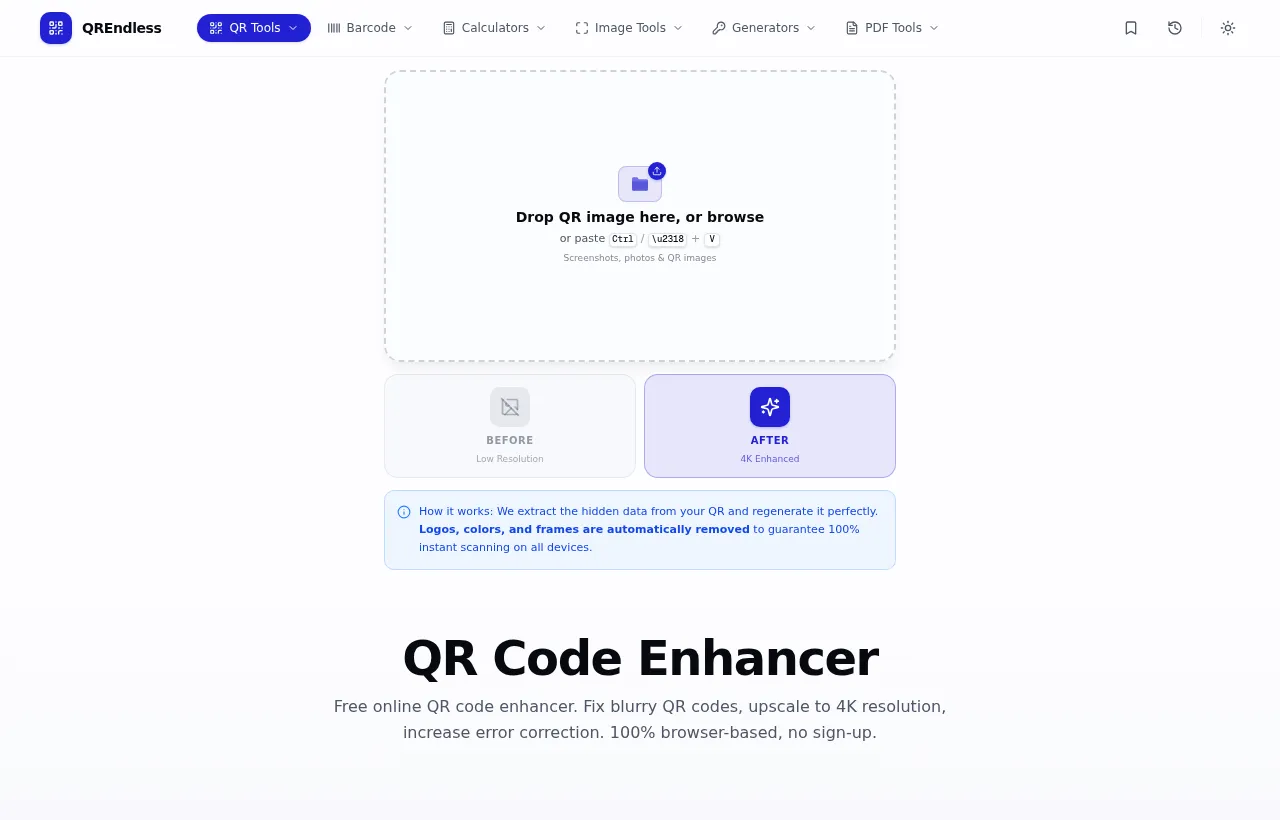
- Open the tool. Go to the QR Code Enhancer. You see a clean screen with an upload box and four mode buttons. No login, no pricing page.
- Load your QR code. Drag your QR image into the box, paste it from your clipboard, or load a QR you made before. The file is read into your browser memory. At no point in this step does a request leave the page with your file.
- Pick a mode. Choose Sharpen to fix a blurry QR code, Upscale to make a larger QR code for print, Repair to add strong error correction for damaged prints, or All to run every fix in one pass. All is the safe default.
- Watch the live preview. The enhancer decodes your QR code on your device, rebuilds it as clean black and white, and shows the result next to the original so you can compare before you download.
- Download the enhanced QR. Pick PNG for screens, SVG for print and design files, PDF for documents, or transparent PNG for overlays. The file is built in your browser and saved straight to your device.
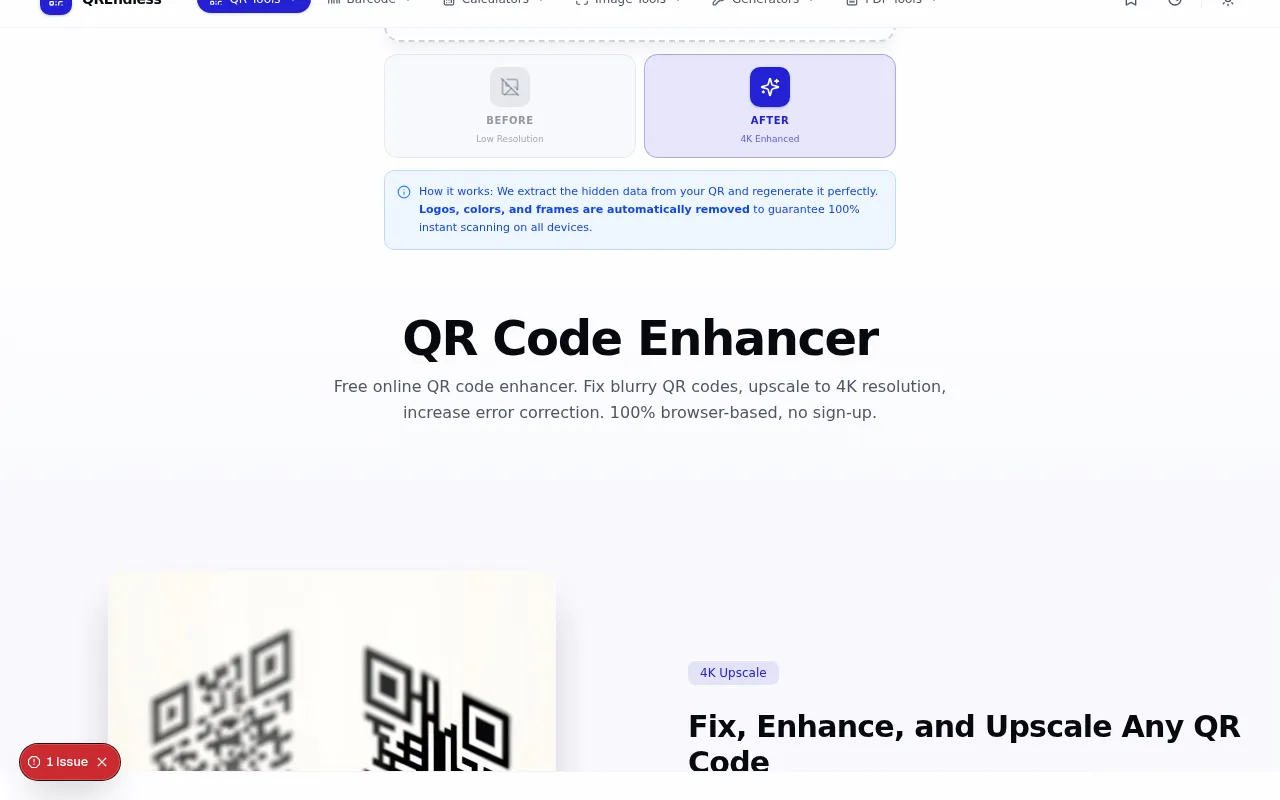
The whole job takes under a minute. Because your QR code never leaves the tab, it is safe to enhance codes that carry a WiFi password, payment link, or private contact card.
FAQ
Is it safe to upload a QR code to online enhancers?
It depends on the enhancer. Server-based tools receive a copy of your QR code and everything encoded inside it. If the code carries a WiFi password, payment link, or contact card, that data leaves your device. Browser-based tools that process files locally — like the one on this site — never send your QR code anywhere.
How can I tell if a QR enhancer uploads my file?
Open your browser's DevTools, go to the Network tab, and load your QR code. If you see a POST or PUT request with your file in the payload, the tool uploads. If the only traffic is static assets and analytics, processing is local.
What data is inside a QR code?
Whatever the creator put there: a URL, WiFi network and password, vCard contact details, a payment link, an event ticket, or plain text. The enhancer sees all of it, which is why uploading is riskier than it looks.
Does the QREndless enhancer send my QR code to a server?
No. The enhancer decodes and re-renders your QR code entirely in your browser using JavaScript and WebAssembly. There is no upload endpoint. You can confirm this with the DevTools Network tab in under a minute.
Can a QR enhancer steal my data?
A server-based enhancer does not have to be malicious to leak data — a breach, a retained log, or a misconfigured backup can expose the QR codes it processed. A no-upload, browser-based enhancer removes that risk entirely because your data never reaches a server.