The Paper Flyer Is Dead. The QR Code Yard Sign Is King.
Imagine driving past a house for sale. You see the sign, but all it says is "For Sale" with a phone number. Why would you stop? You do not call. The opportunity is gone — for both you and the seller.
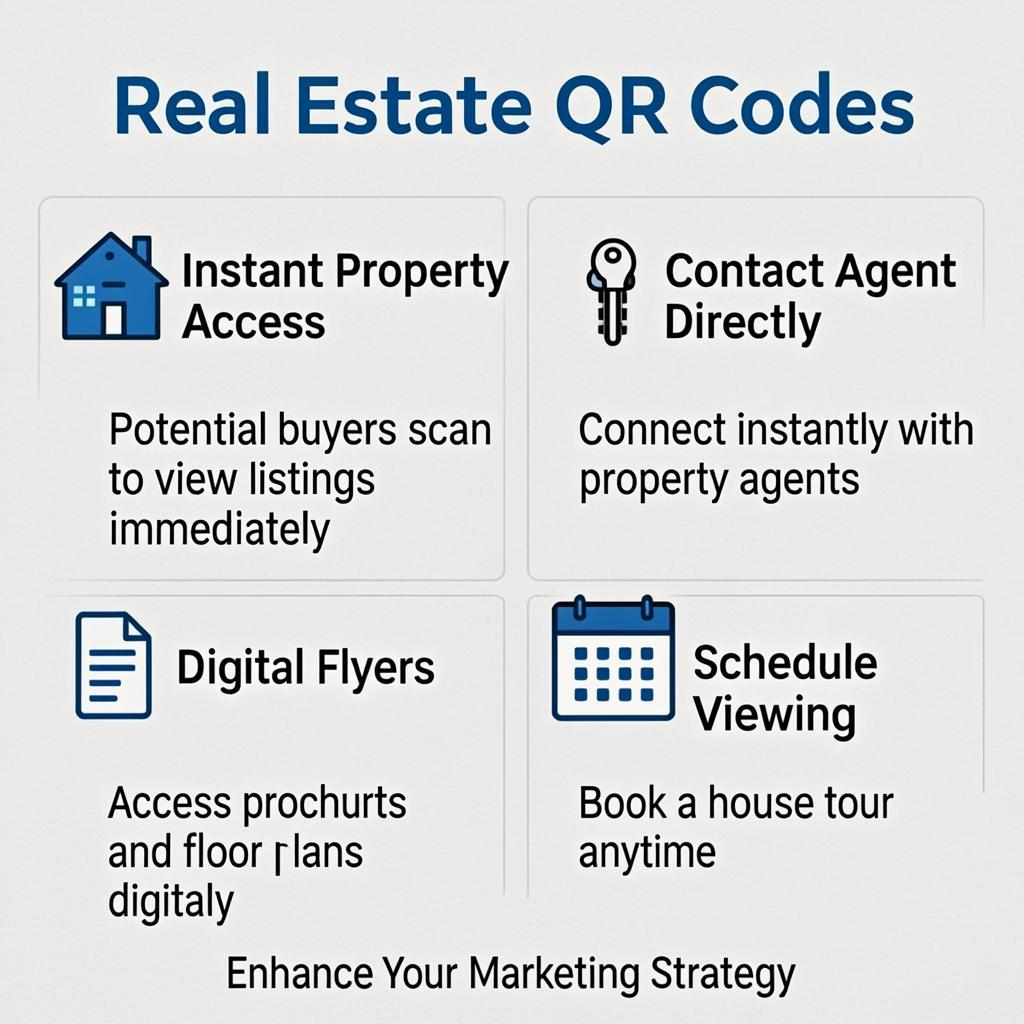
Now imagine the same sign with a QR code. You scan it while driving (or parked safely). Instantly, you see 20 photos, a 3D tour, the price, the floor plan, and a schedule a viewing button. That is the power of QR codes in real estate — they turn a passive sign into an active sales tool. In this guide, you will learn 10 ways real estate agents use QR codes to sell properties faster.
But yard signs are just the start. Real estate agents use QR codes on flyers, open house signs, business cards, property management documents, and even on the lockboxes at each front door. This guide covers every use case, with exact steps to set each one up using free tools. Whether you sell three houses a year or three hundred, this guide will save you hours and help you close more deals.
Table of Contents
- The Real Estate QR Opportunity
- Use Case 1: Yard Signs That Never Run Out of Flyers
- Use Case 2: Property Flyers and Info Sheets
- Use Case 3: Virtual Tours and Video Walkthroughs
- Use Case 4: Open House Check-In
- Use Case 5: Agent Business Cards With vCard QR
- Use Case 6: Property Management and Maintenance Requests
- Use Case 7: New Construction and Developer Marketing
- Use Case 8: Apartment Building Amenity Info
- How to Create Real Estate QR Codes With QREndless
- Customizing QR Codes for Your Real Estate Brand
- Real Estate QR Code Best Practices
- Common Mistakes Agents Make
- Real Estate QR Use Cases at a Glance
- Action Steps: Set Up QR Codes for Your Real Estate Business This Week
- Frequently Asked Questions
The Real Estate QR Opportunity
Real estate is an industry built on information. Buyers want to know everything about a property before they even step inside. Sellers want their property in front of as many qualified buyers as possible. Agents want to capture every lead and respond fast. QR codes serve all three groups at the same time.
For buyers, a QR code on a yard sign means instant access to the full listing — no waiting for a callback, no hunting down the agent's website. For sellers, it means their property is shown to every driver who slows down, not just the ones who bother to take a paper flyer. For agents, it means every scan is a captured lead with a timestamp, so you know exactly when interest peaked and can follow up at the right moment.
The cost is almost nothing. A static QR code is free, never expires, and works for as long as the listing is active. When the property sells, you can either retire the code or redirect it (with a dynamic QR service) to your next listing. Either way, you are getting marketing power for zero ongoing cost.
Use Case 1: Yard Signs That Never Run Out of Flyers
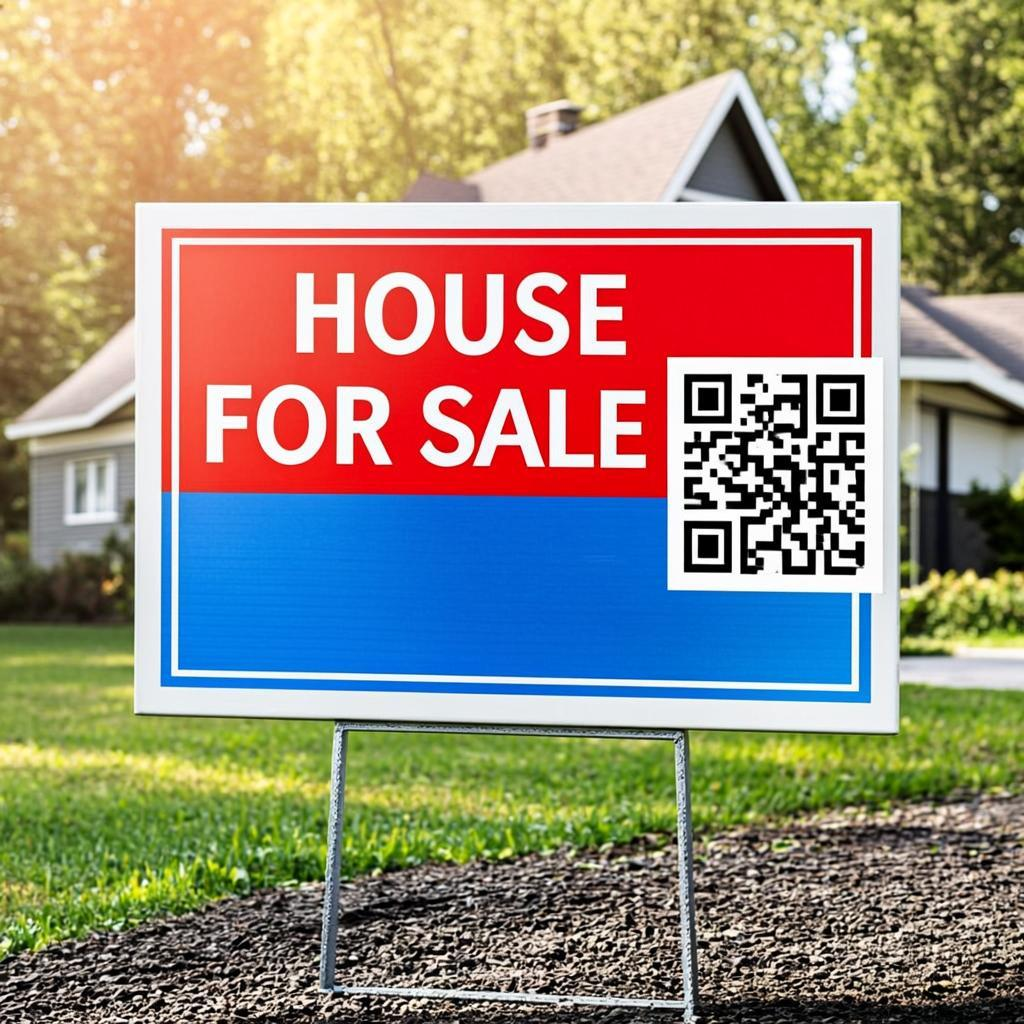
The classic real estate yard sign has the agent's name, phone number, and a small plastic flyer box. The QR code upgrade is simple: add a 10 cm by 10 cm QR code to the yard sign panel. The code links to the property's listing page on your website or the MLS.
Here is what the linked page should include:
- High-resolution photos: At least 20 to 30 photos covering every room, the exterior, and the yard.
- Full property details: Square footage, bedroom and bathroom count, lot size, year built.
- Price and price history: Current list price plus any recent price reductions.
- Virtual tour link: A 3D walkthrough or video tour embedded on the page.
- Neighborhood info: School districts, walk score, nearby parks, commute times.
- Agent contact: Phone, email, and a "Schedule a showing" button.
For outdoor yard signs, print the QR code on weather-resistant material. Make it at least 10 cm by 10 cm so drivers can scan from inside their car. Place it at eye level for someone sitting in a sedan — about 100 to 120 cm from the ground.
Use Case 2: Property Flyers and Info Sheets
Even in a digital world, paper flyers still have a place. They sit on kitchen counters during open houses. They get handed out at broker open houses. They go into buyer packets. But paper flyers are limited by physical space — you can fit maybe 4 photos and a few bullet points.
A QR code on the flyer changes the math. Print a small QR code in the corner of the flyer that links to the full digital listing. Now the paper flyer is a teaser, and the QR code unlocks the full experience: 30 photos, virtual tour, school info, neighborhood data. You give buyers the best of both worlds — a tangible handout and a deep digital dive.
This same approach works on:
- Just-listed postcards mailed to the neighborhood.
- Brochures left at the property for self-tour visitors.
- Info packets given to buyer agents at broker opens.
- Email signatures with a QR code linking to your current listings.
Use Case 3: Virtual Tours and Video Walkthroughs
Virtual tours are now expected for any listing above a certain price point. Buyers want to "walk through" a house from their couch before deciding whether to schedule an in-person showing. QR codes make virtual tours instantly accessible.
Place a QR code on the yard sign, on the flyer, and at the front door of the property. Each code links directly to the virtual tour — no clicking through menus, no searching for the right link. Buyers scan, the tour opens, and they are walking through the house in 5 seconds.
For agents, this means:
- More virtual tour views from drive-by traffic.
- Qualified buyers who already know they like the property before scheduling a showing.
- Fewer wasted showings for buyers who would have hated the layout.
- Better data on which listings get the most drive-by interest.
Use Case 4: Open House Check-In
Open houses used to mean a sign-in sheet on a clipboard. Buyers would scribble their name and email, often illegibly. You would spend Sunday evening typing these into your CRM, getting half the addresses wrong. QR code check-in fixes this.
Place a QR code on a sign at the front door of the open house. The code links to a simple form (Google Form, Typeform, or your CRM's lead capture form). Buyers scan, type their contact info on their own phone, and submit. The data goes straight into your CRM, ideally formatted.
Here is what the form should ask for:
- Name (required)
- Email (required)
- Phone (optional)
- Are you working with an agent? (Yes/No)
- Are you interested in this property? (Yes/Maybe/Just looking)
- What is your timeline? (1-3 months, 3-6 months, 6+ months)
Keep the form short. Buyers will not fill out a 20-field survey at an open house. Six fields is the sweet spot.
Use Case 5: Agent Business Cards With vCard QR
The paper business card is still a real estate staple. But typing in a name, phone number, and email from a small card is annoying, and most cards end up in a drawer. A vCard QR code on your business card changes this. The person you give the card to scans it, taps "Add to contacts," and your info is saved in their phone instantly.
A vCard QR code can include:
- Your full name and title
- Your mobile phone and office phone
- Your email address
- Your website URL
- Your office address
- A short note about your specialties (luxury homes, first-time buyers, etc.)
Generate a vCard QR code free at QREndless's QR generator. Select the vCard data type, fill in your details, and download the code. Add it to your business card design before you print your next batch.
Use Case 6: Property Management and Maintenance Requests
Property managers and landlords use QR codes to streamline tenant communication. Put a QR code on the fridge or in the entryway of every rental unit. The code links to a maintenance request form. Tenants scan, describe the issue, upload a photo, and submit. The request lands in your inbox with all the details you need.
This works better than phone calls because:
- Tenants describe the issue once, in writing, with a photo. No back-and-forth calls.
- You have a written record of every request, with timestamps.
- You can route requests to the right contractor faster.
- Tenants can submit requests anytime, even at 2 AM, without waking you up.
For short-term rental hosts (Airbnb, Vrbo), the same approach works for guest welcome packets. A QR code on the welcome letter links to the Wi-Fi password, check-out instructions, local recommendations, and emergency contact info — all in one place.
Use Case 7: New Construction and Developer Marketing
New construction developments have unique marketing needs. Buyers want to see floor plans, upgrade options, completion timelines, and pricing — all before the model home is even built. QR codes on construction site fencing and on development signage let curious drivers get the full story in seconds.
For each development, create a landing page with:
- Floor plans and renderings
- Pricing for each model
- Available upgrades and finish options
- Expected completion dates
- School district and neighborhood info
- A "Schedule a tour" contact form
Place a large QR code (at least 20 cm by 20 cm) on the construction site fence. Drivers passing by can scan from their car and instantly see what is being built. This captures interest during the long months between groundbreaking and model home opening.
Use Case 8: Apartment Building Amenity Info
Multi-family apartment buildings can use QR codes throughout the property to give residents and prospects instant access to information:
- In the leasing office: A QR code that opens the application and floor plans.
- At the gym: A QR code with equipment instructions and class schedules.
- At the pool: A QR code with pool hours, rules, and emergency contacts.
- In the laundry room: A QR code with machine instructions and a maintenance request form.
- In each unit: A QR code with Wi-Fi info, parking assignment, and resident portal login.
This reduces calls to the leasing office and makes the building feel modern and well-managed — a selling point for new tenants.
How to Create Real Estate QR Codes With QREndless
QREndless offers two free tools that cover every real estate QR need. Both run entirely in your browser, so your client data and property addresses never leave your device.
For Single QR Codes: The QR Generator
Use QREndless's QR code generator when you need one code at a time — your vCard business card, a single yard sign, an open house check-in, or a maintenance request form. The tool supports 1,421+ QR types across 38 categories, including URL, vCard, email, SMS, phone, and WiFi.
For Bulk QR Codes: The Bulk Generator
Use QREndless's bulk QR generator when you have many listings or many units. Prepare a CSV with one row per property and the corresponding listing URL. Upload it, and the tool generates up to 5,000 QR codes in one batch. You get a ZIP file with individual images plus an index spreadsheet that maps each code to its property.
For an agent with 20 active listings, this is a 5-minute job instead of generating 20 codes one at a time.
Customizing QR Codes for Your Real Estate Brand
Real estate is a brand business. Your name, your colors, your logo — they all build trust over time. Use QREndless's QR code customizer to make your QR codes feel like part of your brand:
- Add your headshot or brokerage logo to the center of the QR code. Keep it small (about 20% of the code size).
- Use your brand colors for the dots and background. Maintain high contrast for scannability.
- Pick a dot style that matches your brand personality — classic squares for traditional brokerages, rounded dots for modern boutiques.
- Add a frame with a call to action: "Scan for full listing," "Scan to tour," "Scan for vCard."
Always test the customized code with multiple phones before printing. The QREndless customizer shows a live preview, so you can see how each design change affects scannability.
Real Estate QR Code Best Practices
- Print yard sign QR codes at least 10 cm by 10 cm. Drivers will scan from inside their car. Bigger codes scan from farther away.
- Use weather-resistant material for outdoor codes. UV-coated plastic or metal lasts for months in sun and rain.
- Keep the destination page mobile-friendly. Most scans will be from a phone in a parked car. The page must load fast and read clearly on a small screen.
- Add a call to action next to every code: "Scan for full listing," "Scan for virtual tour," "Scan to schedule a showing."
- Use static codes for permanent links like your vCard and your brokerage website. Static codes never expire and have no per-scan fees.
- Track your scans by adding UTM parameters to the destination URL. Then check your website analytics to see which listings get the most drive-by interest.
- Refresh codes when listings change. When a property sells, either retire the QR code or point it to your "Just sold" page to build social proof.
- Test in real lighting. Outdoor codes need to scan in bright sun, dusk, and overcast conditions. Test before printing the final batch.
Common Mistakes Agents Make
Mistake 1: QR Codes Too Small on Yard Signs
A 5 cm QR code looks fine on a desk, but it is too small for a yard sign. Drivers cannot scan it from inside their car. Go at least 10 cm by 10 cm, ideally larger for signs on busy streets.
Mistake 2: Linking to a Slow Website
If your destination page takes more than 3 seconds to load, the driver gives up and leaves. Test your page speed on a 4G connection. Optimize images. Use a fast host.
Mistake 3: No Mobile-Friendly Layout
Desktop-only listing pages are useless for QR code traffic. Most scans happen on phones. Make sure your listing page is responsive — big text, easy-to-tap buttons, photos that load fast.
Mistake 4: Forgetting to Update Sold Listings
If a property sells and the QR code still points to the active listing, buyers will call you about a property you cannot sell them. Update the page to "Just sold — see similar listings" to redirect that interest to other properties.
Mistake 5: No Call to Action
A bare QR code on a yard sign gets fewer scans. Add text: "Scan for full listing and photos." Tell drivers what they get by scanning.
Mistake 6: Using a Dynamic QR Service That Charges Per Scan
Some QR services charge per scan or have monthly fees. For real estate, static codes are almost always better — they are free, never expire, and have no per-scan charges. Only use dynamic codes if you need to track scan counts or change destinations frequently.
Mistake 7: Not Customizing the Code
A plain black-and-white QR code looks generic. Add your logo and brand colors to make it look professional and reinforce your brand with every scan.
Real Estate QR Use Cases at a Glance
| Goal | Best QR Type | Where to Place | Best Tool |
|---|---|---|---|
| Yard sign listing | Static URL QR (large) | Yard sign panel | QR generator |
| Property flyer | Static URL QR | Flyer corner | QR generator |
| Virtual tour | Static URL QR | Yard sign, front door | QR generator |
| Open house check-in | Static URL QR | Sign at front door | QR generator |
| Agent vCard | Static vCard QR | Business card | QR generator |
| Maintenance request | Static URL QR | Fridge, entryway | QR generator |
| Multiple listings | Static URL QR (per listing) | Yard signs | Bulk QR generator |
| Apartment amenities | Static URL QR (per amenity) | Gym, pool, laundry | Bulk QR generator |
Action Steps: Set Up QR Codes for Your Real Estate Business This Week
- Pick one listing to start. Choose an active listing with good photos and a virtual tour.
- Build a mobile-friendly listing page if you do not have one already. The page should load in under 3 seconds on a 4G phone.
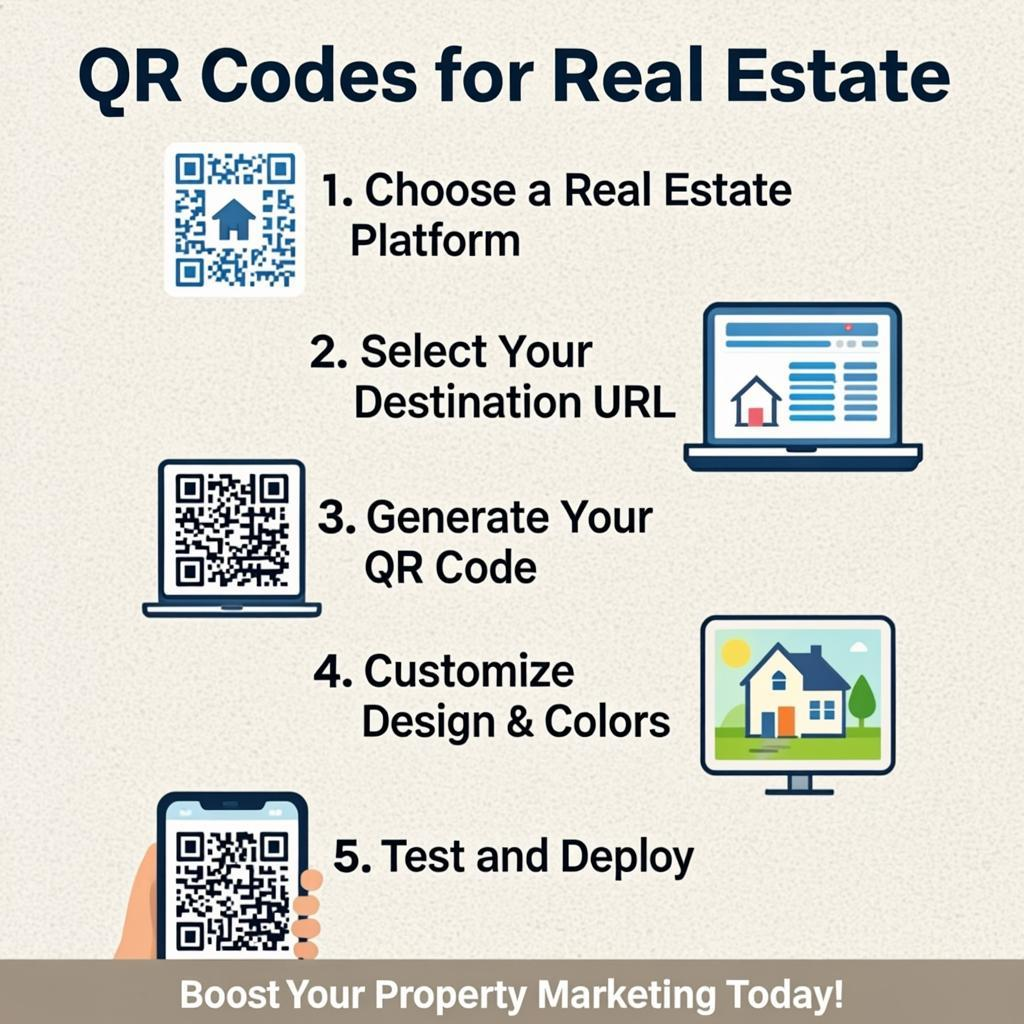
- Generate a QR code for the listing using QREndless's QR generator. Download as PNG for print.
- Customize the code with your brokerage logo and brand colors using QREndless's customizer.
- Print the code at 10 cm by 10 cm on weather-resistant material and add it to the yard sign.
- Add a call to action next to the code: "Scan for full listing and virtual tour."
- Create a vCard QR code for your business card using QREndless's QR generator.
- Set up an open house check-in QR code that links to a short lead capture form.
- For agents with multiple listings, switch to bulk generation using QREndless's bulk generator — upload a CSV with all your listings and get all the codes in one batch.
- Track your results. Add UTM parameters to the destination URLs and check your website analytics to see which listings get the most scans.
Frequently Asked Questions
Do home buyers actually scan QR codes on yard signs?
Yes. Studies show that more than 60 percent of home buyers use their phone to look up properties during their search. A QR code on a yard sign gives them instant access to the full listing without typing a long URL. The key is making the code big enough (at least 10 cm by 10 cm) and adding a clear call to action.
Are QR codes free for real estate agents to use?
Yes. Static QR codes are completely free to create and scan. You can generate them at QREndless's free QR generator with no sign-up, no watermark, and no per-scan fees. There is no expiration. You only pay if you choose a paid dynamic QR service that adds scan tracking and editability.
What size should a QR code be on a yard sign?
At least 10 cm by 10 cm (about 4 inches by 4 inches). Bigger is better — drivers need to scan from inside their car. For signs on busy streets, go up to 20 cm by 20 cm. Always test by sitting in a parked car and trying to scan from a typical viewing distance.
Should I use static or dynamic QR codes for real estate?
For most real estate uses — yard signs, flyers, business cards, open house check-in — static QR codes are best. They are free, never expire, and have no per-scan fees. Use dynamic QR codes only if you need scan tracking, time-limited campaigns, or the ability to change the destination without reprinting. Read our static vs dynamic QR guide for a full comparison.
Can I use one QR code for all my listings?
You can, but it is not ideal. A single QR code that links to your "all listings" page is fine for a business card or email signature. But for yard signs, each property should have its own QR code linking to its specific listing. Use QREndless's bulk QR generator to create one code per listing in a single batch.
How do I create a vCard QR code for my business card?
Open QREndless's QR generator, select the vCard data type, enter your contact details (name, phone, email, website, office address), and download the code. Add it to your business card design. When someone scans it, your contact info appears on their phone with a one-tap "Add to contacts" button.
Can QR codes work for apartment buildings and rental properties?
Yes. Place QR codes throughout the property — at the gym, pool, laundry room, and in each unit. Each code links to specific info: equipment instructions, pool hours, machine guides, or the resident portal. This reduces calls to the leasing office and makes the building feel modern and well-managed.
What happens to the QR code when a property sells?
If you used a static QR code, you cannot change the destination — but you can update the page it points to. Change the listing page to "Just sold — see similar listings in this area" to capture interest and redirect it to your other active listings. If you used a dynamic QR code, you can repoint the QR to your next listing without reprinting.
Do QR codes on yard signs work in bad weather?
Yes, if you print them on weather-resistant material. UV-coated plastic or metal signs last for months in sun, rain, and snow. The QR code itself is just ink on a surface — it does not care about the weather. Test by scanning after a rainstorm to make sure water droplets do not block the scan.
Can I customize QR codes with my brokerage logo?
Yes. Use QREndless's QR code customizer to add your logo, brand colors, dot styles, and frames. Keep the logo small (about 20% of the code size) and maintain high contrast. Always test the customized code with multiple phones before printing.