Table of Contents
- Why I Built a WordPress Plugin That Runs in the Browser
- The Six Tools
- Install It in Under a Minute
- What Happens After Installation
- Two Ways to Add Tools to Your Pages
- Optional Automation
- Security: What Your Server Sees
- Why It Is Free
- Who Should Use It
- Frequently Asked Questions
Why I Built a WordPress Plugin That Runs in the Browser
Most WordPress QR plugins generate codes on your server. Every QR your visitors make passes through your hosting, which means server load, privacy exposure, and one more thing to break. I built the QREndless plugin so the opposite happens: all six tools run in your visitor's browser, and your server never touches the QR data.
The download is about 25KB and the plugin itself weighs 65KB. That is small enough to install on shared hosting without a second thought. The tools themselves load from our website only when someone scrolls to them, so your page speed stays flat.
The browser-first design also fixed the update problem. When we improve a tool, every WordPress site gets the new version immediately. No plugin update, no changelog anxiety, no broken shortcodes after a rushed upgrade.
The Six Tools
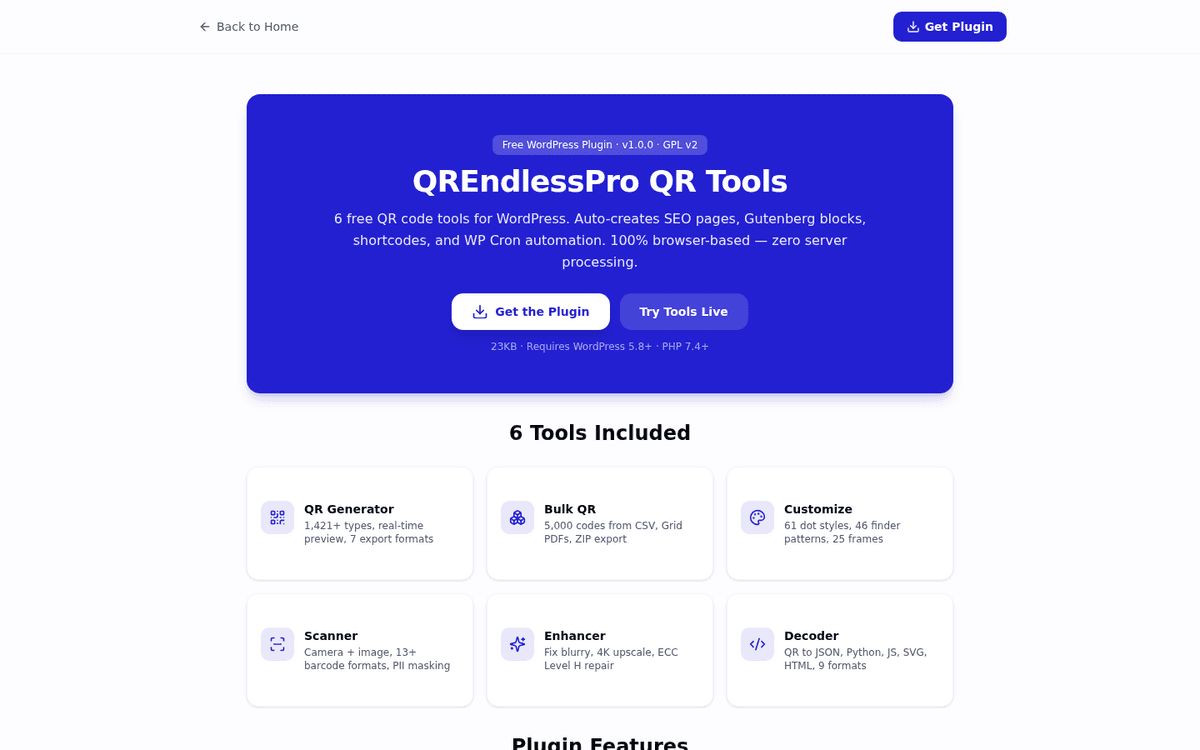
One plugin, six tools. Each one lives on its own page, and you choose which pages get created.
QR Code Generator: 1,421+ Types, Six Export Formats
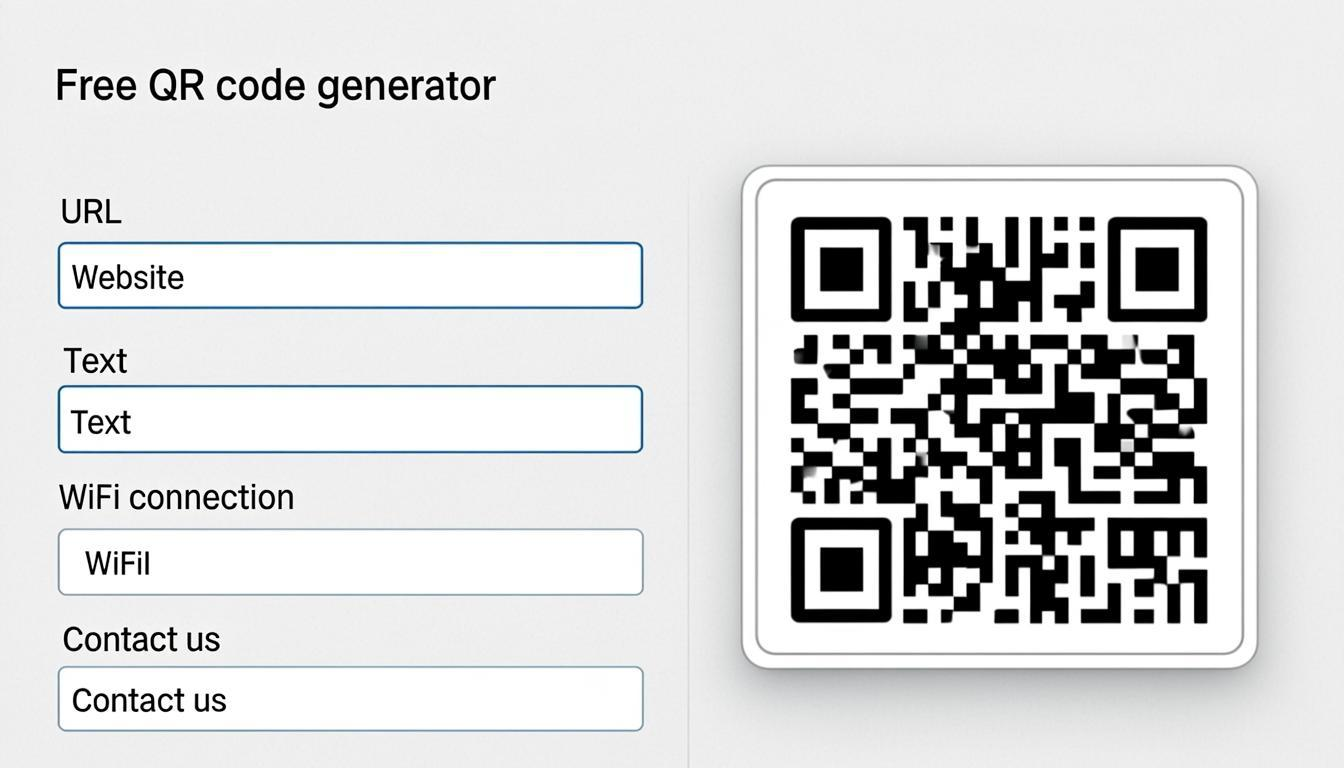
Make QR codes for anything: website links, WiFi, contacts, payments, email, phone, and over 1,421 other types. The preview updates as you type. Downloads come as PNG, SVG, PDF, JPG, WebP, or EPS.
Bulk QR Generator: 5,000 Codes From One Spreadsheet
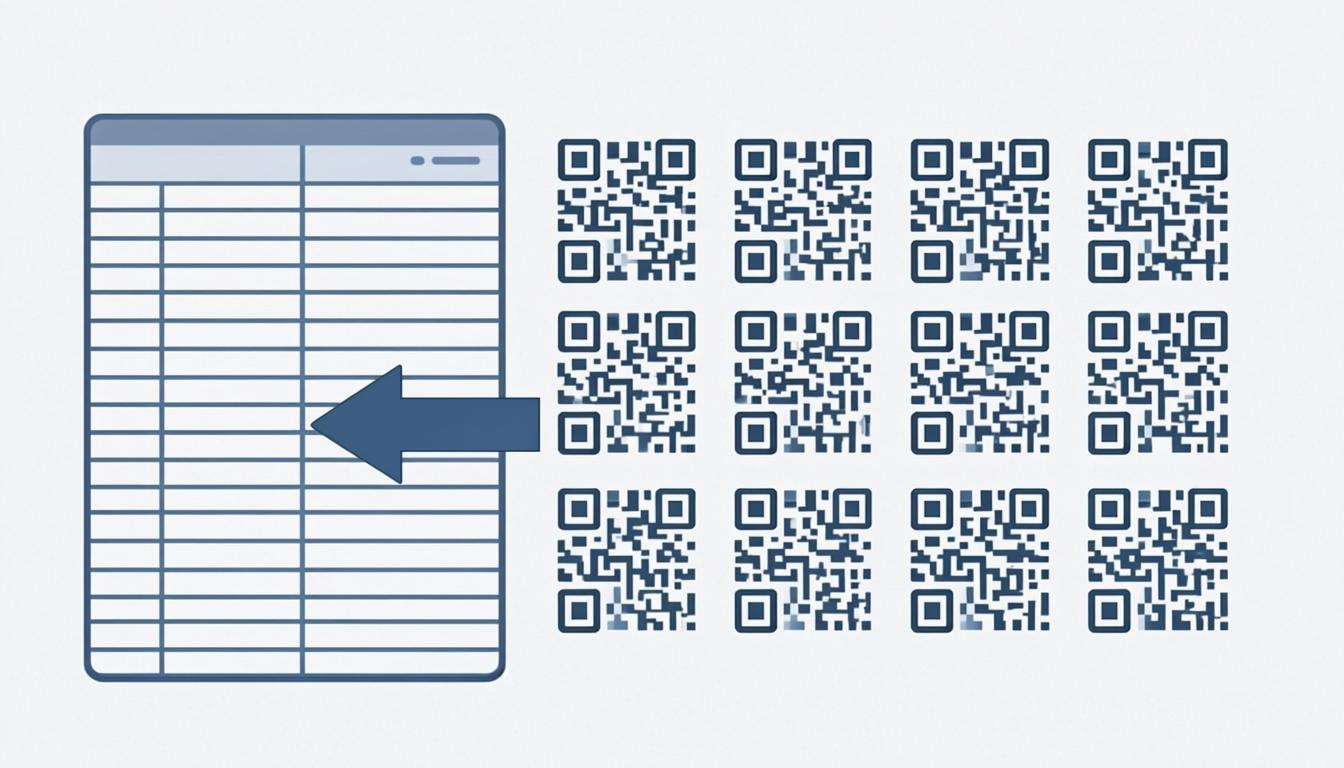
Upload a CSV and generate up to 5,000 QR codes in one run. Collect them as a ZIP or as a print-ready PDF with grid layouts (3x3, 4x4, or 5x5). Product labels and event badges are the usual jobs here.
QR Customizer: Brand Colors With a Scanability Score
Pick from 61 dot shapes, 46 corner patterns, 25 frame designs, and gradient colors, then drop in your logo. A live score tells you whether the design still scans reliably. Logo placement has its own traps, which I cover in the QR code with logo guide.
QR Scanner: Camera and Batch Image Scanning
Scan QR codes and barcodes with the camera or by uploading images. It reads 13+ barcode types and handles up to 100 images at once. Results export to CSV or Excel, and phone numbers and passwords are masked in the output.
QR Enhancer: Fix Blurry Codes Up to 4K
Turn a fuzzy screenshot into a printable code. The enhancer upscales up to 4K and rebuilds damaged modules using error correction, up to 500 codes per run. If you want to know why damaged codes still scan at all, read how QR error correction works.
QR Decoder: Code Output for Developers
Decode any QR or barcode into JSON, Python, JavaScript, SVG, HTML, and more. Pull contact info, WiFi details, and URLs out of existing codes. Everything decodes in the browser, so you can paste real client data without sending it anywhere.
Install It in Under a Minute
No code, no FTP, no composer. The whole install happens inside wp-admin.
- Download the ZIP file from the plugin page. It is very small, about 25KB.
- Go to your WordPress admin, click Plugins, then Add New, then Upload Plugin.
- Choose the ZIP file and click Install Now.
- Click Activate. A setup screen appears. Check the tools you want, then click Create Selected Pages.
- Done. Your QR tool pages are live on your site.
What Happens After Installation
The setup screen lists all six tools with checkboxes. You tick the ones you want and the plugin builds a page for each: tool embedded, description written, features listed, common questions answered.
Those pages are normal WordPress pages. Edit them, add your own intro, translate them, or delete them. You are in control.
If you would rather not have tool pages at all, skip the setup. Shortcodes work fine inside your existing posts.
Two Ways to Add Tools to Your Pages
You can place QR tools anywhere on your site with either method.
Method 1: Shortcodes. Type any of these in your posts or pages:
[qr_generator]for the QR Generator[qr_bulk]for the Bulk QR Generator[qr_customize]for the QR Customizer[qr_scanner]for the QR Scanner[qr_enhancer]for the QR Enhancer[qr_decoder]for the QR Decoder
Height is configurable too: [qr_generator height="600px"].
Method 2: Gutenberg blocks. Open the block editor, search for "QREndless", and you will find six blocks. Drag one onto the page and the tool shows up on your live site.
Optional Automation
Two automation features ship with the plugin, and both are off by default.
Auto QR for blog posts. Every new post gets a QR code linking to itself. Print magazines and flyers are the obvious use.
WooCommerce product QR. Every product page gets a QR code, ready for packaging and in-store scanning.
Security: What Your Server Sees
Nothing. That is the design. The specifics:
- Your server never sees QR data. All QR work happens in the visitor's browser.
- Every output is cleaned. All code is checked for security, and every form carries a security token.
- Tools sit in a sandbox. The tool iframe cannot touch your WordPress page.
- No tracking, no cookies. Nothing follows your visitors.
- Only IP hashes are stored. Never real IP addresses.
Why It Is Free
The plugin is 100% free. No paid version, no limits, no watermarks, no sign-up, and the code is open source under GPL v2.
Each tool page carries a small "Powered by QREndless" link at the bottom. That link points to qrendless.pro, where ads pay the bills. It is the same model WordPress itself uses: free software paid for by the community around it. Remove the link if you want. Edit the page, delete that line, and the plugin works exactly the same.
Who Should Use It
Anyone running a WordPress site that needs QR codes. The roles I hear from most:
- Bloggers add QR codes to posts so readers can open links on their phones
- Shop owners put QR codes on product pages for mobile checkout
- Restaurants build digital menus customers scan at the table
- Event planners generate tickets, schedules, and venue maps
- Teachers link printed handouts to online resources and assignments
- Real estate agents connect yard signs to virtual tours
- Print shops produce thousands of codes for labels and packaging
- Developers decode codes into JSON or Python for app integration
If QR codes are part of your work, one of the six tools is built for your step of the job.
Frequently Asked Questions
Will this slow down my website?
No. The plugin is very small (65KB) and the tools load only when someone scrolls to them. All QR work happens in the visitor's browser, not on your server.
Do I need to update the plugin?
Only if you change the plugin's PHP code. Tool updates (new QR types, features, bug fixes) arrive by themselves because the tools load from our website.
Is my visitors' data safe?
Yes. Making, scanning, and decoding all happen in the visitor's browser. No data goes to your server or ours.
Can I use this on client websites?
Yes. The GPL v2 license lets you install it on as many sites as you want, including paid client projects. No license keys.
Ready to Start?
Six tools, one ZIP, under a minute of setup. Your visitors get working QR tools without a single byte of their data touching your server.
Download the plugin now or try the QR Generator first to see what the tools look like.