Table of Contents
- Free, Unlimited Bulk QR Codes From Your CSV Data
- Why I Keep Bulk Generation in the Browser
- What Is a Bulk QR Code Generator?
- What Sets QREndless Apart
- How CSV Import Works
- Key Features
- 7 Export Formats for Every Project
- 100% Browser-Based: Your CSV Data Stays Private
- Six Real-World Jobs for Bulk QR Codes
- How to Generate Bulk QR Codes
- FAQ
- Ready to Run Your First Batch?
Free, Unlimited Bulk QR Codes From Your CSV Data
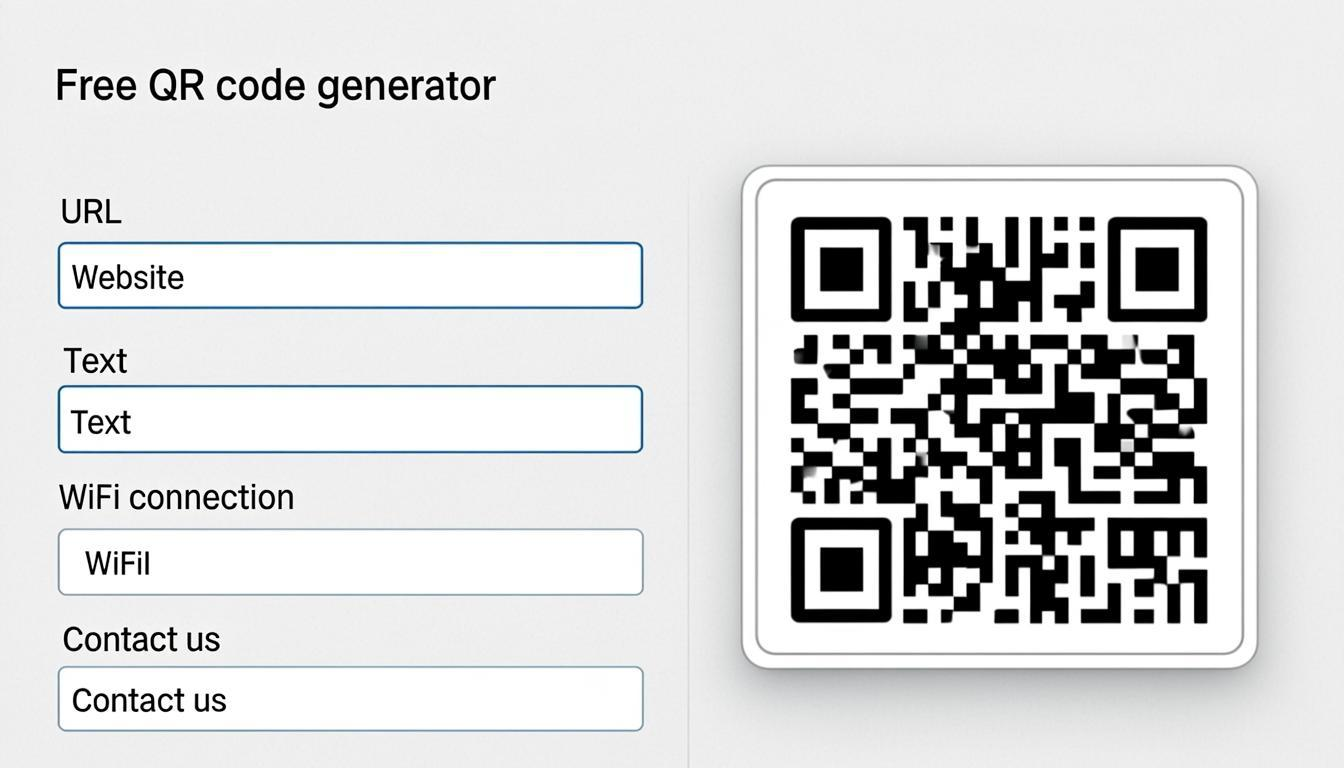
Generating QR codes one by one is impractical once you need hundreds or thousands of them. The free bulk QR code generator from QREndless lets you create up to 5,000 QR codes in a single batch, directly from CSV data. No sign-up, no server upload, no watermark. Your data stays on your device, and every code is generated entirely in your browser.
For a full feature walkthrough, see our companion bulk QR code generator guide. This page keeps its own angle: what "unlimited" and "free" mean here.
Why I Keep Bulk Generation in the Browser
The first thing I check in any bulk tool is where my data goes. With QREndless the answer is nowhere: the CSV is parsed and every code is rendered in my browser, on my device. No upload step, no server copy afterwards.
The unlimited part works the same way. A single run tops out at 5,000 codes, and there is no cap on runs. When a project needs more, I rerun the batch with the next CSV slice.
The working rhythm is simple: open the page, paste or upload, pick a format, download. No account, no watermark, all 7 formats on every code.
What Is a Bulk QR Code Generator?
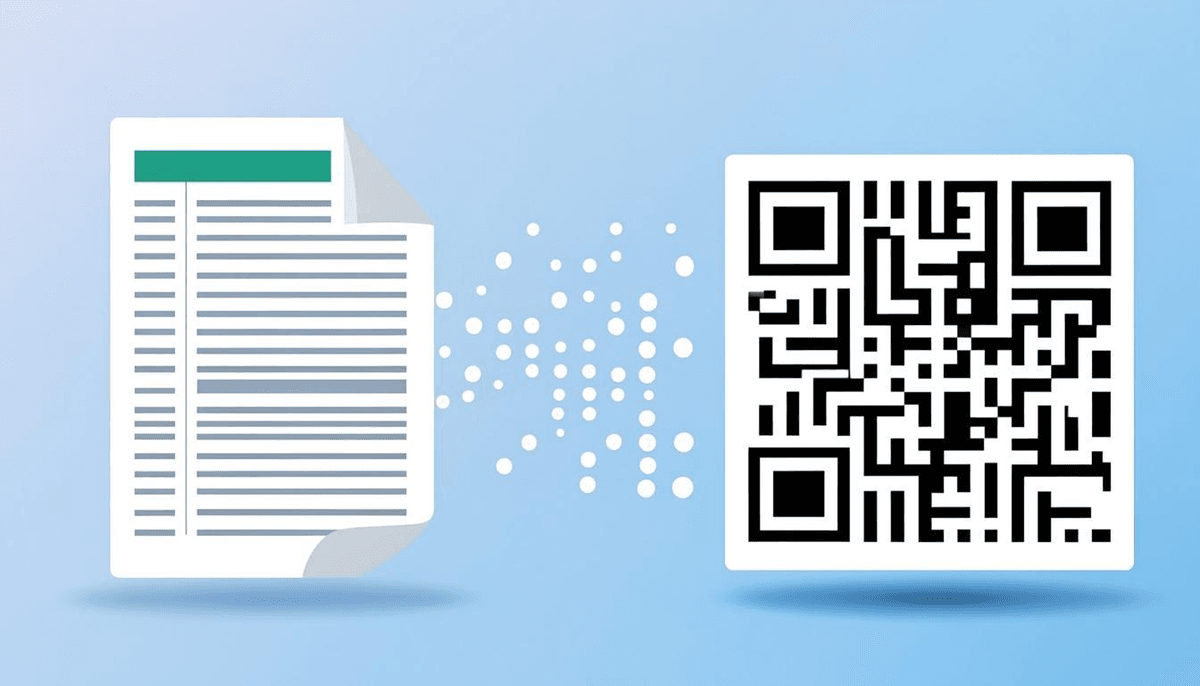
A bulk QR code generator creates multiple QR codes at once from a structured dataset, typically a CSV file or pasted spreadsheet data. Instead of entering each code's content individually, you import your data, map the columns, and the tool generates all the codes in one pass. That matters for any organization that needs hundreds or thousands of unique QR codes for products, events, assets, or people.
QREndless is 100% browser-based, unlimited, and free. Your CSV data stays on your machine, and the QR codes are generated entirely in your browser. No server uploads, no data leaving your device.
What Sets QREndless Apart
Most batch QR code generators impose tight restrictions: low row caps (50–100 codes), watermarked outputs, forced sign-ups, or expensive premium plans. QREndless removes these limitations:
- Up to 5,000 QR codes per batch: handle large-scale projects in a single run
- No sign-up required: open the page, paste your data, generate
- Unlimited batches: run as many as you need, as often as you need
- 7 export formats: PNG (4K), JPG, WebP, Transparent, SVG, PDF, EPS
- 100% browser-based: your data never leaves your device
- Split-ZIP downloads: large batches are automatically split into manageable ZIP files
How CSV Import Works
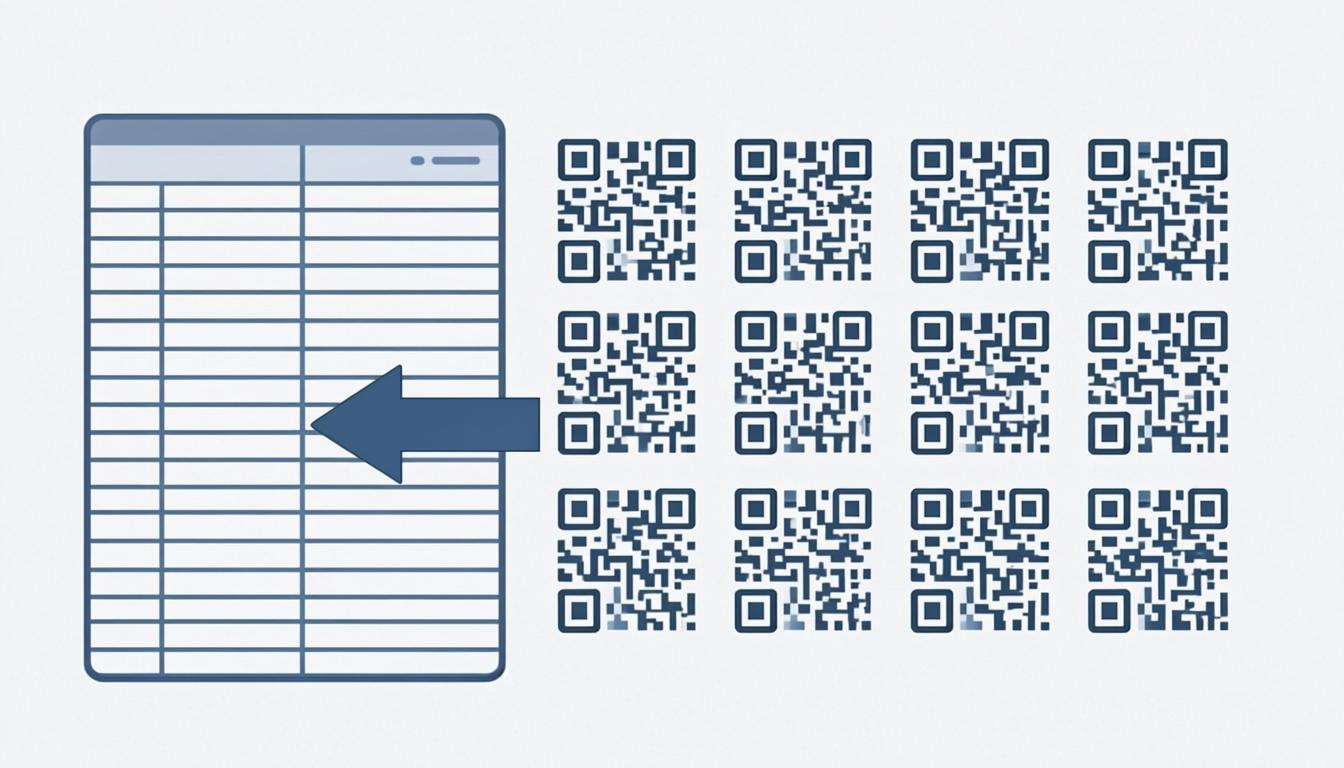
The bulk generator accepts data in CSV format, the most universal spreadsheet format. You can paste your CSV data directly into the input field or upload a CSV file from your device. Every row becomes one unique QR code.
For example, a CSV with three columns:
- Name: the label for each QR code
- URL: the content encoded in each QR code
- Category: an optional grouping field
The tool reads each row, maps the data, and generates a unique QR code for every entry. If your CSV has 2,000 rows, you get 2,000 individual QR codes, all in one batch and all in seconds.
Key Features
Sequential Numbering
Need numbered QR codes for tickets, vouchers, or serial numbers? The sequential numbering feature auto-generates them from a starting number and an increment, from TICKET-0001 through TICKET-5000 without typing each one. It is one of the most requested features in bulk QR creation.
Column Merge
When a QR code needs data from multiple CSV columns, the column merge feature combines them into a single code. Merge First Name and Last Name into a vCard QR code, or combine a Product ID and a URL into one code. That suits the tool to complex, real-world datasets.
Split-ZIP Downloads
Downloading 5,000 codes as individual files is impractical. QREndless handles this with split-ZIP downloads: large batches are automatically split into multiple ZIP files of manageable size, so you never hit browser download limits or file size restrictions.
7 Export Formats for Every Project
Like the single QR code generator, the bulk generator supports all 7 export formats:
- PNG (4K): high-resolution raster images for digital screens, event tickets, and printed materials where clarity is critical.
- JPG: compact raster format, good for email attachments and documents where file size matters.
- WebP: modern web format with strong compression. Ideal for web-based displays and digital signage.
- Transparent: PNG with no background. Overlay codes on branded designs, colored backgrounds, or packaging without a white box.
- SVG: scalable vector graphic with infinite resolution at any size. The best choice for large-format printing: banners, posters, trade show displays.
- PDF: print-ready document for commercial printing or archiving.
- EPS: professional print format required by many print shops and graphic designers for high-end commercial work.
Choose one format for the whole batch, or mix formats per project. For the right format and error correction level for print, see our QR Code Error Correction guide. If the batch is headed to a printer, our QR code size guide helps you pick a size that still scans.
100% Browser-Based: Your CSV Data Stays Private
A CSV file with 5,000 rows of customer data, product IDs, or internal asset numbers should not sit on a third-party server. QREndless is 100% browser-based, which means:
- No server uploads: your CSV is parsed and processed entirely in your browser
- No data storage: nothing is saved on any server, ever
- No third-party access: your spreadsheet data stays private
- Works offline: once the page loads, you can generate codes without an internet connection
This matters most for sensitive data: customer information, internal asset numbers, financial details. Your data never leaves your device.
Six Real-World Jobs for Bulk QR Codes
Event Tickets
Generate unique QR codes for every ticket holder. Use sequential numbering for codes like EVT-0001 through EVT-5000, and print them on tickets or wristbands. Scanning at the door becomes instant. For more business use cases, see our 10 Ways Businesses Use QR Codes guide.
Inventory Tags
Warehouse managers and logistics teams label shelves, bins, and individual items this way. Import your inventory spreadsheet, and every item gets a scannable tag in seconds.
Asset Labels
IT departments, schools, and government agencies track thousands of assets: laptops, projectors, vehicles, furniture. A batch QR code generator gives each asset a unique label, making tracking and auditing straightforward.
Product Packaging
Manufacturers and FMCG brands need QR codes on every product unit: a link to nutritional information, a promotional landing page, or a verification code. Bulk creation from CSV makes that scalable. If every unit gets its own destination, decide early between a static or dynamic QR code for the campaign.
Student IDs
Schools and universities can generate a unique QR code for every student in one batch. Import the roster as a CSV, and each student gets a scannable ID for attendance, library access, and cafeteria payments.
Loyalty Cards
Retailers and restaurants running loyalty programs can create QR codes in bulk for every member. Each code links to the member's profile, making point tracking and redemption straightforward.
How to Generate Bulk QR Codes
Follow these steps to generate bulk QR codes from CSV data:
- Open the bulk generator: visit QREndless Bulk QR Code Generator on any device.
- Import your CSV data: paste your CSV content into the input field or upload a CSV file from your device. Each row becomes one QR code.
- Configure column mapping: select which columns to use for QR code content and file naming. Use column merge to combine multiple columns if needed.
- Set up sequential numbering (optional): if you need numbered QR codes, configure the prefix, starting number, and increment.
- Choose your export format: select from PNG (4K), JPG, WebP, Transparent, SVG, PDF, or EPS.
- Generate and download: click generate. Your QR codes are created in your browser. Large batches are automatically split into ZIP files for easy download.
The entire process takes minutes, not hours. No account creation required.
FAQ
How many QR codes can I generate at once?
You can generate up to 5,000 QR codes in a single batch. The tool handles large datasets through efficient browser-based processing.
Do I need to sign up?
No. QREndless requires no sign-up, and you can generate and download unlimited QR codes without an account.
What file formats can I download bulk QR codes in?
All 7 formats are supported: PNG (4K), JPG, WebP, Transparent (no background), SVG (vector), PDF (print-ready), and EPS (professional print). Choose the format that fits your project.
How does the split-ZIP download work?
The split-ZIP feature automatically divides a large batch into multiple ZIP archives of manageable size. This prevents browser timeouts and file size limits, so you can download all your codes without issues.
Is my CSV data safe?
Yes. QREndless is 100% browser-based: your CSV data is processed entirely on your device, never uploaded to any server, never stored, and never shared with third parties.
Can I combine multiple CSV columns into one QR code?
Yes. The column merge feature lets you combine data from multiple CSV columns into a single QR code. This is useful for vCards, product URLs with tracking parameters, and other multi-field QR code types.
Ready to Run Your First Batch?
Open the QREndless Bulk QR Code Generator, paste or upload your CSV, and download up to 5,000 codes per batch: 7 export formats, unlimited batches, no sign-up, no watermark, any device.