Table of Contents
- Why This Generator Exists
- What Sets QREndless Apart
- 1,421+ QR Code Types Across 38 Categories
- Auto-Detect: Smart Input Recognition
- 7 Export Formats for Every Use Case
- 100% Browser-Based: Instant Generation, Full Privacy
- How to Create a QR Code
- Works on Any Device with a Browser
- Frequently Asked Questions
Why This Generator Exists
I built this generator because most online QR code generators make you pay a price you didn't agree to. Some add a watermark you can't remove. Some let you make the code, then hit you with a paywall when you try to download it. And some upload your data (your links, your Wi-Fi password, your payment details) to their servers without telling you clearly.
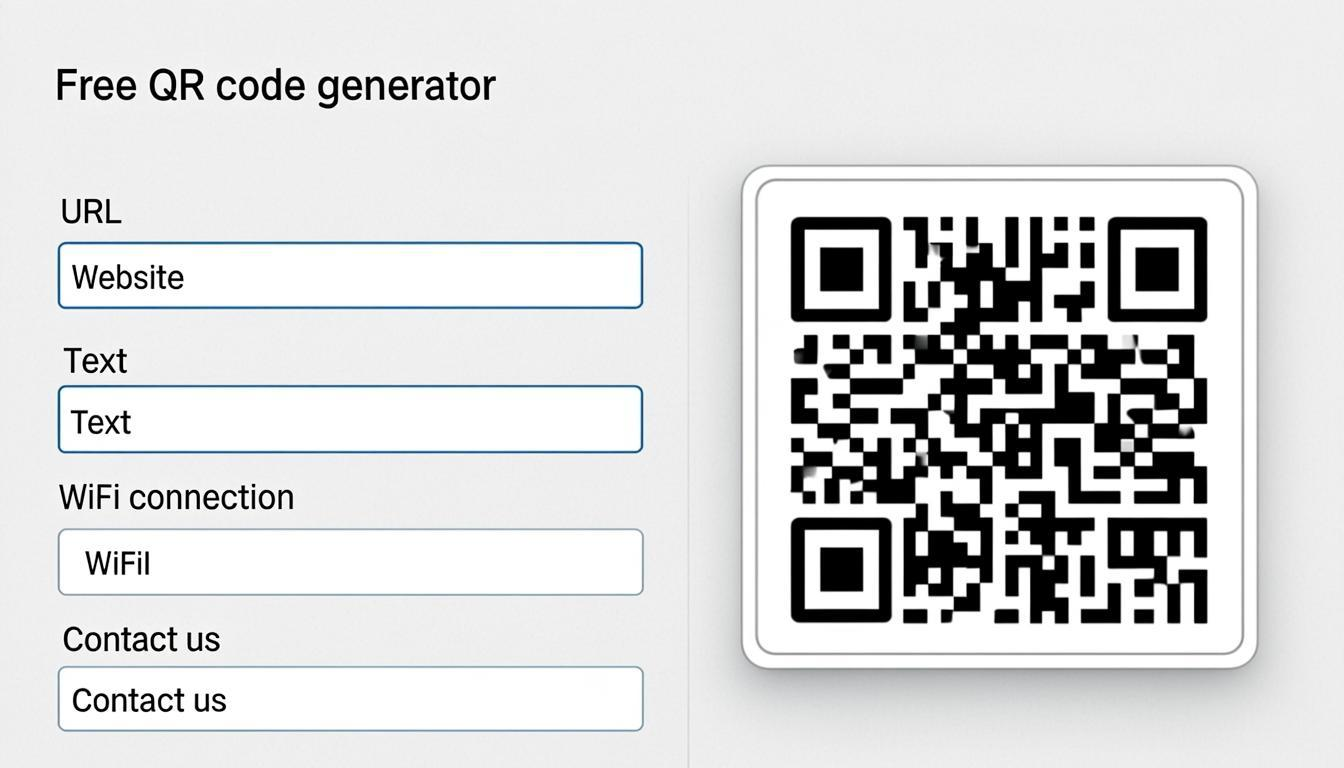
The QREndless QR code generator runs completely in your browser. No sign-up. No watermarks. No server uploads. It supports 1,421+ code types across 38 categories, from links and Wi-Fi details to contact cards and payment addresses. Whether you need a quick PNG for social media or a print-ready SVG for a poster, you can make and download the code in seconds on any device.
What Sets QREndless Apart
Many QR code generators put limits on you: few data types, watermarked files, forced accounts, or daily download caps. This one doesn't.
- 1,421+ code types across 38 categories: links, Wi-Fi, contact cards, payment addresses, locations, and more
- No sign-up: open the page, make the code, download it
- Works on any device: iPhone, iPad, Android, Mac, Windows, Linux, Chromebook
- 100% browser-based: instant results, no server uploads, full privacy
- 7 export formats: PNG (4K), JPG, WebP, Transparent, SVG, PDF, EPS
Everything is free, with no cap on how many codes you can make.
1,421+ QR Code Types Across 38 Categories
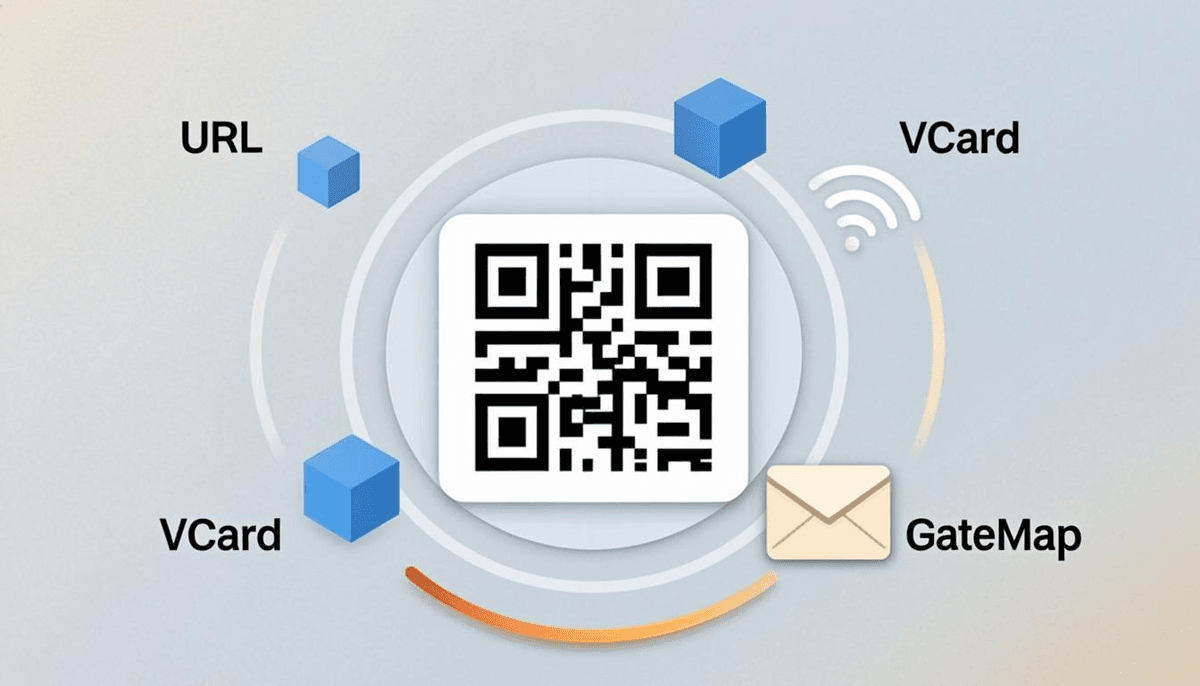
Every supported type is sorted into 38 categories, so you can find what you need quickly. Here are the ones people use most.
URL: The Most Popular Type
Turn any website link into a scannable code. Common uses include marketing material, business cards, restaurant menus, event pages, and product packaging. Paste the link and the code appears instantly. For branded codes, use the QR code customizer to add logos and colors.
Wi-Fi: Share Network Access Without Typing Passwords
Make a Wi-Fi code that lets anyone connect by scanning. The generator puts the network name, password, and encryption type into one scan. Good for cafés, offices, hotels, and events. For the full field-by-field walkthrough, see the Wi-Fi QR code guide.
vCard: Digital Business Cards
Replace paper cards with a scannable contact code. Include your name, phone number, email, company, website, and social profiles. When someone scans it, the details save straight to their phone's address book. The vCard QR code guide explains every field and which ones to skip.
UPI and Payment: Receive Payments with a Scan
For businesses and freelancers in regions that use UPI, generate codes that hold your payment address. Customers scan, enter the amount, and pay.
Email, SMS, and Phone
Make codes that open a pre-filled email, start an SMS, or dial a number. Useful for support lines, feedback forms, and appointment reminders.
Geolocation: Pin Any Location
Put latitude and longitude into a code. When scanned, it opens the location in the user's maps app. Good for property listings, event venues, tourist spots, and delivery instructions.
Beyond these, the 38 categories cover calendar events, Bitcoin addresses, app store links, social media profiles, and many more. To understand how all these data types are stored inside a code, read our guide on how QR codes work.
Auto-Detect: Smart Input Recognition
The generator includes an auto-detect system that works out your data type for you. You don't need to pick a category before typing. Just paste or type your content, and the tool recognises the format:
- Paste a link → detected as a web link code
- Enter an email address → recognised as an email code
- Type a phone number → identified as a phone code
- Enter Wi-Fi details → mapped to the Wi-Fi type
- And the same for all 1,421+ types
This removes the guesswork. You focus on your content, and the generator handles the type matching.
7 Export Formats for Every Use Case
A code on a billboard needs a different file than one on a website. The generator gives you 7 formats so you always have the right file.
PNG (4K): High-resolution image. Sharp on screens, social media, and presentations, even at large display sizes.
JPG: Compact image with wide compatibility. Good for email signatures and documents where file size matters.
WebP: Modern web format with strong compression. Ideal for websites and web apps where page speed matters.
Transparent: PNG with no background. Overlay your code on any design, color, or image without a white box behind it.
SVG: Scalable vector graphic. Stays sharp at any size. The standard for print output, from business cards to billboards.
PDF: Print-ready document. Good for commercial printers, brochures, and flyers.
EPS: Professional print format. Required by many print shops and designers for high-end commercial work.
To understand how code structure affects print quality and scannability, read our guide on QR code error correction. For a side-by-side comparison of when to pick each file type, see the QR code file formats guide.
100% Browser-Based: Instant Generation, Full Privacy
The generator runs entirely in your browser. There are no servers processing your data, no API calls sending your information anywhere, and no databases storing your codes.
- Instant results: your code appears immediately, with no server round-trip
- Full privacy: your links, Wi-Fi passwords, contact details, and payment information never leave your device
- Works offline: once the page loads, you can generate codes even without an internet connection
This setup is also why the tool can stay free and unlimited: there are no server costs to pass on to users. The offline test is the one I run whenever someone asks me whether the generator really keeps their data private. Load the page, disconnect your internet, and generate a code. It will still work. That's the proof that nothing is being sent to a server.
How to Create a QR Code
Follow these steps on any device.
1. Open the generator. Visit the QR code generator on your phone, tablet, or computer.
2. Enter your data. Type or paste your content: link, Wi-Fi details, contact info, email, phone. The auto-detect feature works out the type for you.
3. Style it (optional). Adjust colors, add a logo, change the error correction level, or match your brand with the QR code customizer.
4. Preview. See a live preview as you make changes.
5. Download. Choose PNG (4K), JPG, WebP, Transparent, SVG, PDF, or EPS. Click download and the file saves instantly.
From opening the page to downloading the code, the whole process takes under 30 seconds, with no account needed.
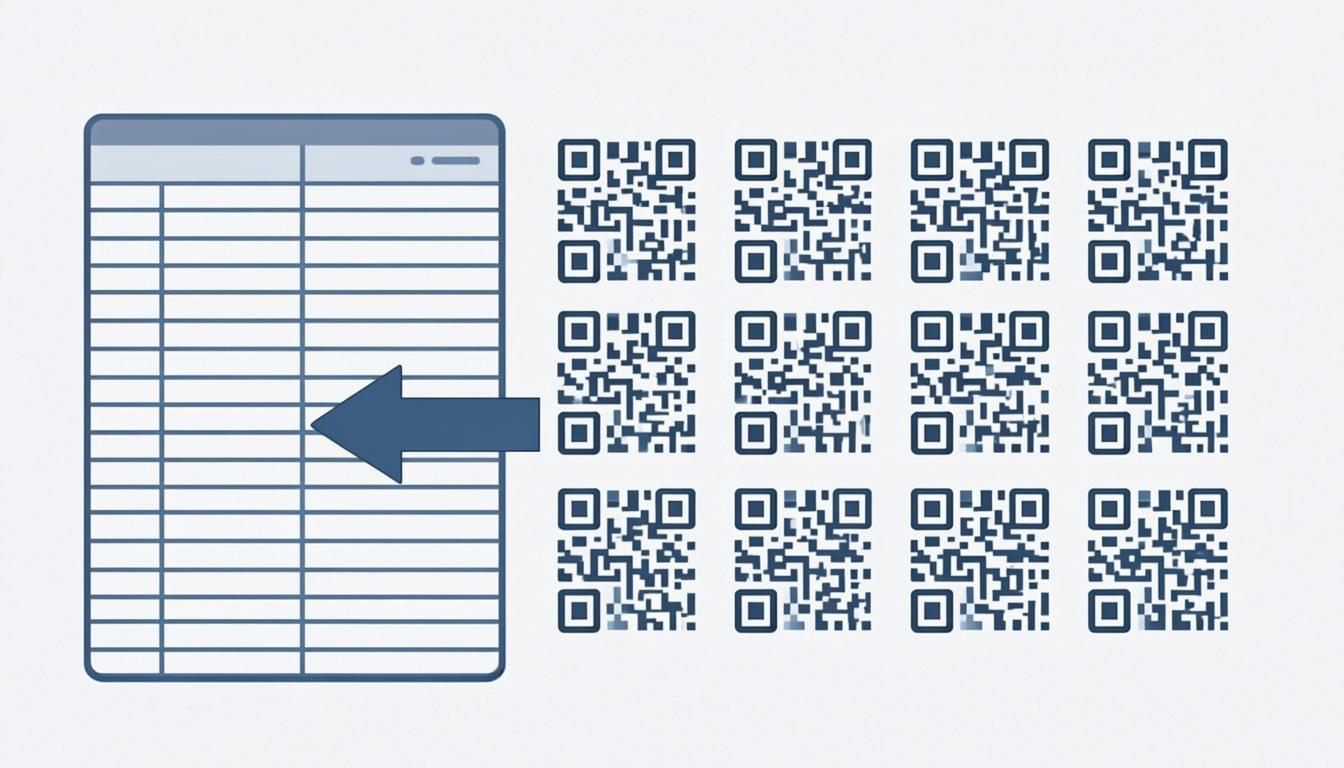
If you need many codes at once, the bulk QR code generator handles hundreds or thousands from a spreadsheet.
Works on Any Device with a Browser
The generator works on iOS (iPhone, iPad), Android (phones and tablets), and desktop browsers (Chrome, Safari, Firefox, Edge). The interface adapts to your screen size, so making a code on your phone feels the same as on your laptop.
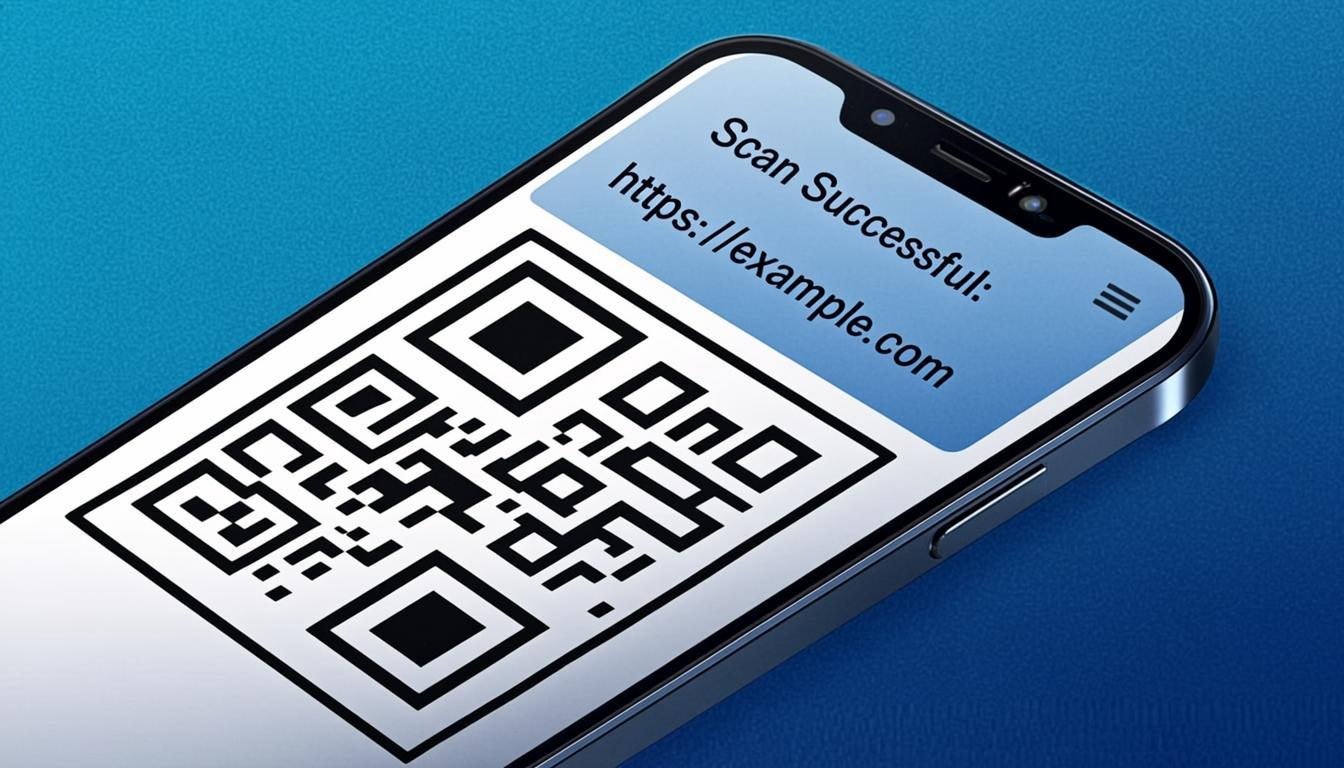
This matters in practice. At a networking event, you can make a contact code on the spot. At a café, you can generate a Wi-Fi code for customers. No app install needed: just open the browser.
Frequently Asked Questions
Is the QR code generator really free?
Yes. There's no charge for any code type, format, or number of downloads. No premium tiers, no watermarks, no usage limits.
Do I need to create an account?
No. No sign-up, no email confirmation, no password. Open the page, make your code, download it.
What formats can I download my QR code in?
Seven formats: PNG (4K), JPG, WebP, Transparent (no background), SVG (vector), PDF (print-ready), and EPS (professional print). Each format suits a different use, from digital screens to commercial printing.
Does it work on iPhone and Android?
Yes. It works on iOS (iPhone, iPad), Android (phones and tablets), and any device with a modern browser. The interface is fully responsive and built for touch screens.
Is my data safe?
Yes. The tool is entirely browser-based, so your data never leaves your device. No server uploads, no databases, no third-party processing. Your links, Wi-Fi passwords, and contact information stay private.
How many QR code types are supported?
1,421+ types across 38 categories, including URL, Wi-Fi, vCard, UPI/payment, email, SMS, phone, geolocation, calendar, and many more. The auto-detect feature recognises the type of data you enter.
Can I use the generator without internet?
Yes, once the page has loaded. Disconnect your internet and try generating a code: it will still work, because everything runs in your browser.
What if I need many codes at once?
Use the bulk QR code generator to make hundreds or thousands from a CSV or Excel file.